
On this page
How to use the Git version control tool in cPanel
cPanel's Git Version Control tool lets you create and manage Git repositories directly from your hosting account.
cPanel's Git Version Control tool lets you create and manage Git repositories directly from your hosting account. This guide walks you through creating a repository and the key management options.
Accessing Git Version Control
Log in to cPanel and click Git Version Control in the Files section.
Creating a repository
-
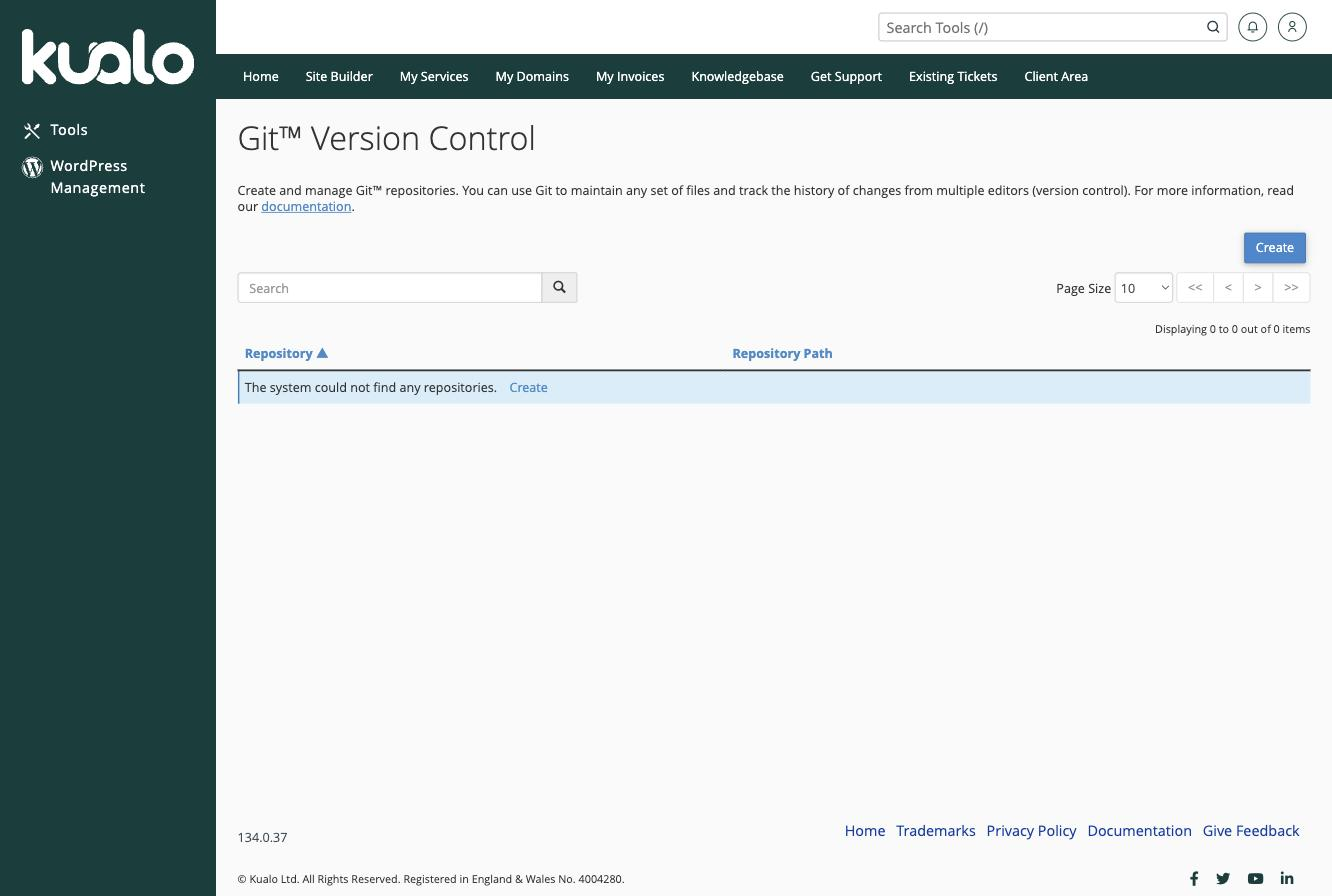
Click Create on the right-hand side of the Git Version Control page.
-
Choose one of the two options:
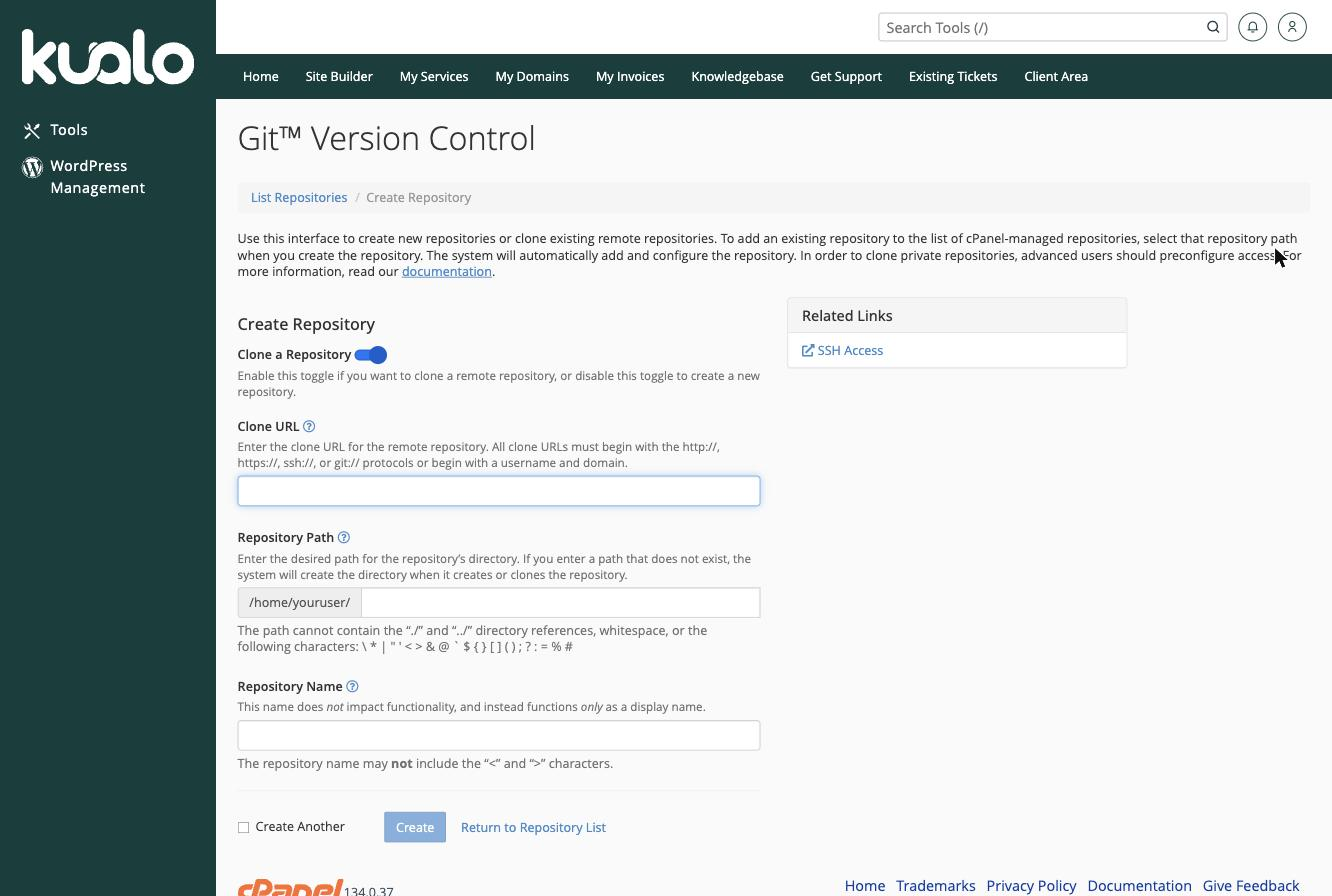
- Clone an existing repository - the default. Paste the remote repository's address into the Clone URL field and the remaining fields populate automatically.
- Create a new repository - disable the Clone a Repository toggle, then enter the path and name for your new repository.
-
Click Create at the bottom of the form. cPanel creates the repository and shows you the commands to connect it to a local project.
Managing your repositories
Once created, your repository appears in the list on the Git Version Control page. Each repository offers two options:
- Manage - opens a management page where you can update settings, deploy changes, and view repository details.
- History - shows a full log of all commits and changes made to the repository.
If you run into any difficulties, raise a support ticket with our helpdesk and our technical team will be happy to help.