
On this page
Restoring cron jobs, SSL certificates, FTP accounts and database users in cPanel
JetBackup can also restore your cron jobs, SSL certificates, FTP accounts and database users from the last 30 days - here is how.
As well as your files, databases, email and DNS, JetBackup keeps backups of several other parts of your cPanel account - your cron jobs, SSL certificates, FTP accounts and database users - for the last 30 days. Each can be restored directly or downloaded, all from the same place.
Where to find them
- Log in to cPanel and, in the Files section, open JetBackup 5.
- On the Restore & Download screen, click the tab for the item you want.
Each tab works the same way: find the backup by date, select it, then click Restore (to put it back on your account) or Download (to save a copy to your computer).
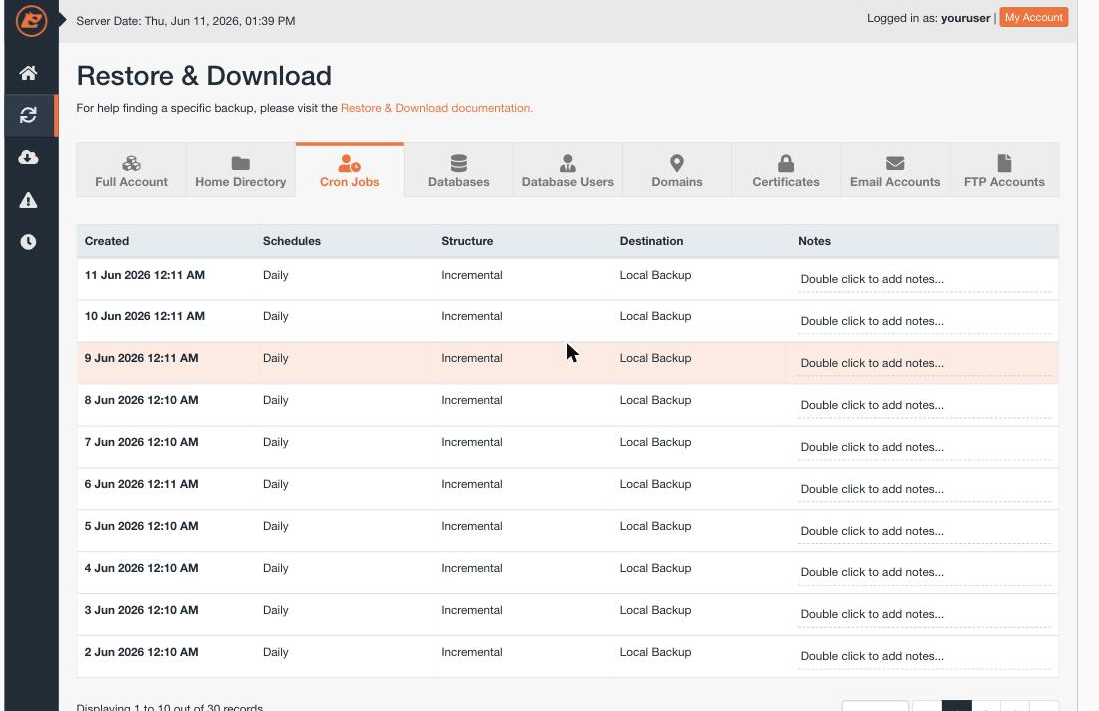
Cron jobs
The Cron Jobs tab backs up your scheduled tasks. Restore it if a cron job has been deleted or changed by mistake.
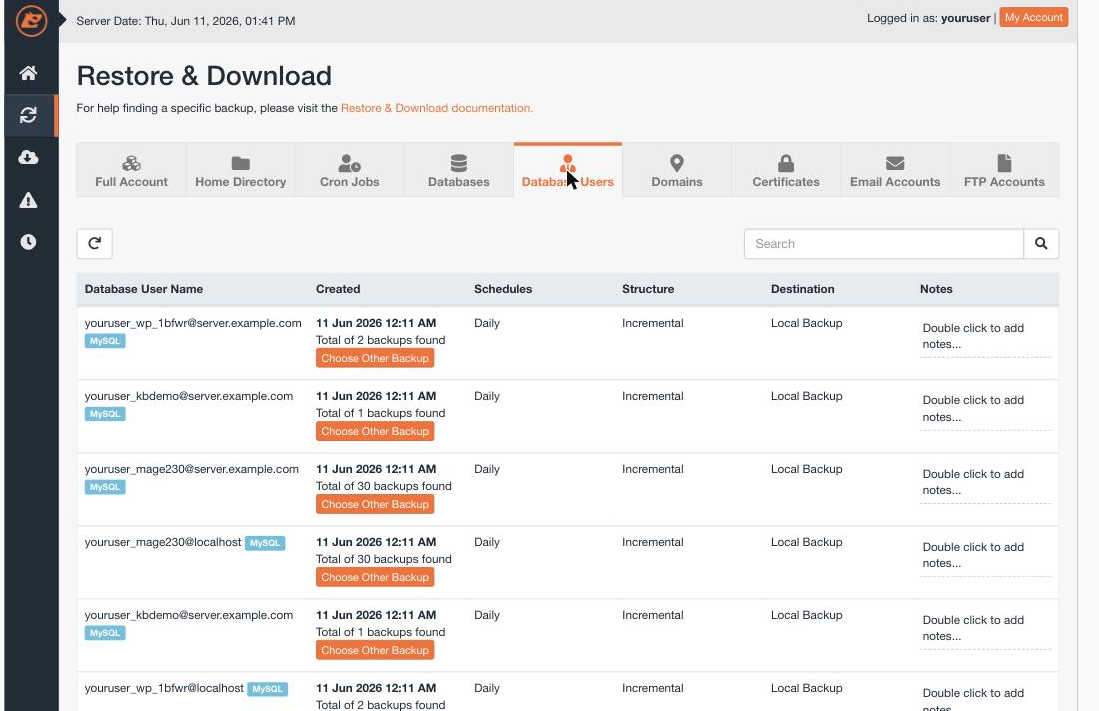
Database users
The Database Users tab backs up your MySQL users and their privileges - separate from the databases themselves. Restoring a database user is useful if a user was removed while its database still exists.
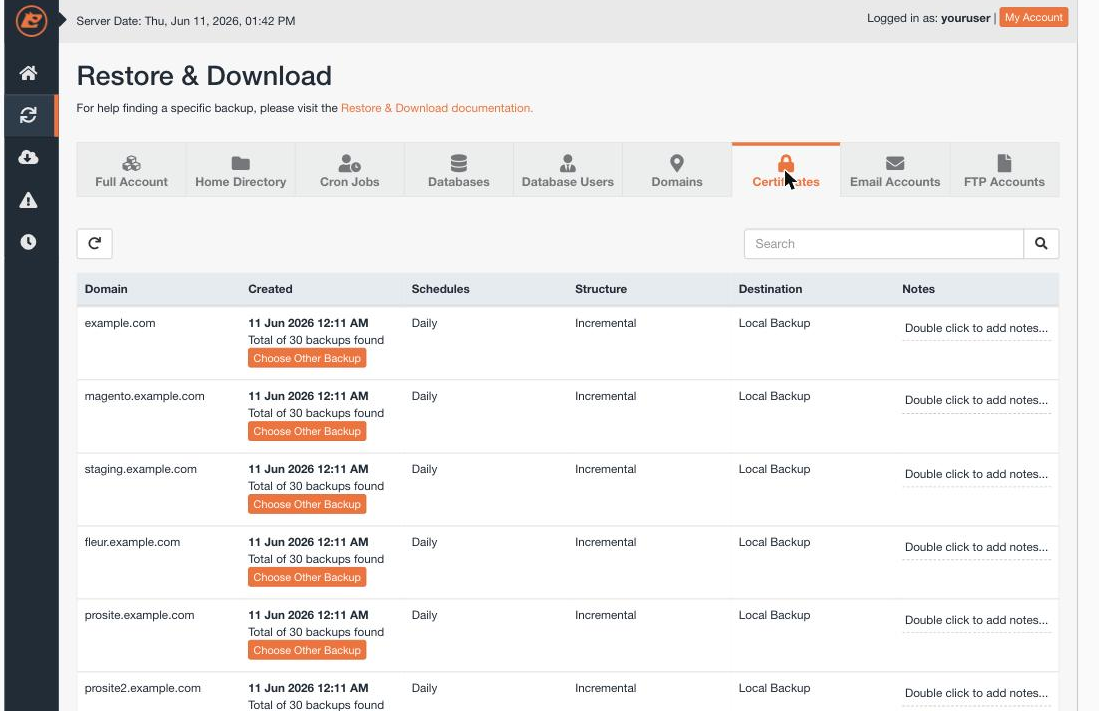
SSL certificates
The Certificates tab backs up the SSL certificates installed on your account. Restore one if a certificate was removed or replaced in error.
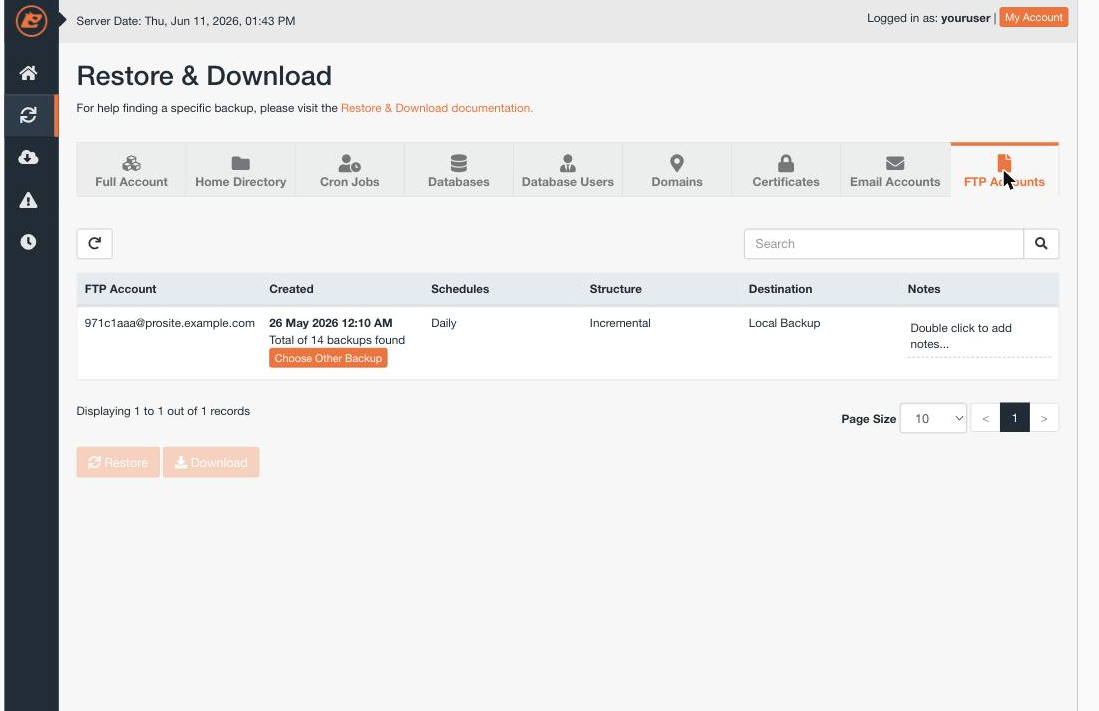
FTP accounts
The FTP Accounts tab backs up your additional FTP logins. Restore one to bring back an FTP account, along with its settings, that was deleted.
Backups are kept for the last 30 days. When you download an item, only the most recently generated download is held on the server at a time, so save it promptly.
If you need a hand, our support team is available 24/7 - just open a support ticket.