
On this page
How to fix file permissions in cPanel
The Fix File Permissions tool in cPanel resets the files and folders in your home directory to safe default permissions in one click.
If files or folders on your account end up with the wrong permissions - often after a bad upload, a restored backup, or a script gone wrong - your website may show errors or expose files it should not. The Fix File Permissions tool resets everything in your home directory back to safe defaults in one step.
What it does
The PHP Fix Permissions tool loops through your whole cPanel account and corrects any files or folders whose ownership or permissions are wrong, putting them back to safe defaults:
- Files to
644- the owner can read and write; others can only read. - Folders to
755- the owner can read, write, and enter; others can read and enter.
Correcting ownership at the same time fixes the most common "Internal Server Error" caused by permission problems.
Run the tool
-
Log in to cPanel and open PHP Fix Permissions - if you cannot see it, type
permissionsinto the search box at the top of cPanel.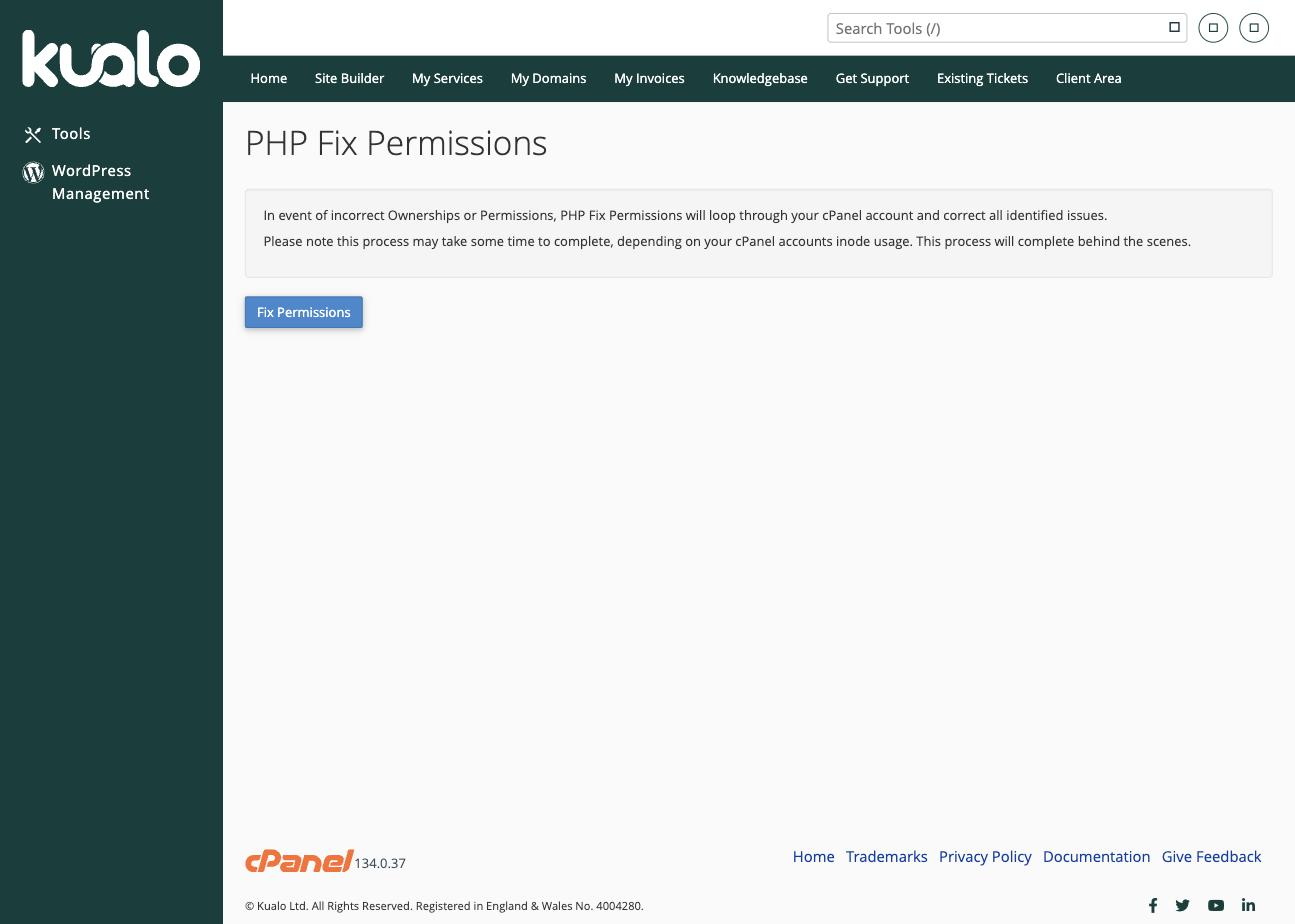
-
Click Fix Permissions.
cPanel works through your account and corrects ownership and permission problems in the background, so you do not have to wait on the page. Larger accounts take longer, depending on how many files they contain.
This applies the standard permissions to all files and folders in your account. If you have deliberately set custom permissions on particular files, you will need to reapply them afterwards.