
On this page
Using multiple identities in RoundCube
Set up extra identities in RoundCube webmail to choose which name and address appears in the From field of your messages.
An identity is the name and email address that appears in the From field of the messages you send. RoundCube lets you set up more than one, which is handy if you send from more than one address.
Add or edit an identity
-
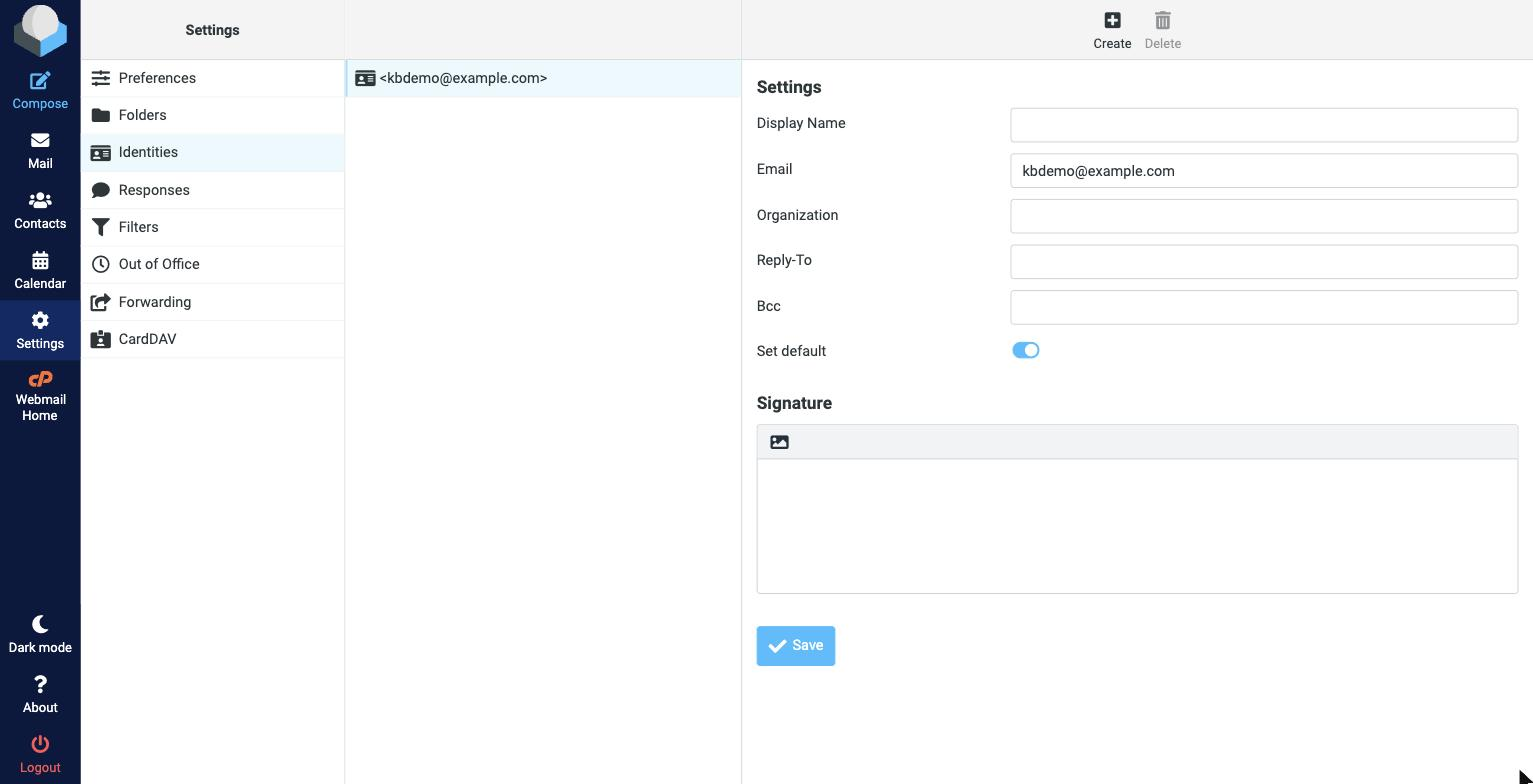
Click Settings in the toolbar on the left, then Identities.
-
Your current identity is listed. To edit it, click it; to add another, click Create.
-
Fill in the Display Name, Email address, and optionally an Organization, Reply-To, and a Signature.
-
Click Save.
When you compose a message, you can then pick which identity to send from using the From dropdown.
You can usually only send from an address that belongs to your account. Adding an identity for an address you do not own will not let you send as that address.