
On this page
How to view message headers in RoundCube
View the full headers of an email in RoundCube webmail - useful when tracing spam or investigating delivery problems.
Message headers hold the full routing and delivery details of an email. They are often needed when tracing spam or investigating a delivery problem.
View the headers
-
Open the message you want to inspect.
-
In the message toolbar, click More, then Show source.
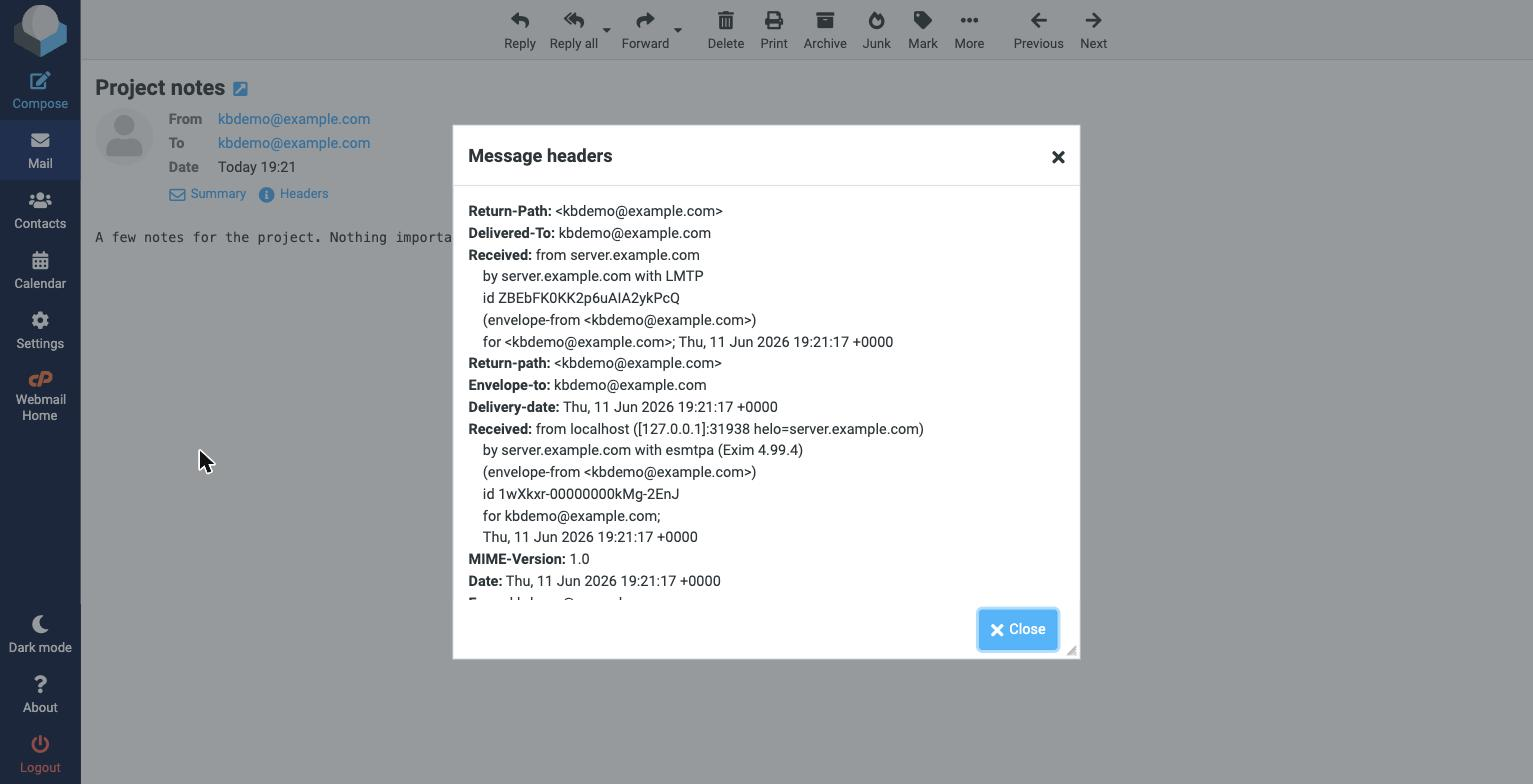
A new window shows the message's full source, including all of its headers - the Received lines that trace its path, the From, To, and Subject, and authentication results such as SPF and DKIM.
If our support team asks you to send the full headers of a message, this is where to find them - copy the text and paste it into your support ticket.
Was this helpful?
Your feedback helps us find gaps in the docs.
Thanks for the feedback!
Related articles
Webmail (RoundCube)
How to write an email message in RoundCube
Compose and send an email in RoundCube webmail - add recipients, write your message, attac...
Webmail (RoundCube)
How to open an email message in RoundCube
Open and read your email in RoundCube webmail - from your inbox or any other folder.
Webmail (RoundCube)
How to search for messages in RoundCube
Find emails fast in RoundCube webmail using the search box, and narrow your search by subj...
Webmail (RoundCube)
How to create folders in RoundCube
Organise your email in RoundCube webmail by creating folders - here is how to add, manage,...
Still need a hand?
Real people, around the clock - start a chat or open a ticket and we'll help you put it right.