
On this page
ProSite advanced elements overview
ProSite includes a range of advanced elements that let you add interactive features to any page.
ProSite includes a range of advanced elements that let you add interactive features to any page, from countdown timers and booking widgets to live chat tools and custom HTML embeds.
Available advanced elements
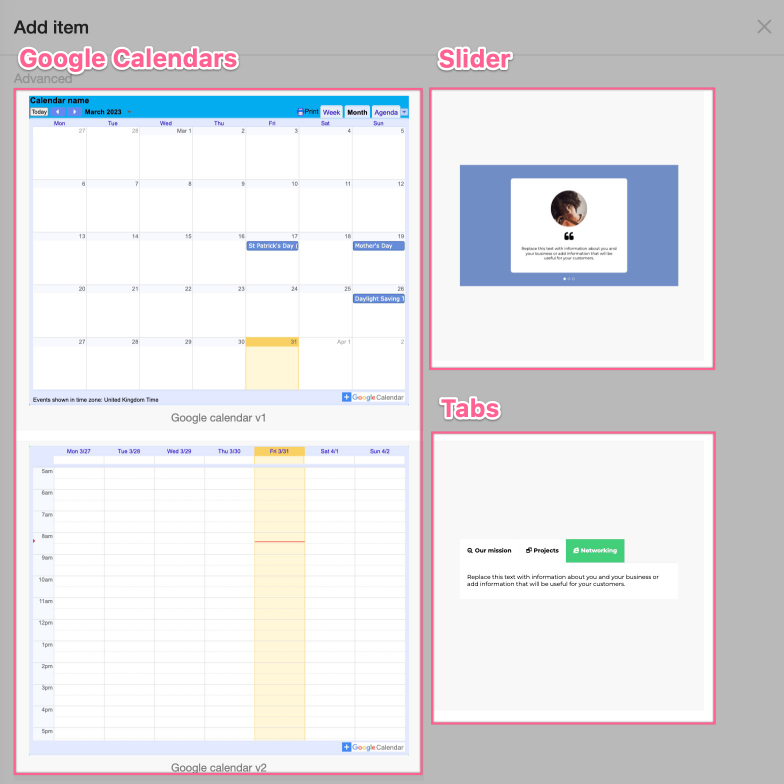
- Google Calendar
- Slider
- Tabs
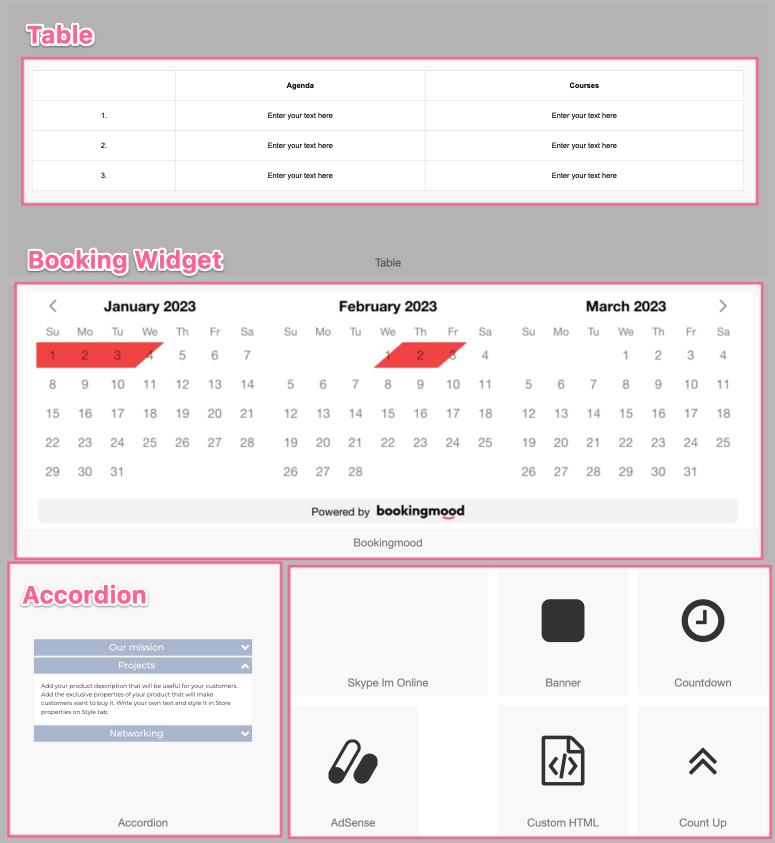
- Accordion
- Tables
- Booking Widget (powered by Bookingmood)
- Skype
- AdSense
- Count Down
- Count Up
- Ad Banners
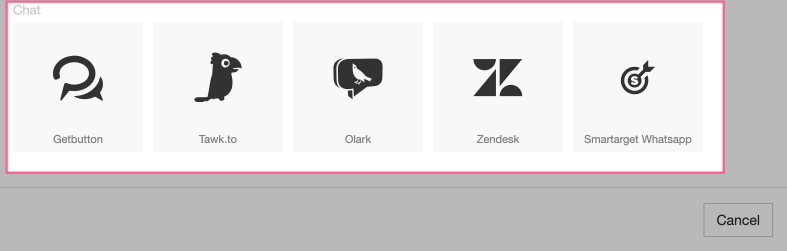
- Chat Widgets (Getbutton, Tawk.to, Olark, Zendesk and Smarttarget WhatsApp)
- Custom HTML - lets you embed any third-party widget not listed above
How to add an advanced element
- Drag an Advanced Element block to the position on the page where you want it.
- Select the type of element you want to add.
- Configure the element using the options panel on the right-hand side.
For chat widgets, place the element in your header or footer so it appears on every page of your site.
If you need to embed something not covered by the built-in elements, the Custom HTML widget accepts any standard embeddable code.
Was this helpful?
Your feedback helps us find gaps in the docs.
Thanks for the feedback!
Related articles
Widgets & elements
How to use the image gallery widget
ProSite includes a built-in image gallery widget that makes adding image galleries to your...
Widgets & elements
How to use the map widget
Add a working Google Maps widget to your ProSite website by generating a Google Maps API k...
Widgets & elements
How to use the YouTube widget
Add a YouTube video to your ProSite page - either as a playable embed using the Media widg...
Widgets & elements
How to upload a photo
Add a photo to your ProSite page by dragging in the Picture element, then choose or upload...
Still need a hand?
Real people, around the clock - start a chat or open a ticket and we'll help you put it right.