
On this page
How to develop a site to work in multiple languages
Build a multilingual ProSite website by adding a language selector and translating your content with AI tools.
Building a website in multiple languages opens up new opportunities by reaching a wider audience and catering to customers who speak different languages - leading to more traffic, higher engagement, and more sales.
With ProSite, adding multiple languages is straightforward. You can enable a language selector so visitors can switch between languages, and adjust every piece of content - text, menus, page titles, and SEO settings - for each language independently.
Part 1: enabling the language selector
- Launch the Site Builder tool from your cPanel.
- Go to the page where you want to add the Language element. The language element is the selector that lets visitors choose an alternative language. Place it in your header or footer so it appears on every page.
- Hover over the Language element in the elements panel, then drag and drop it to your preferred position - ideally inside your header.
- Select the type of language selector you would like to use.
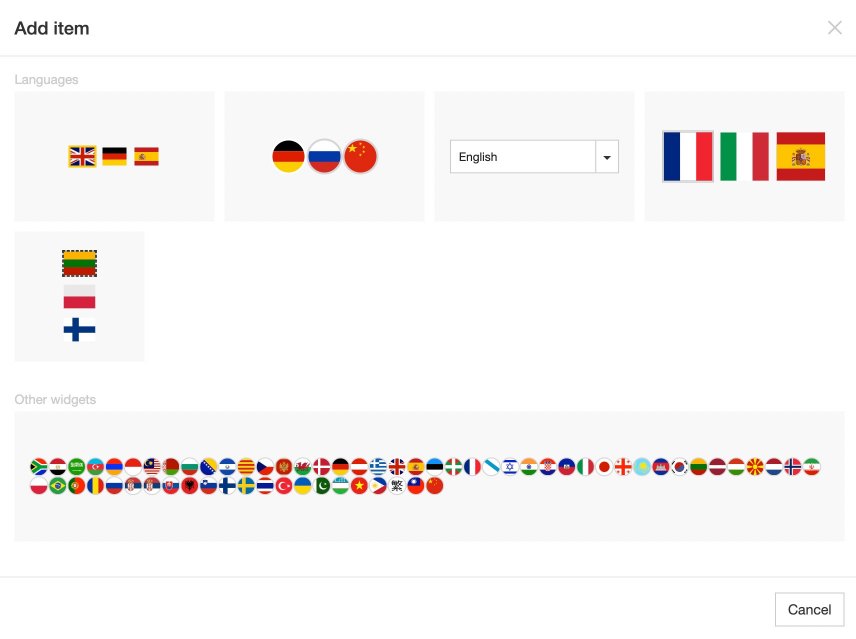
- You will be prompted to enter the languages your site will use.
- The language selector will be inserted. Select it to adjust its options in the right-hand config panel.
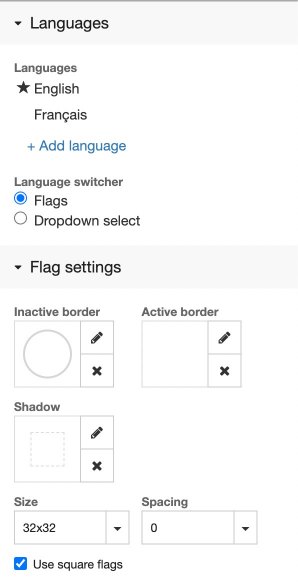
- With the selector in place, you can now edit text and content for each language. Select any text element and you will see which language you are currently previewing.
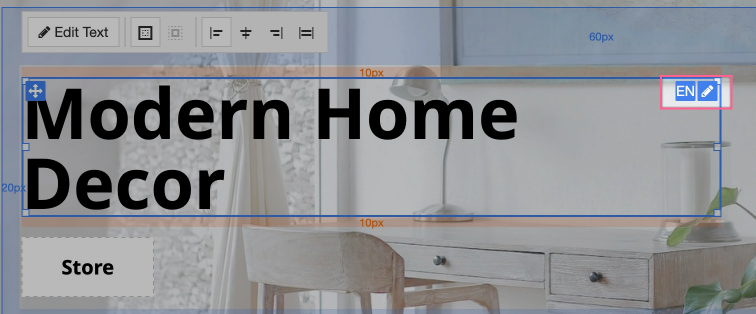
- Use the language selector in the editor to switch between versions and adjust content for each language.
- The Visibility config options on any element let you show or hide content for a specific language. This is useful for content that is only relevant in one language - for example, images that contain text.
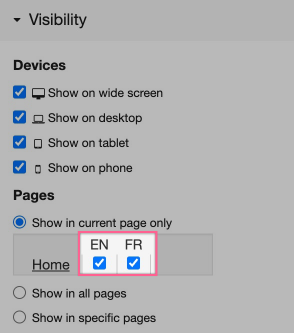
- Multi-language support is built into every aspect of ProSite. You can adapt page titles, menus, and SEO content for each language.
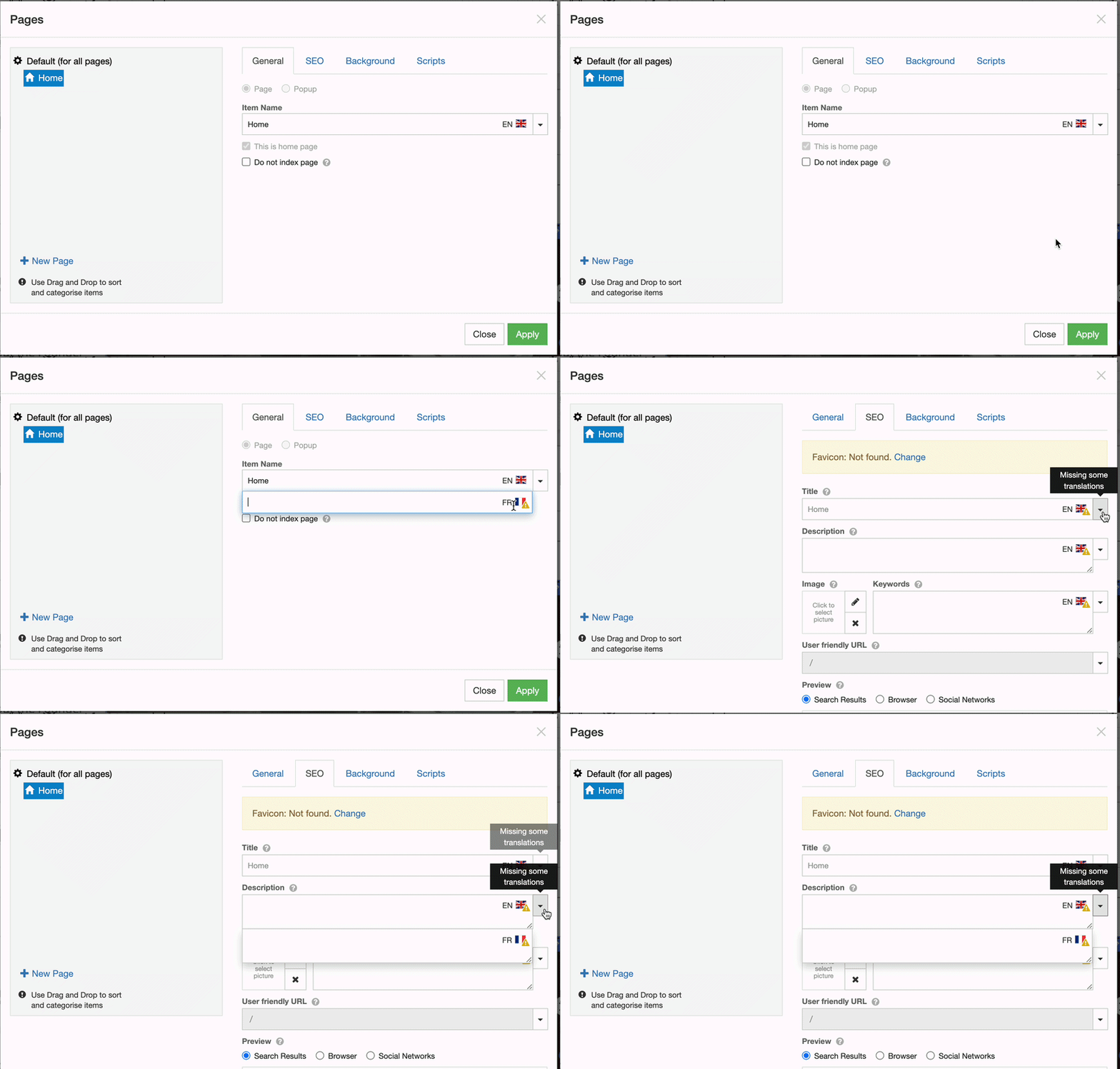
By adjusting the text and visibility of your elements, you can tailor every aspect of your site for each language.
Part 2: getting high-quality translations
You may already speak all the languages your site needs. If not, a third-party translation tool can help you produce accurate, natural-sounding content quickly.
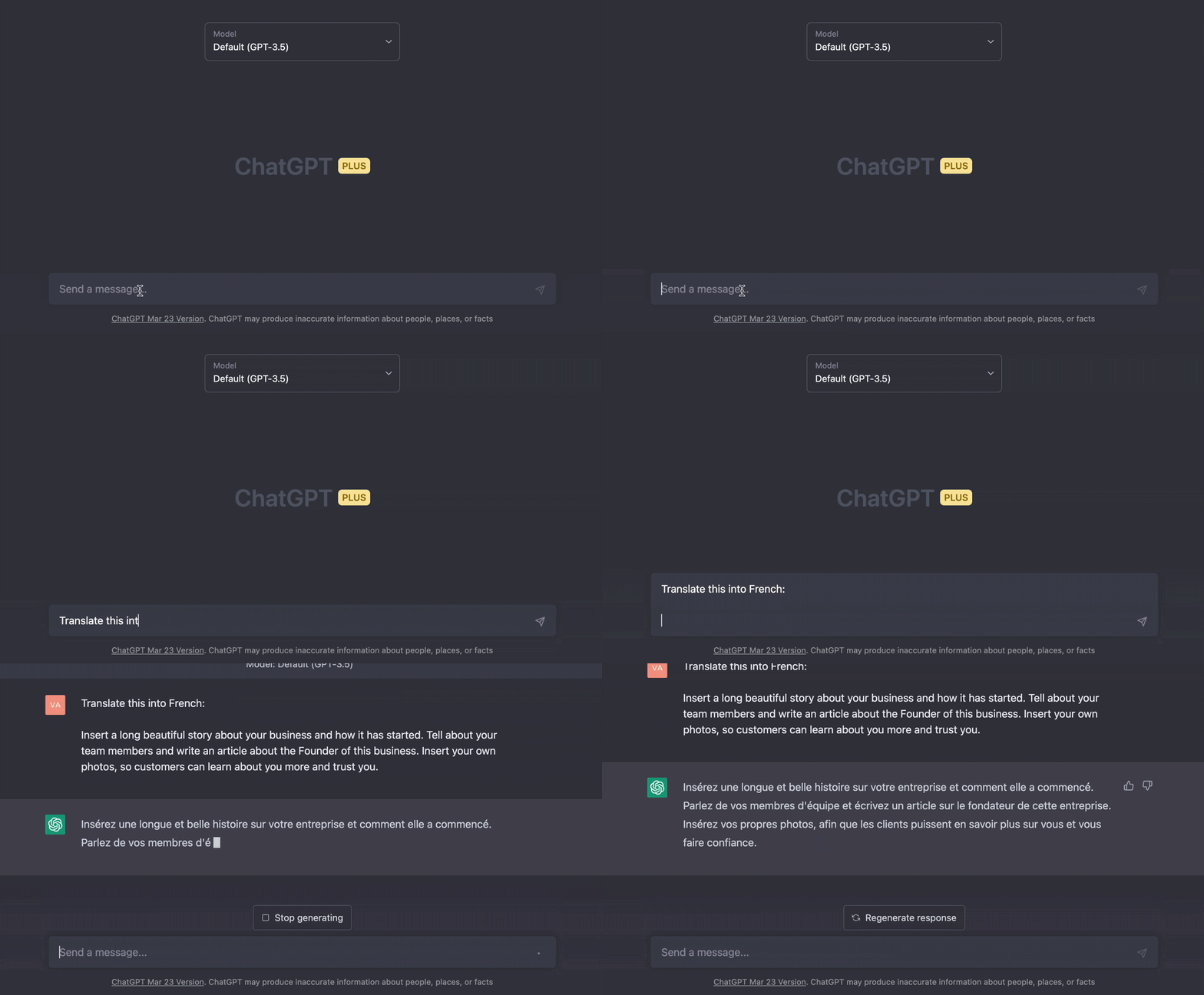
ChatGPT
ChatGPT lets you translate content into many languages simply by asking the AI assistant. It produces highly accurate output, and you can customise your prompt to specify a particular tone or writing style. You will need to sign up for an account to use it.
DeepL
DeepL is an AI-powered translator that handles chunks of text or entire documents.
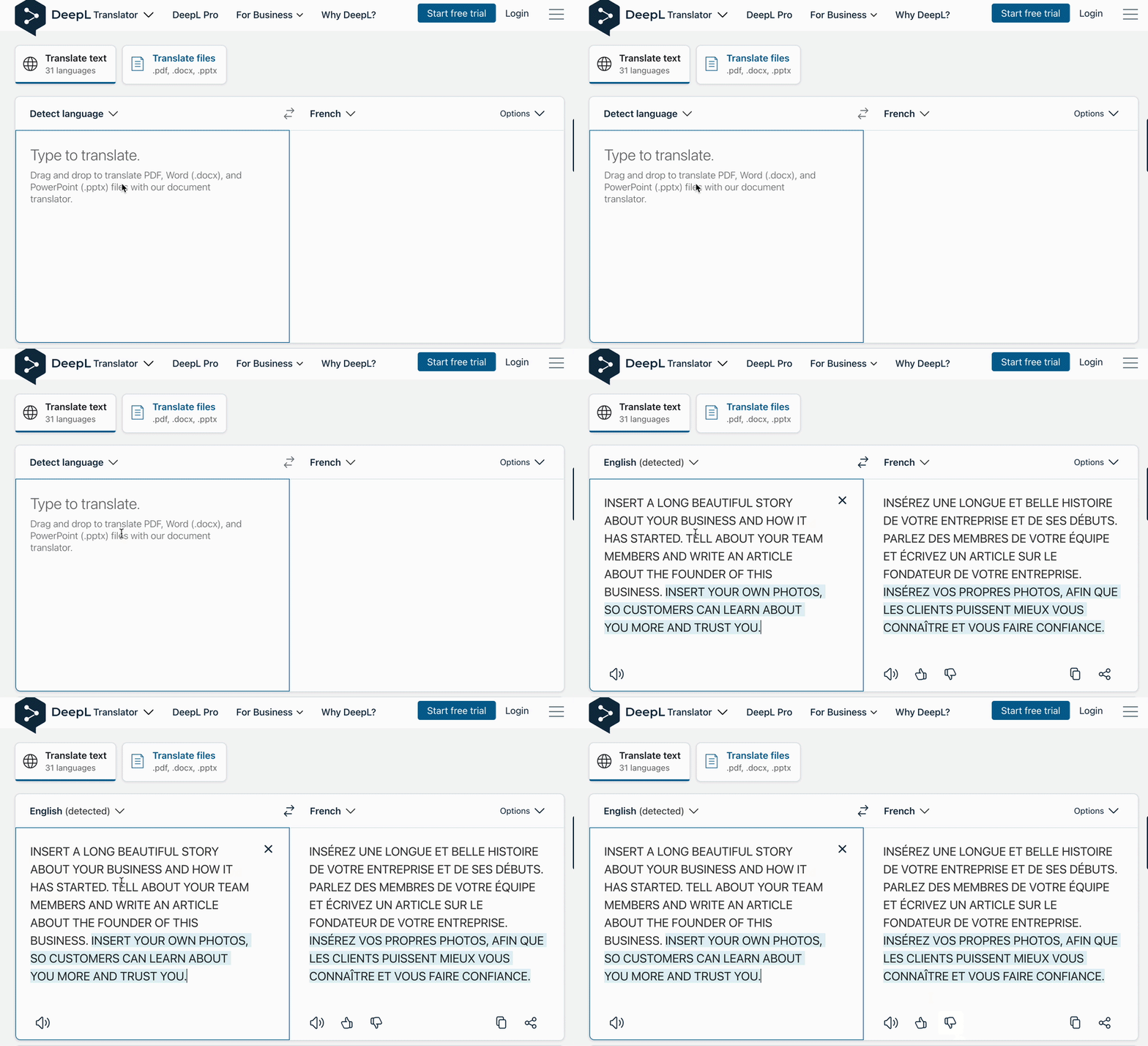
With either tool, you can copy text in one language, get a reliable translation, and paste it straight into ProSite.
Always review AI-generated translations with a native speaker if accuracy is critical - for example, on legal, medical, or financial pages.