
On this page
How to import an external website into ProSite
Import an existing external website into ProSite directly from the Site Builder tool in cPanel.
You can pull in an existing external website into ProSite using the import feature in the Site Builder tool. Most content comes across automatically, but you will need to make some manual adjustments afterwards.
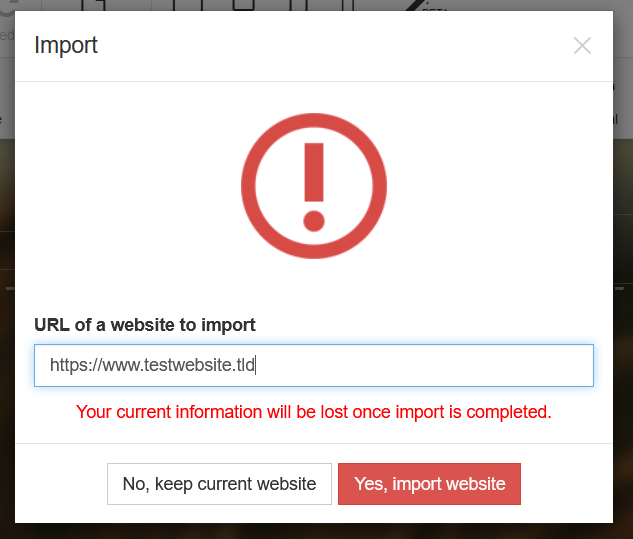
Importing a website will overwrite any existing ProSite site on that domain. If you want to keep your current site, first create a subdomain in cPanel (see How to create a subdomain in cPanel) and run the import there instead.
Steps to import a website
-
Log in to ProSite via cPanel as described in How to log into ProSite.
-
Hover over the New/Reset button and choose Import.

-
Enter the URL of the website you want to import, then click Yes, Import Website.
-
Wait for the import to complete.
What gets imported
ProSite imports images, pages, text, and most other content from the external site. However, some manual adjustments - particularly to content alignment and positioning - will be needed once the import is done. You or your site manager will need to handle these tweaks inside the Site Builder editor.