
On this page
How to log into ProSite
ProSite is Kualo's website builder, accessible directly from your cPanel account. Follow the steps below to log in.
ProSite is Kualo's website builder, accessible directly from your cPanel account. Follow the steps below to log in.
Steps to log in
-
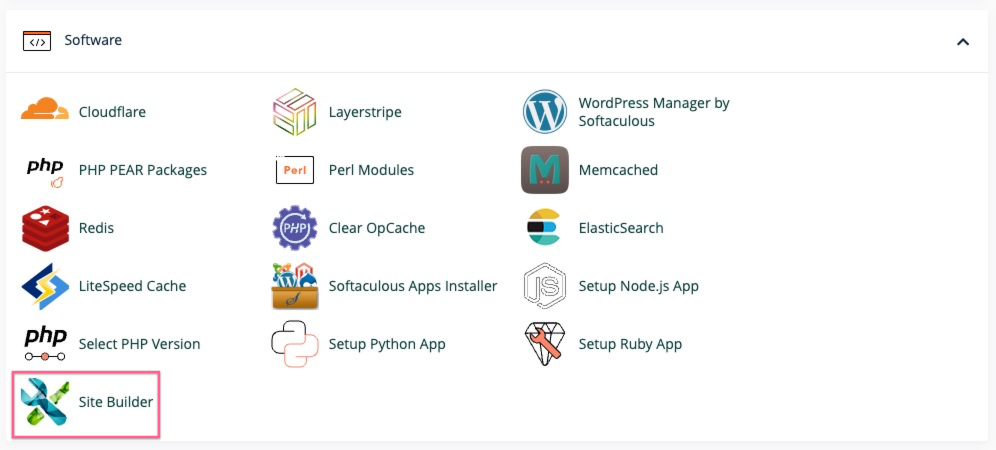
Under the Software section, click Site Builder.
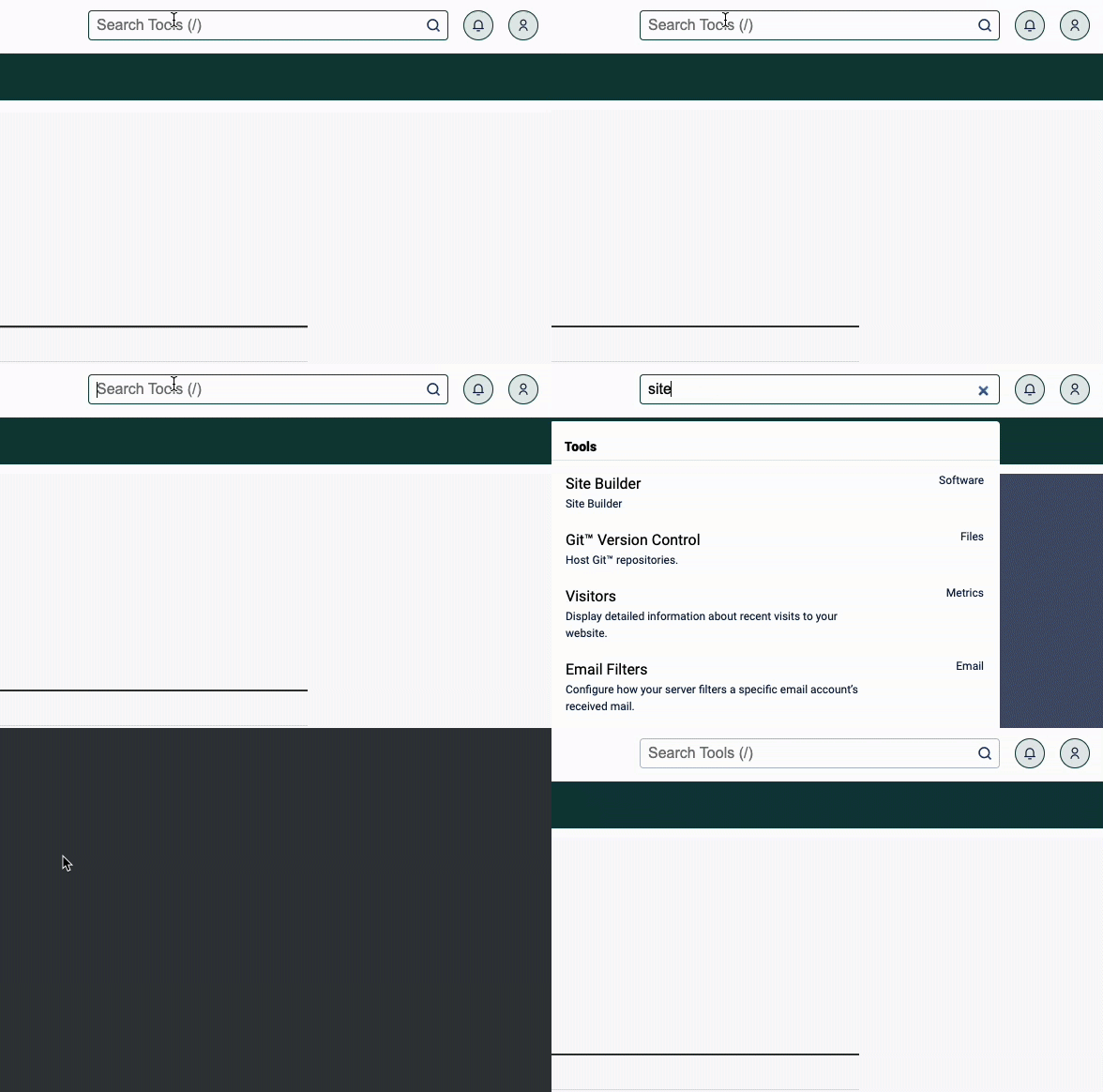
Alternatively, type site builder into the cPanel search filter at the top of the page.
-
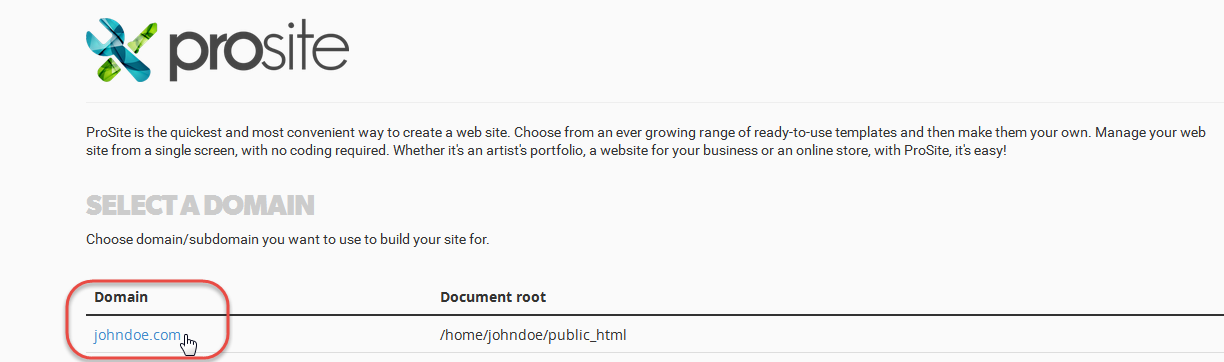
Click your domain name in the domain list. This will log you into ProSite.
Giving more than one person access to ProSite
ProSite is accessed through cPanel, and cPanel is a single-user login. There is no way to have multiple people logged into the same cPanel account at the same time under separate credentials.
However, if you need more than one person to be able to access ProSite independently, you can add them as sub-accounts in MyKualo. Each sub-account gets its own login to MyKualo and can connect through to cPanel from there, giving them their own route into the site editor.
See How to add contacts and sub-accounts in MyKualo for step-by-step instructions.