
On this page
How to add an advanced shopping cart
Add a fully featured online store to your ProSite website using the built-in Ecwid shopping cart module.
Add a fully featured online store to your ProSite website using the built-in Ecwid integration - no coding required.
What is Ecwid?
Ecwid is a powerful, easy-to-use shopping cart solution that lets you sell products directly on your website. You can sign up for a free Ecwid account and manage your store without ever leaving ProSite.
Adding the Ecwid module
The Ecwid signup and store management options are available directly within ProSite:
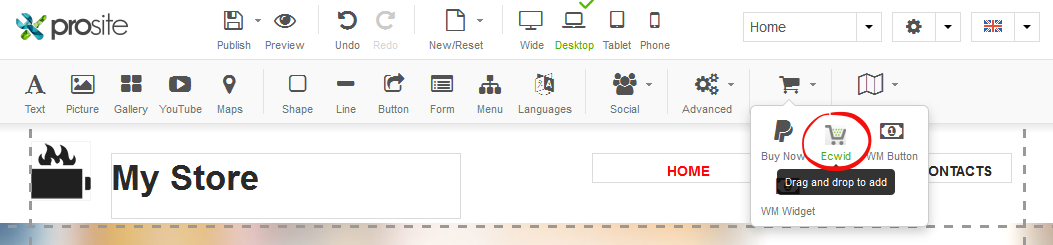
Drag and drop the Ecwid module to the section of your page where you want your store to appear:
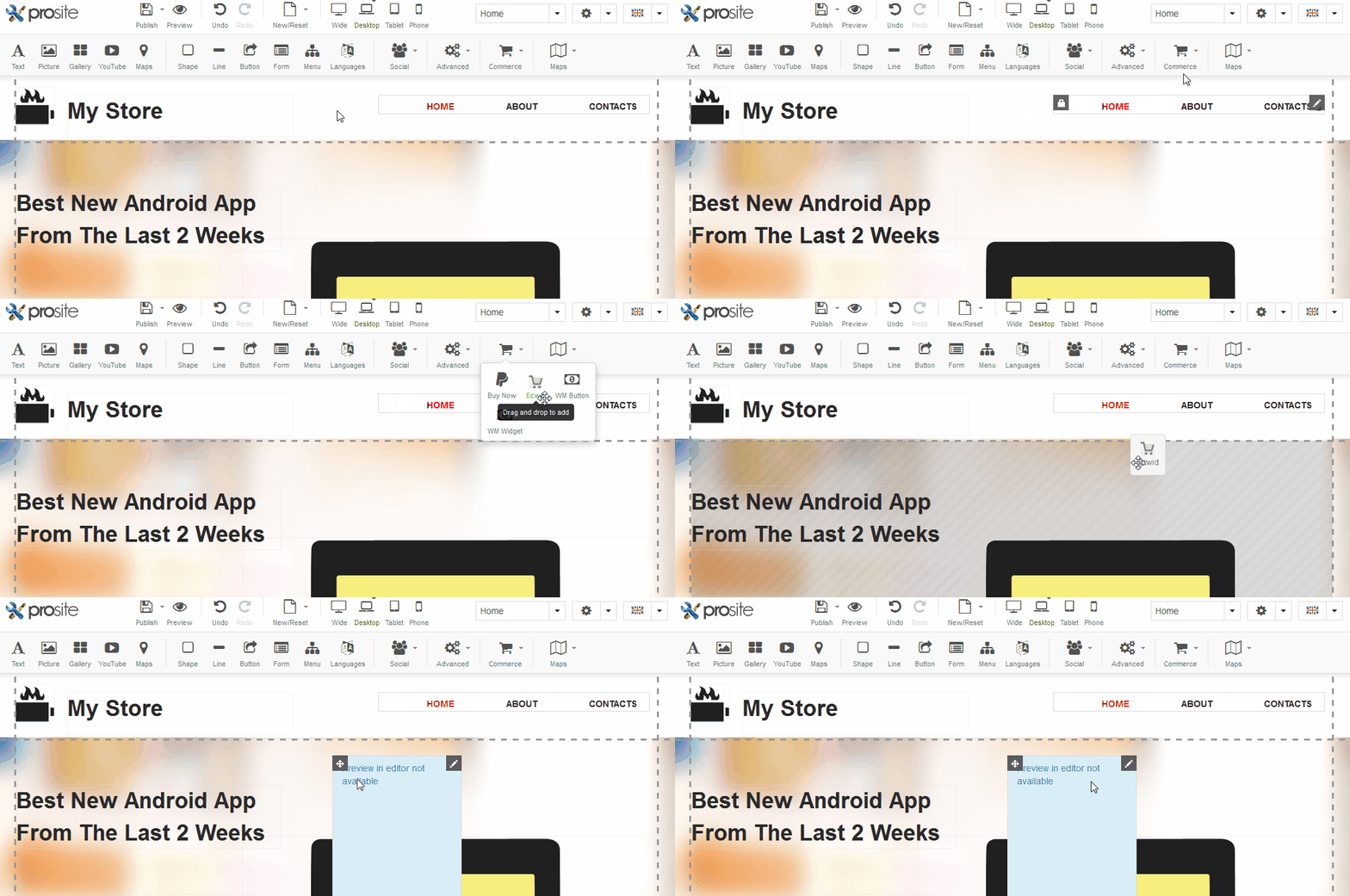
Setting up your store
-
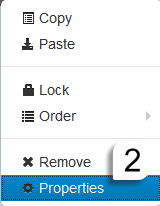
Select the Pencil icon on the Ecwid module, then select Properties:

-
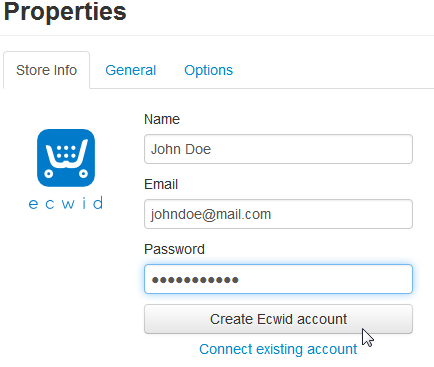
Enter your Name, Email and Password, then click Create Ecwid account to create your store:
Your store is now created and you can manage it directly through ProSite. Remember to click Publish to make your changes live:

Ecwid Properties panels
The Ecwid Properties window has three sections: Store Info, General and Options.
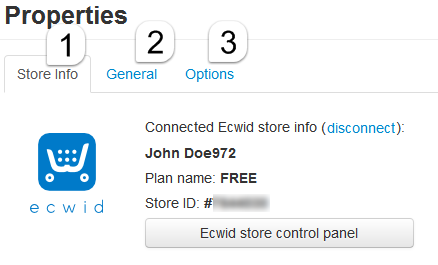
Store info
This is the Ecwid control panel, where you manage every aspect of your store. It gives you access to:
- My Sales - a list of all your orders and customers.
- Catalog - your products, categories and product types. Add new products and categories, or manage existing ones. Product types are groups of products that share the same attributes.
- Promotions - access to discount coupons. This feature is available on the Venture plan or higher.
- Settings - store-wide configuration, broken down as follows:
| Settings section | What it controls |
|---|---|
| General | Store name and URL, time zone, currency, languages, cart settings |
| Zones | Geographic destination zones used to define tax and shipping rules for specific regions, countries, states and postcodes |
| Shipping | Your supported shipping methods |
| Taxes | Automatic tax rate calculation for different regions, zones and countries |
| Payment | Your supported payment methods |
| Design | CSS customisation and thumbnail sizes for your storefront |
| Automated email notification templates | |
| Invoice | Logo and business registration number for personalised invoices |
| Social Tools | Social features such as a Facebook Like button on your storefront |
| Square | Process online payments with Square, with no monthly or setup fees |
General
Choose the widget type for your Ecwid module. The available types are:
-
Product Browser - displays your full product catalogue:
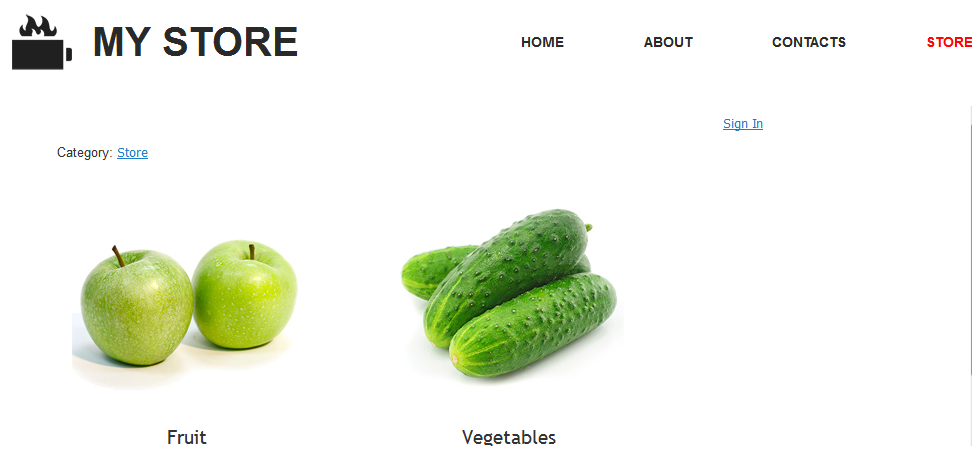
-
Horizontal categories - a horizontal navigation bar for your categories:
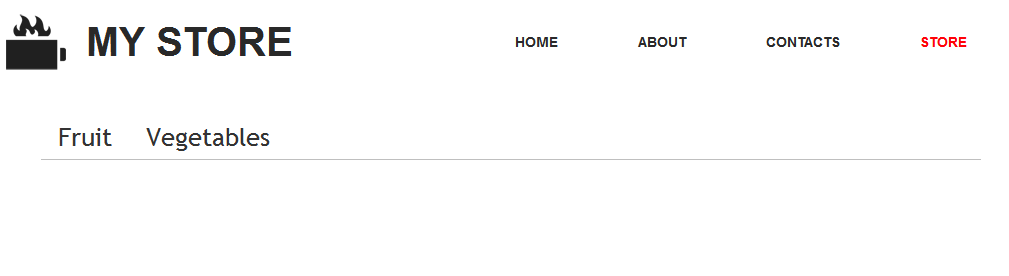
-
Vertical categories - a vertical sidebar list of your categories:
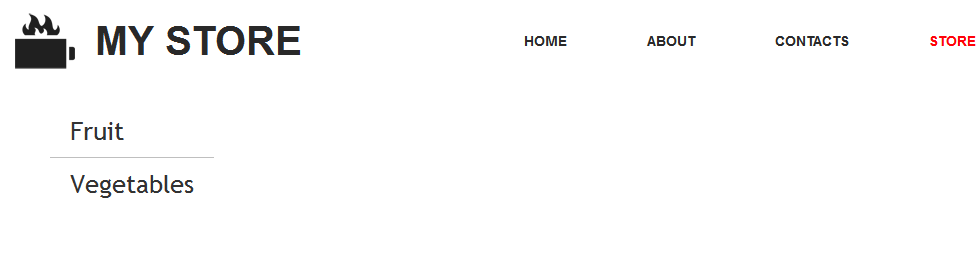
-
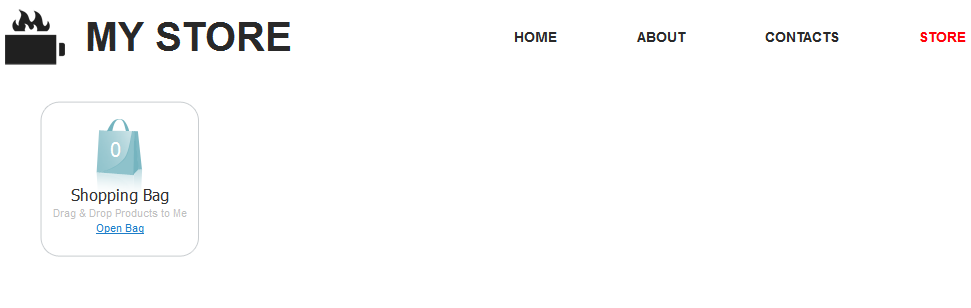
Mini Cart - a compact cart summary for your customers:
-
Search Box - a product search field:

You can place multiple Ecwid modules on a page using different widget types to build the store layout that suits you.
Options
Configure the size, position and anchor name of the Ecwid module, and set its visibility - on the current page only, on all pages, or on a specific page.
If you have any questions, contact us via the helpdesk in your client portal.