
On this page
How to save your site
Save your work in ProSite by saving a draft directly from the Site Builder tool in cPanel.
Save your work at any point in ProSite by saving a draft - here is how to do it.
Save your site as a draft
-
Launch the Site Builder tool from your cPanel.
-
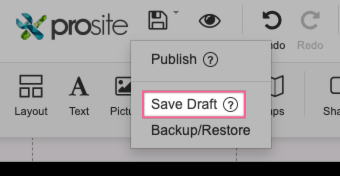
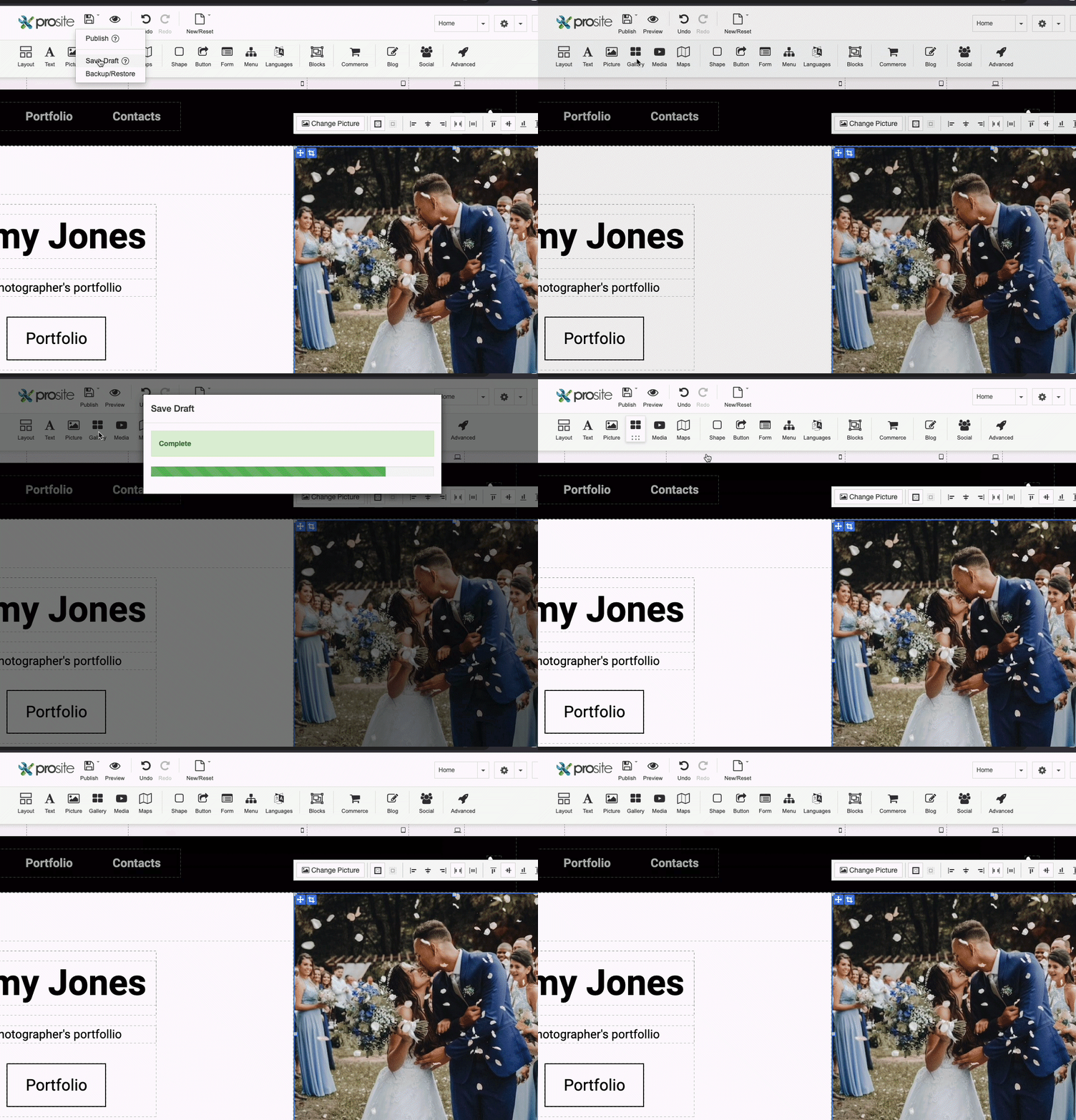
Hover over the Publish button and choose Save Draft.
-
Wait for the tool to finish saving your site.
Was this helpful?
Your feedback helps us find gaps in the docs.
Thanks for the feedback!
Related articles
Getting started
How to log into ProSite
ProSite is Kualo's website builder, accessible directly from your cPanel account. Follow t...
Getting started
Getting started with ProSite
ProSite is Kualo's drag-and-drop website builder, letting you create responsive, professio...
Getting started
Creating a website from scratch with ProSite
Learn how to build a website from scratch using the ProSite responsive editor with this th...
Getting started
Choosing a template
The first step in building your ProSite website is choosing a template that suits your nee...
Still need a hand?
Real people, around the clock - start a chat or open a ticket and we'll help you put it right.