
On this page
How to write a comment in WordPress
Find out how to write and post a comment on a WordPress blog post.
Leaving a comment on a WordPress blog post takes only a few steps. Here is how to do it.
Writing a comment
-
Navigate to your blog and open the post you want to comment on.
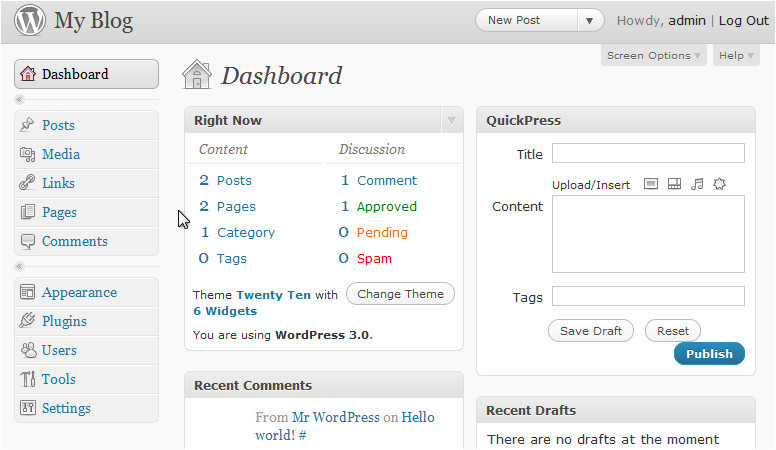
-
Click Leave a comment below the post.
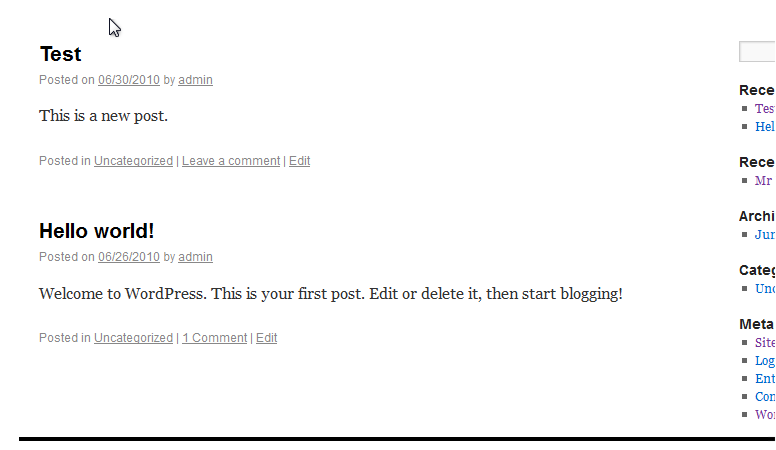
-
Type your comment in the text field.
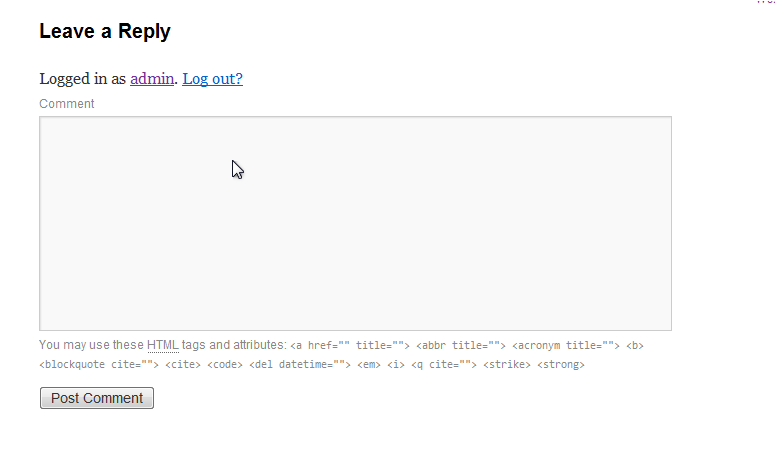
-
Click Post Comment.
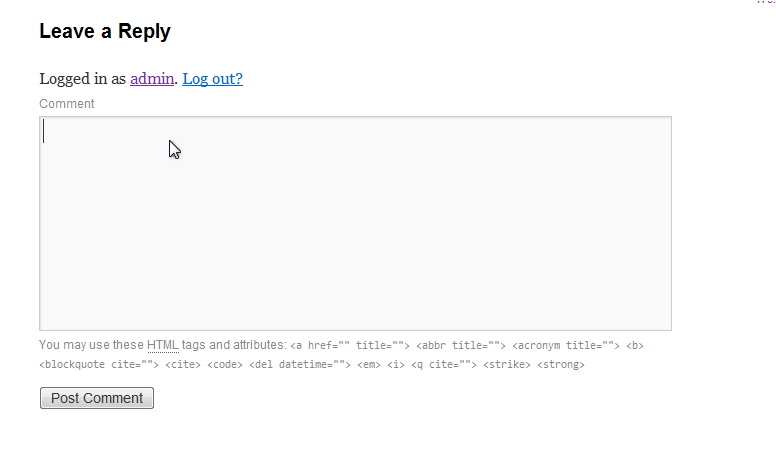
Your comment will appear beneath the post once it has been submitted.
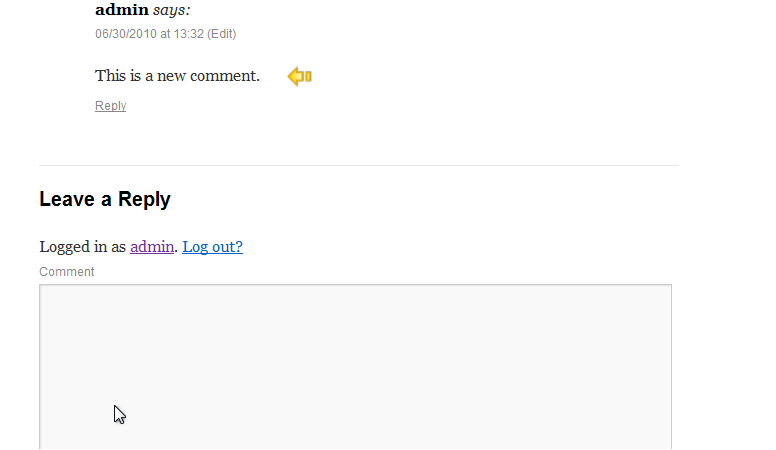
Depending on the site's settings, comments may be held for moderation before they appear publicly.
Was this helpful?
Your feedback helps us find gaps in the docs.
Thanks for the feedback!
Related articles
Using WordPress
How to write a new post in WordPress
Create and publish a new post in WordPress in just a few steps from your admin dashboard.
Using WordPress
Using WP-CLI
WP-CLI is a command-line tool for managing WordPress installations without touching the ad...
Using WordPress
How to manage pages in WordPress
Learn how to create, view, and delete pages in your WordPress site from the admin dashboar...
Using WordPress
How to manage categories in WordPress
This guide shows you how to create, edit, and delete categories in your WordPress dashboar...
Still need a hand?
Real people, around the clock - start a chat or open a ticket and we'll help you put it right.