
On this page
How to manage pages in WordPress
Learn how to create, view, and delete pages in your WordPress site from the admin dashboard.
Pages in WordPress are used for static content such as About, Contact, or Services. This guide shows you how to create, view, and delete them from your WordPress admin area.
Creating a new page
-
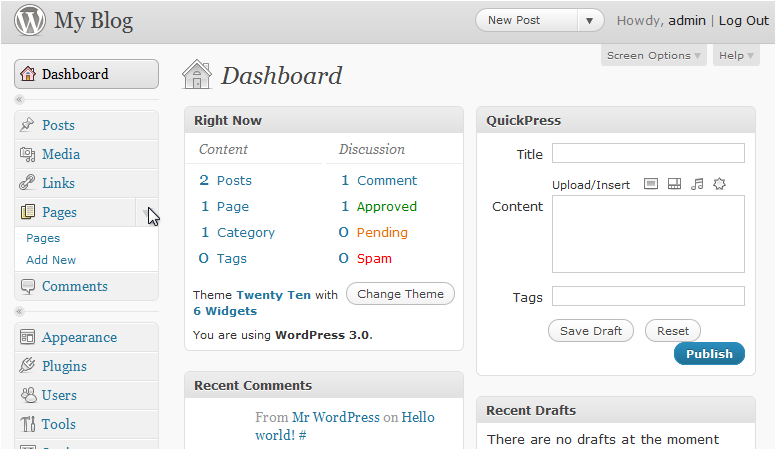
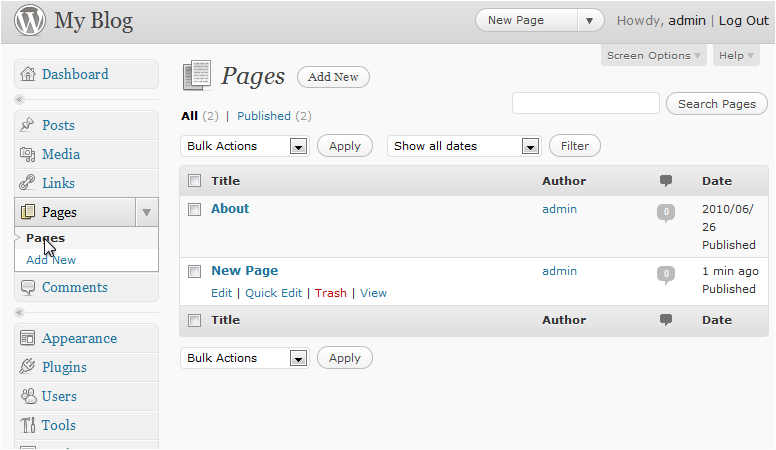
In the left sidebar, click Pages.
-
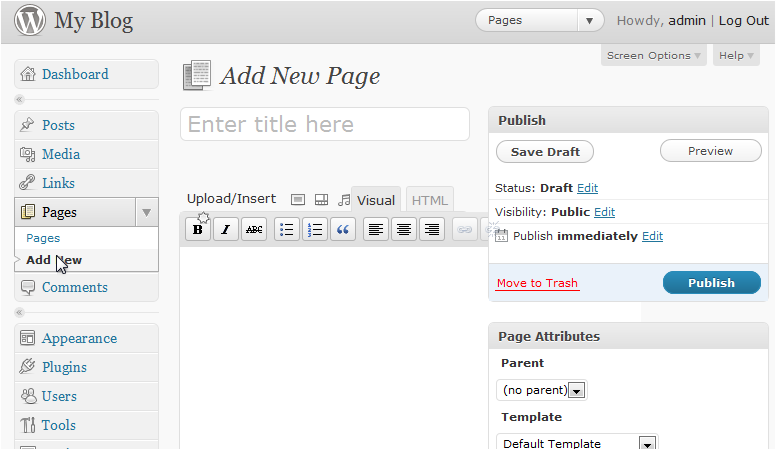
Click Add New.
-
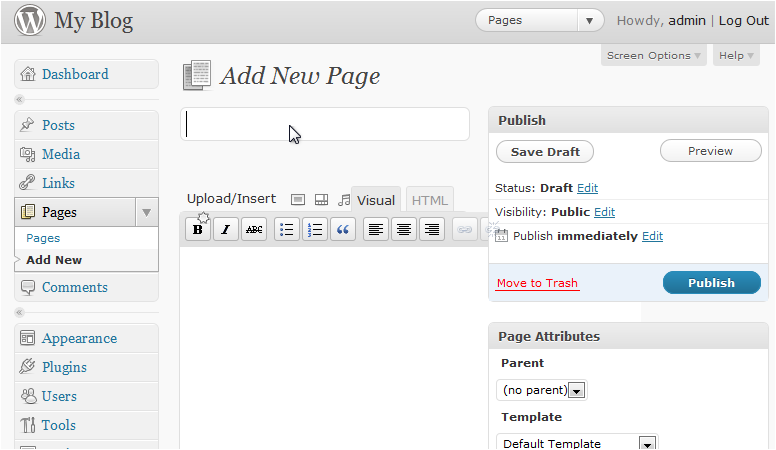
Enter a title for the page.
-
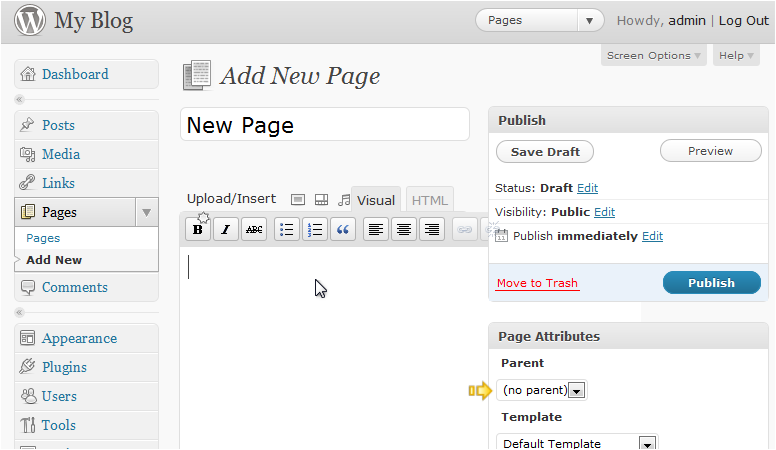
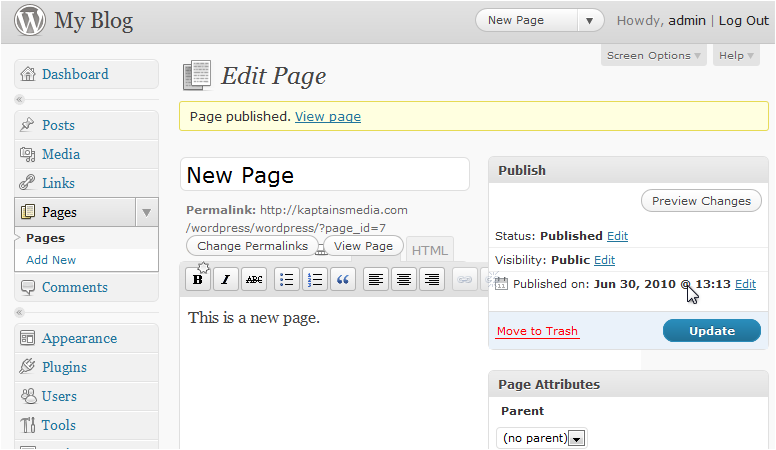
Add your page content in the editor. If you want to nest this page under another, choose a parent in the Page Attributes panel on the right. When you are ready, click Publish.
Viewing your pages
-
In the left sidebar, click Pages to see a list of all your pages.
-
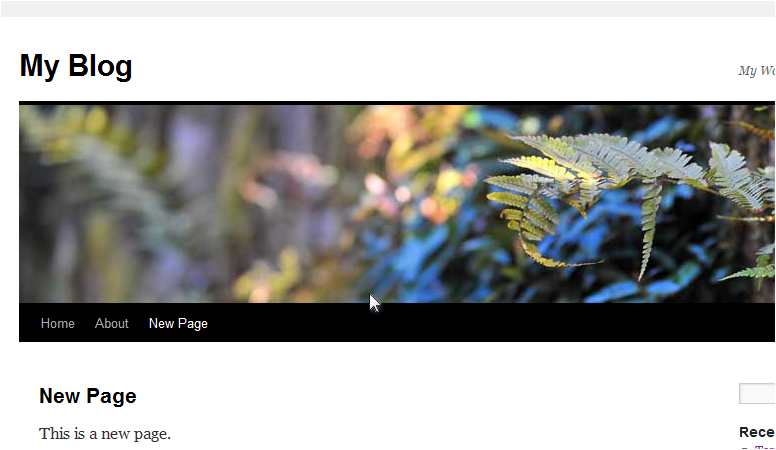
Hover over a page title and click the View link to open it on your site.
Deleting a page
-
In the Pages list, hover over the page you want to remove and click Trash.
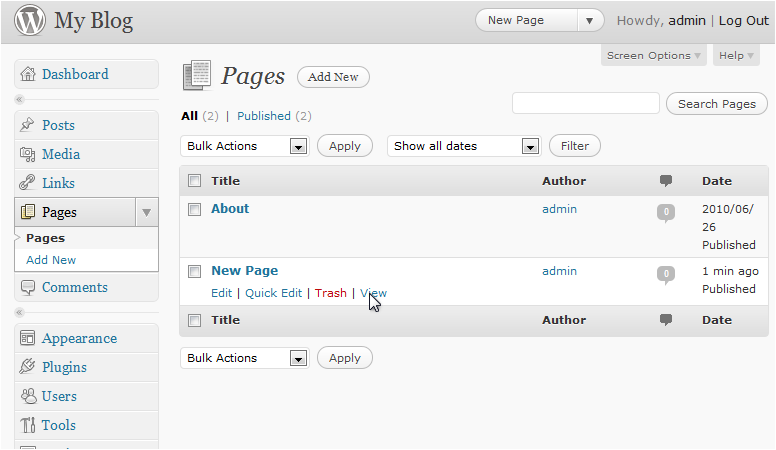
The page is moved to the Trash and removed from your site.
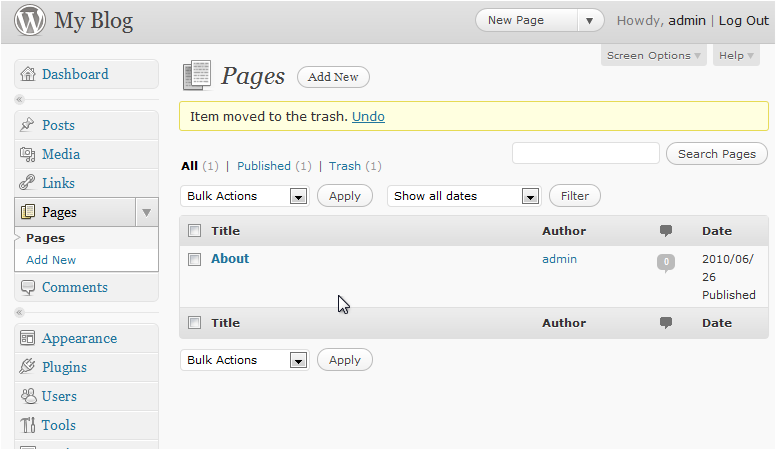
Pages moved to the Trash are not permanently deleted straight away. Go to Pages > Trash if you need to restore or permanently delete them.