On this page
How to manage categories in WordPress
This guide shows you how to create, edit, and delete categories in your WordPress dashboard.
Categories help you organise your WordPress posts into groups, making it easier for visitors to browse related content.
Creating a new category
-
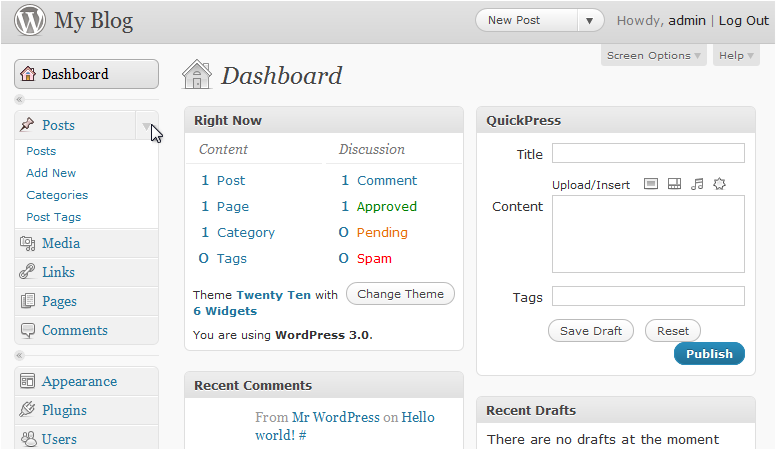
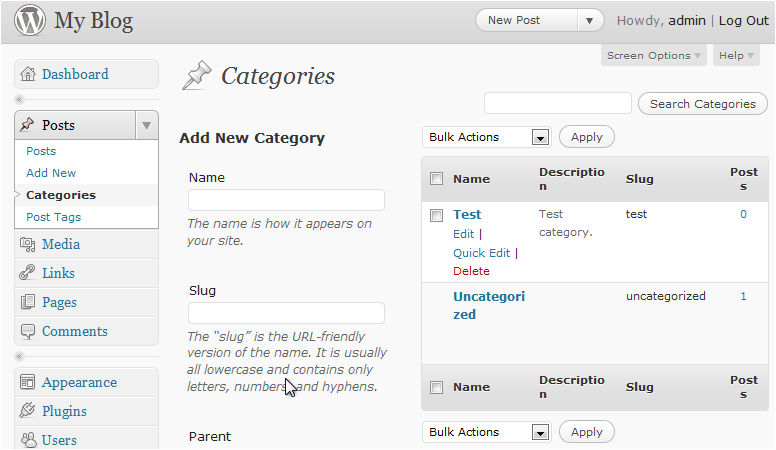
In the WordPress dashboard, click Posts in the left sidebar to expand the menu.
-
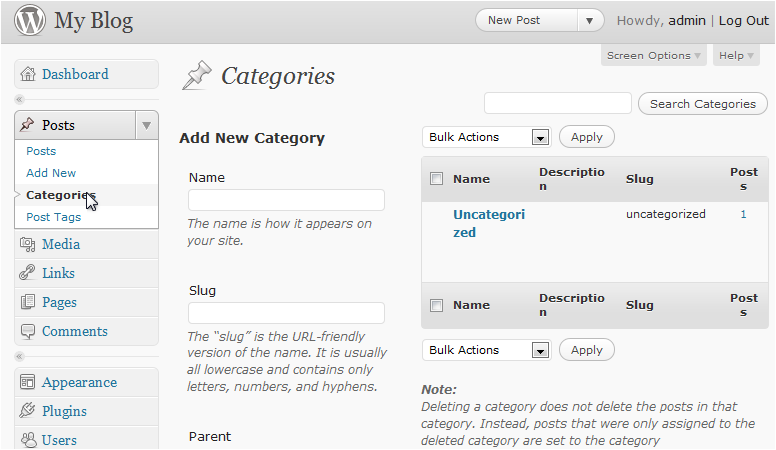
Click Categories.
-
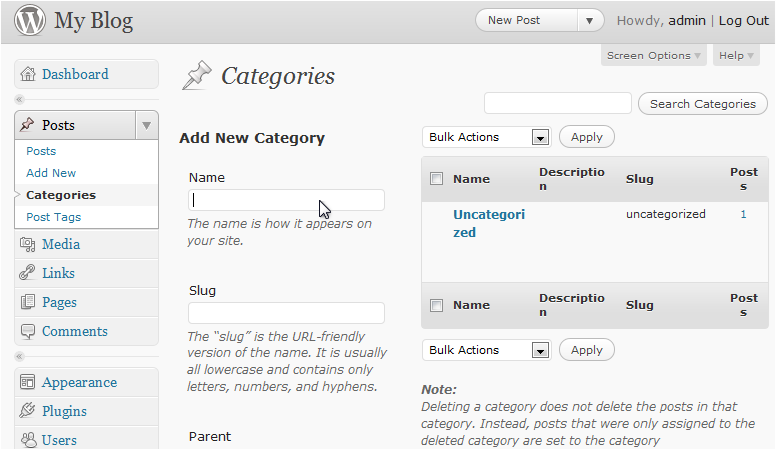
Enter a Name for your new category.
-
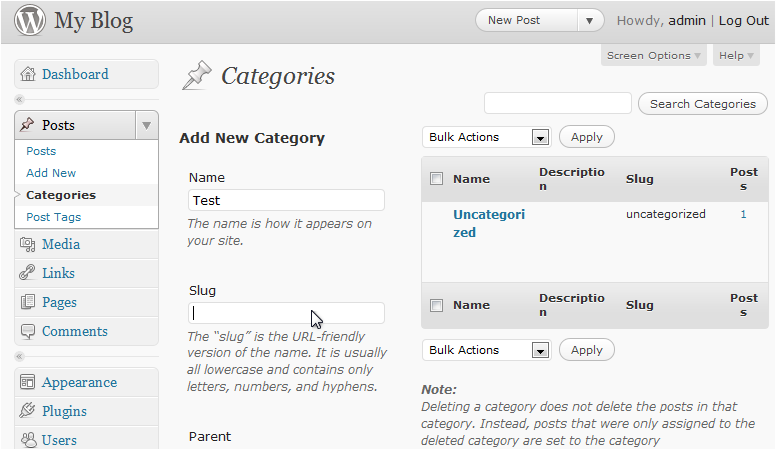
Enter a Slug - this is the URL-friendly version of the name (for example, "web-hosting" rather than "Web Hosting").
-
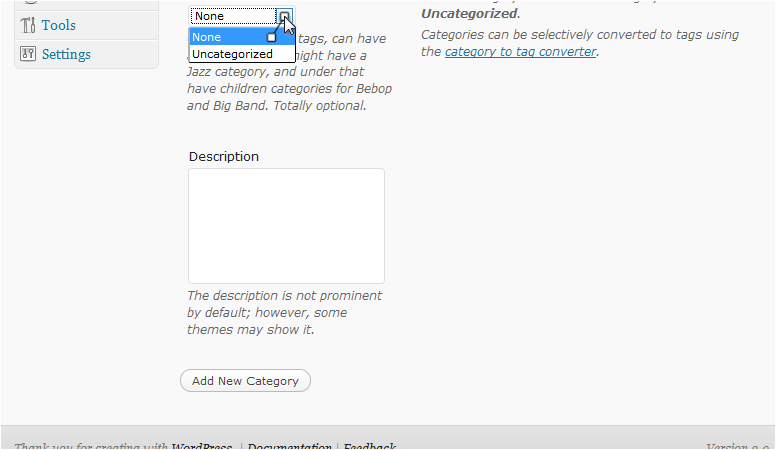
Optionally, select a Parent category if you want this to be a sub-category of an existing one.
-
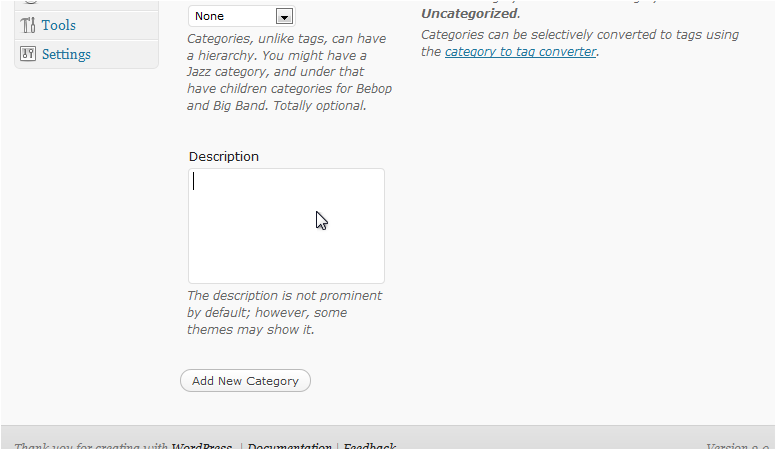
Optionally, enter a Description, then click Add New Category.
Editing a category
You can quickly update a category without opening its full edit screen.
-
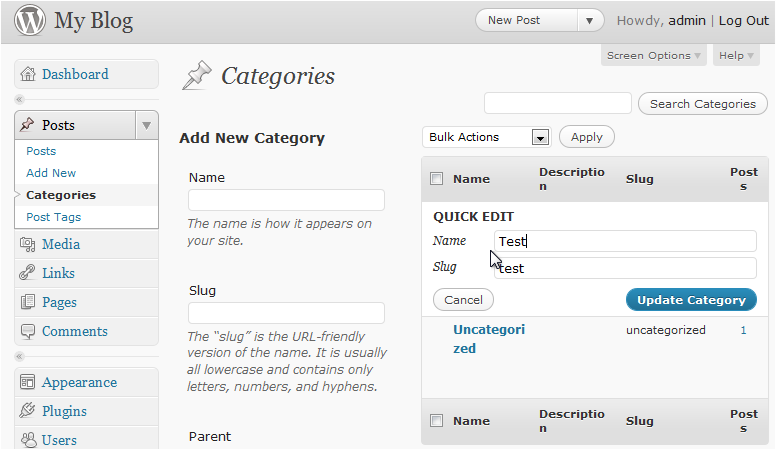
In the category list, hover over the category you want to change and click Quick Edit.
-
Make your changes, then click Update Category. Click Cancel to discard any changes.
Deleting a category
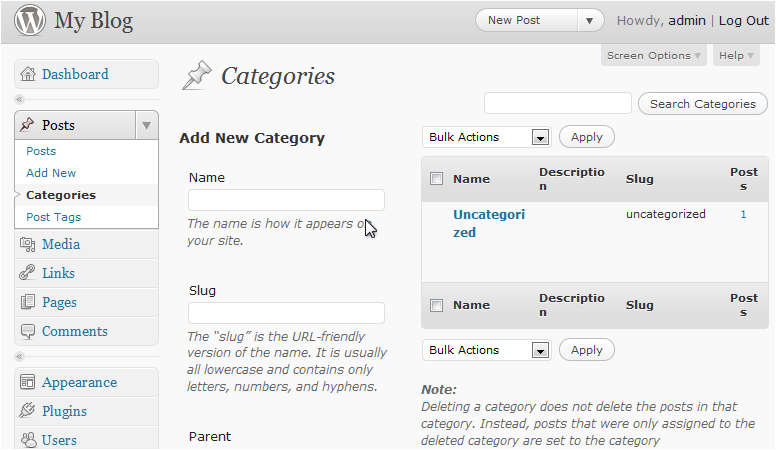
Deleting a category does not delete the posts assigned to it. Those posts will be moved to the default category instead.
-
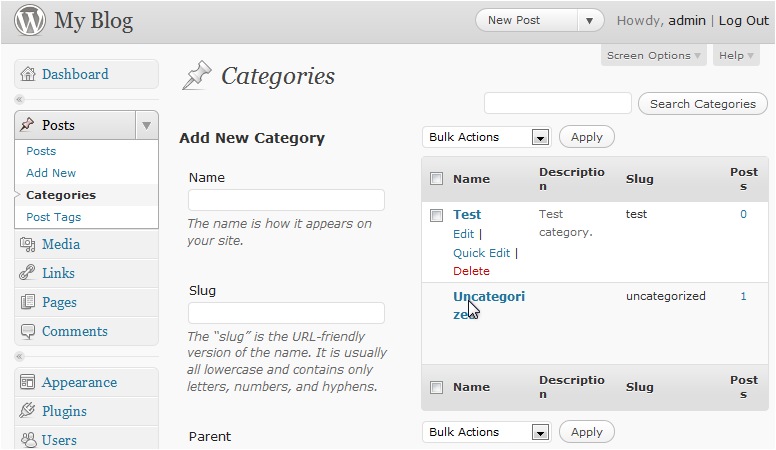
Hover over the category in the list and click Delete.
-
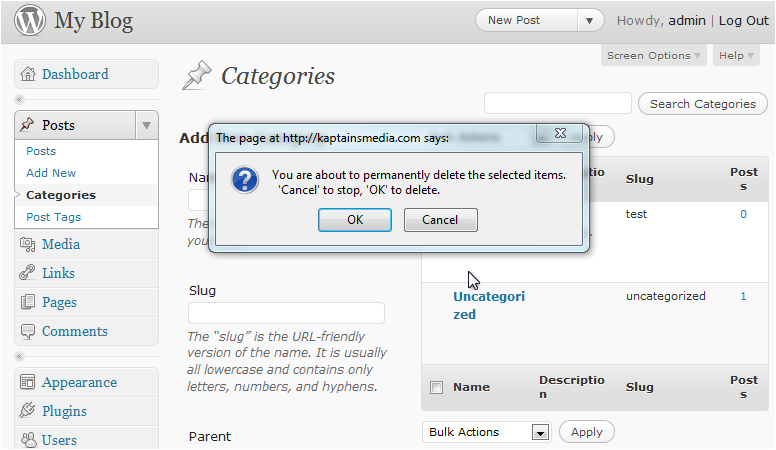
Click OK to confirm the deletion.