
On this page
How to decide which script in Softaculous is right for you
Softaculous includes ratings, demos, and feature lists to help you pick the right script before you install anything.
Softaculous contains hundreds of scripts and applications, so it includes several tools to help you compare options before committing to an install: ratings, live demos, and per-script feature lists.
Script ratings
Each script in Softaculous can be rated by users, giving you a quick sense of how well-regarded it is.
-
Open Softaculous from cPanel.
-
Click any script logo to open its detail page.
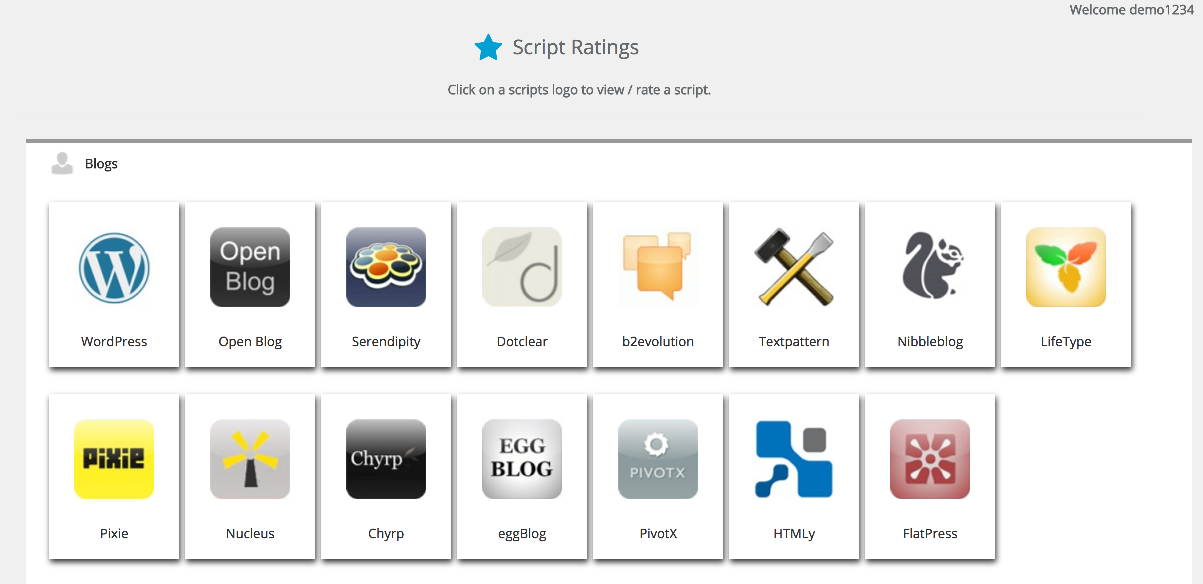
-
Scroll to the bottom of the detail page to see the number of ratings and the average score.
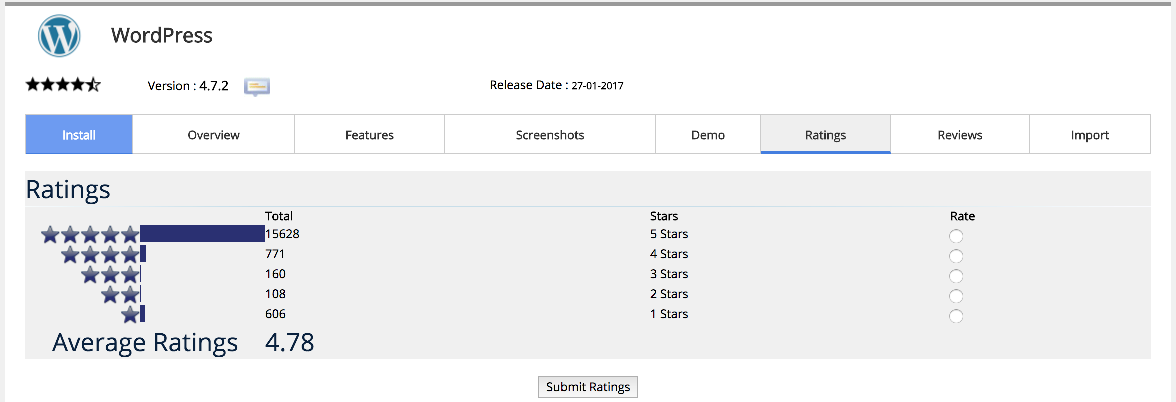
Script demos
Many scripts offer a live demo so you can try the software without installing it first.
-
From the Softaculous home screen, locate the script you want to try.

-
Click the script logo to launch its demo.
The demo lets you explore the interface as if the software were already installed - WordPress, for example, gives you a working admin panel to click around.
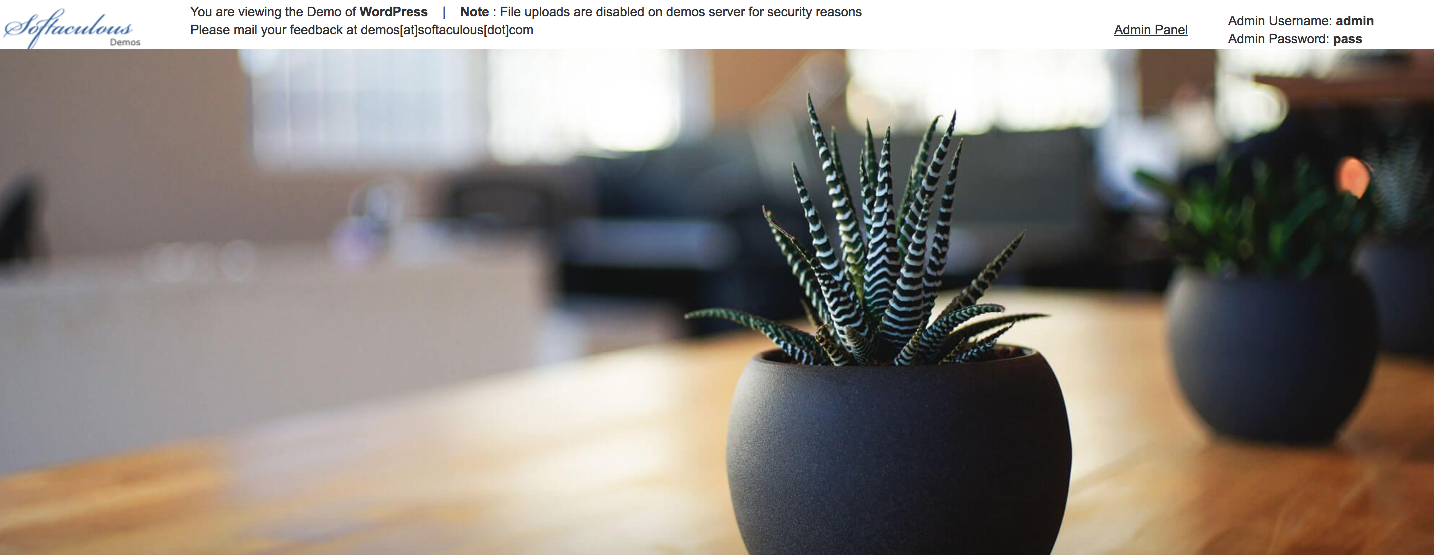
-
When you are finished, return to Softaculous.
Comparing scripts side by side
If you are choosing between several options in the same category, the category view lets you compare them at a glance.
-
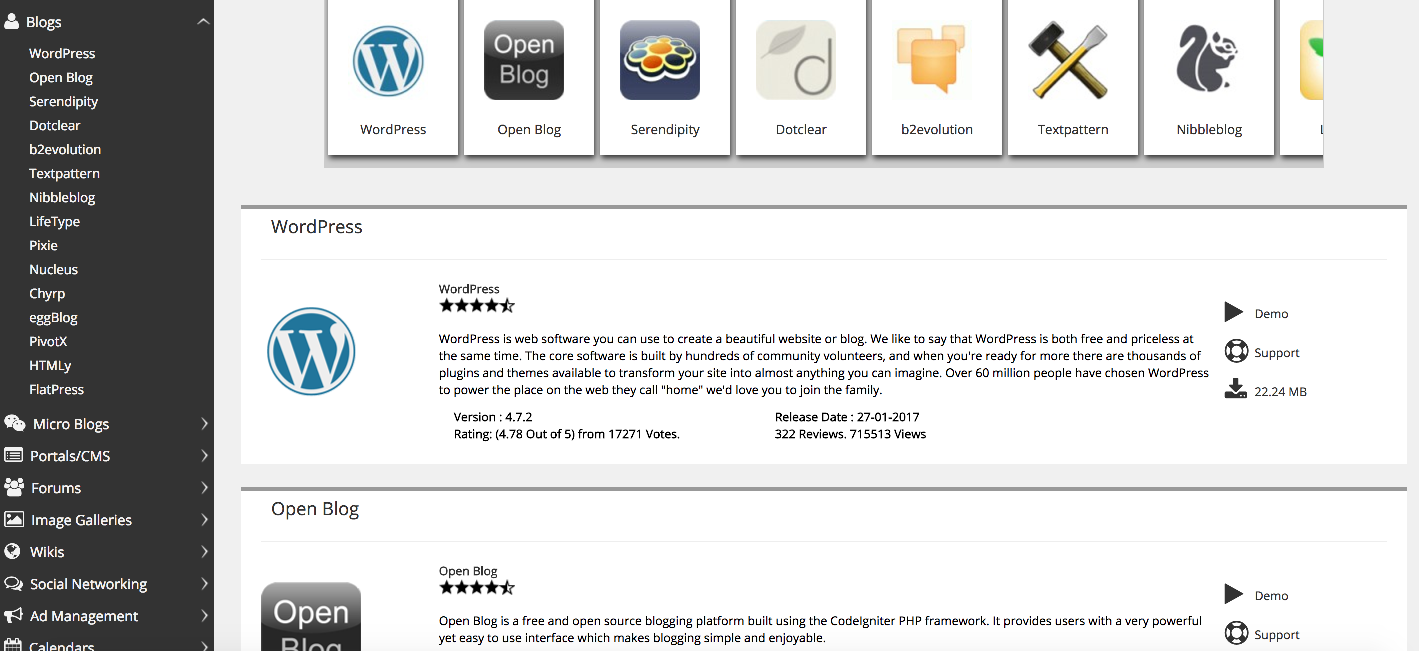
Click any category title in the left-hand menu to open the category view.
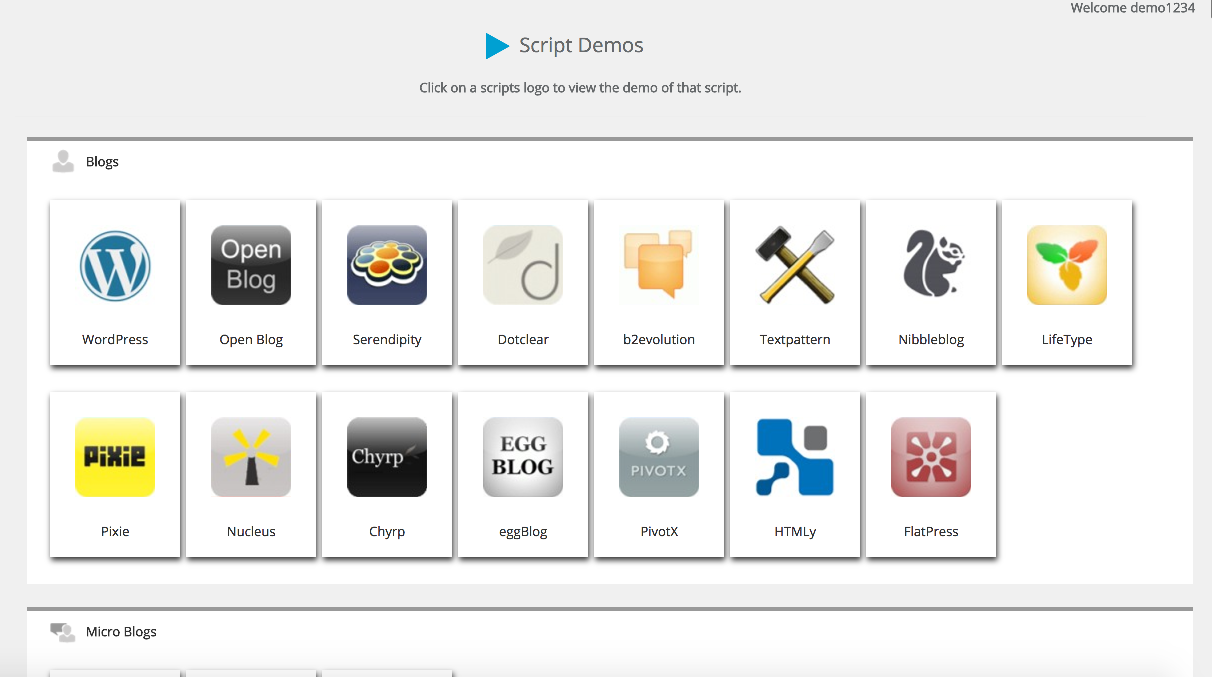
-
You will see all scripts in that category listed together, including their rating counts, so you can compare them side by side.
-
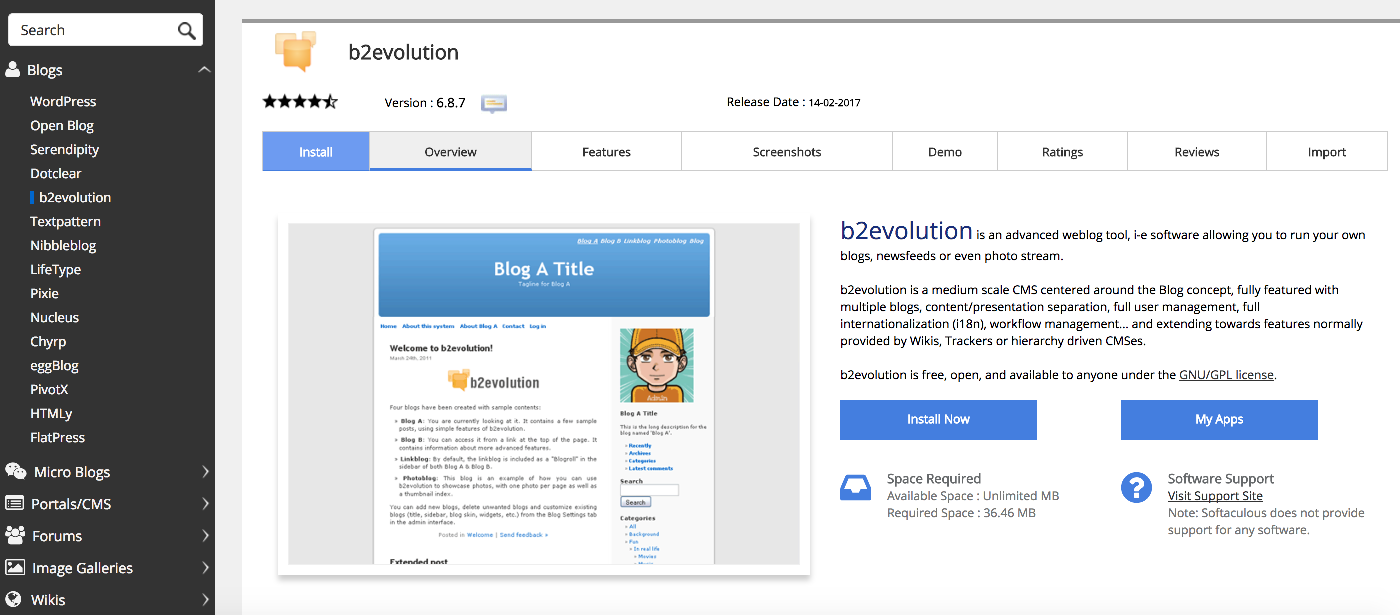
Click a script title to open its overview page, which shows the description, current version, and other details.
Features list
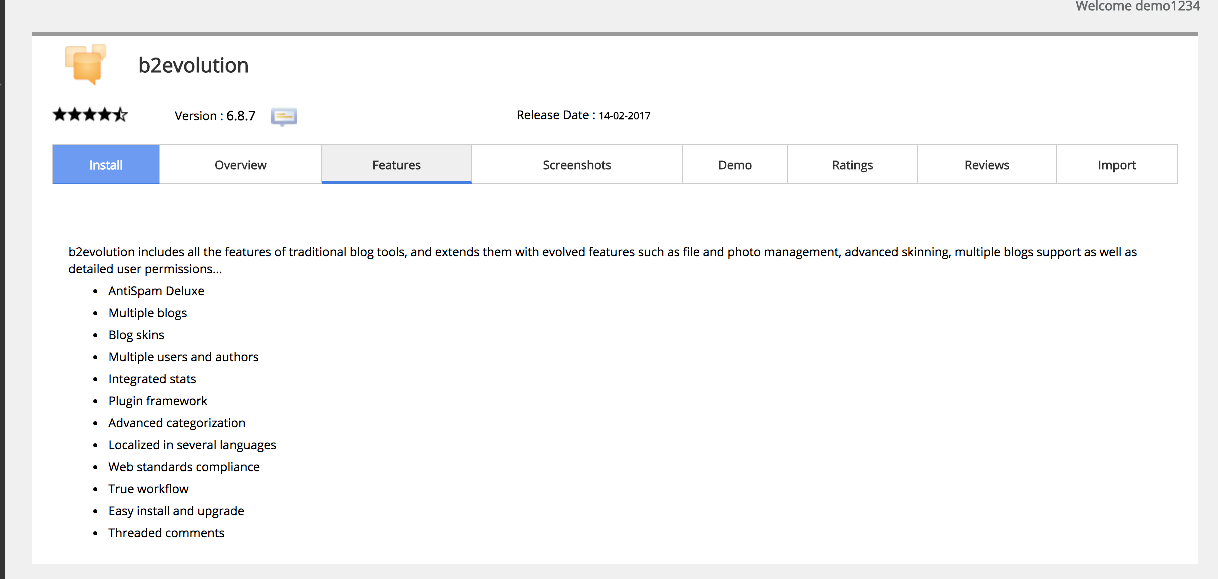
Each script has a dedicated Features tab on its overview page. This lists exactly what the software can do, which is often the most useful thing to check when you are deciding between two similar options.
If you already know you want WordPress, Softaculous installs it in a few clicks. For a managed WordPress experience, Kualo also offers WP Toolkit directly in cPanel.