On this page
How to install phpBB from Softaculous
Install phpBB on your website quickly using the Softaculous app installer in cPanel.
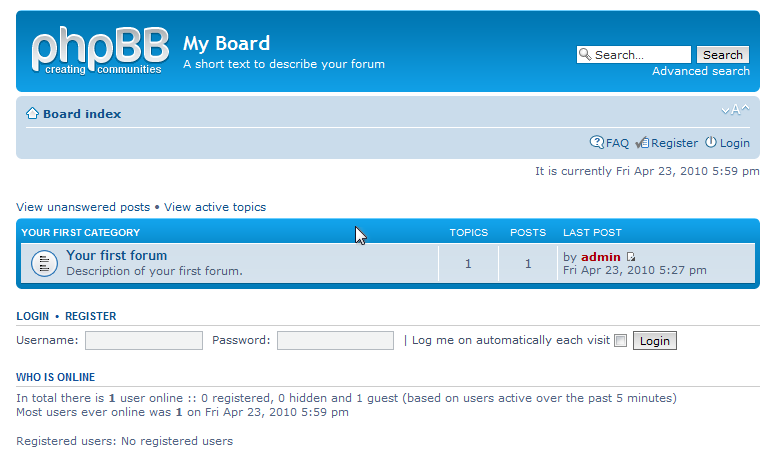
Softaculous makes it straightforward to install phpBB, the free open-source forum software, directly from your cPanel account.
Finding phpBB in Softaculous
- Log in to cPanel and open Softaculous Apps Installer.
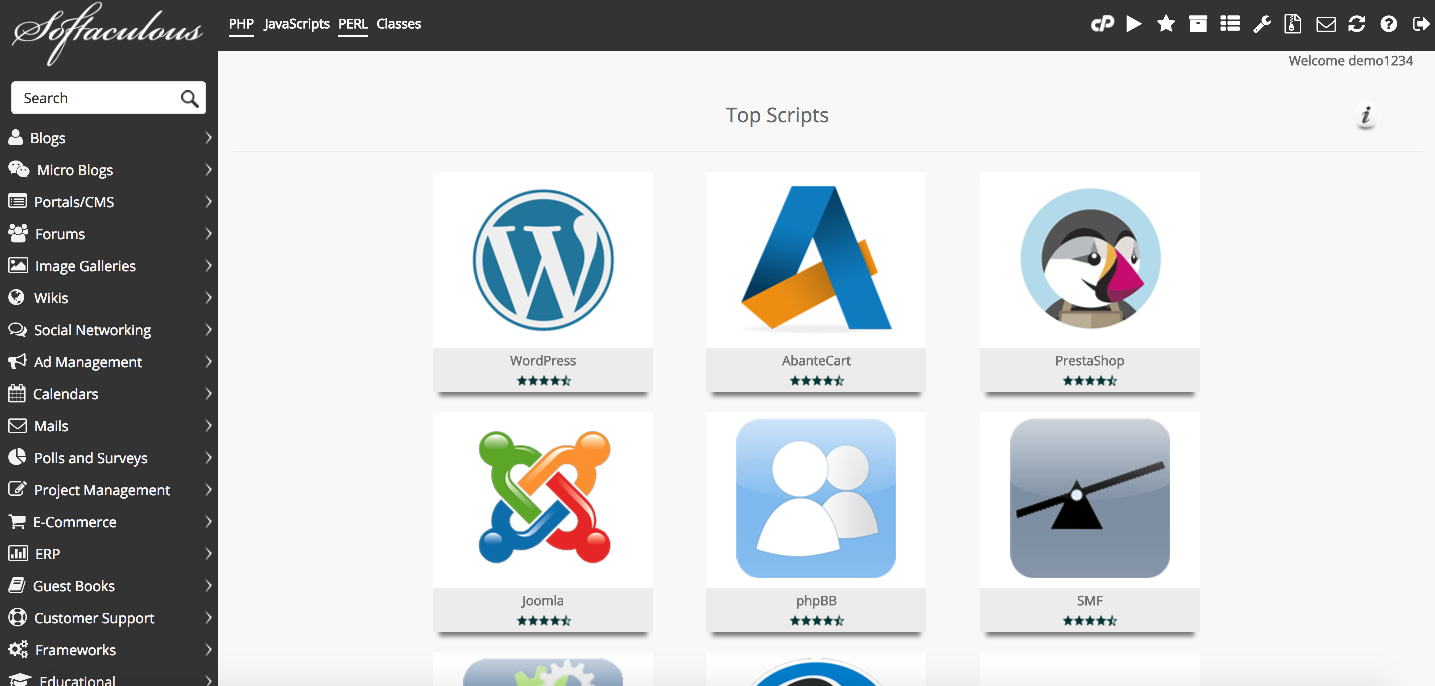
- Scroll through the application list until you find phpBB, or use the search box to locate it quickly.
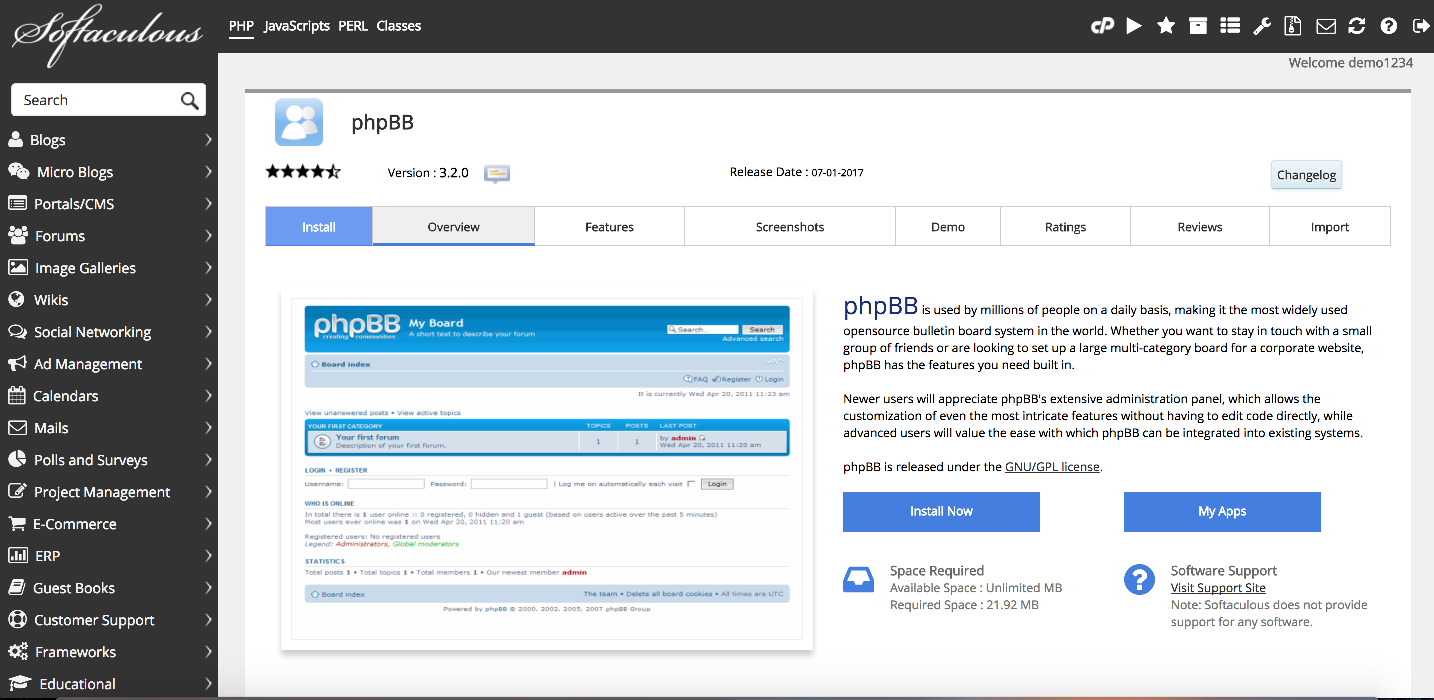
- Click phpBB to open its overview page, where you can read more about the software before installing.
Installing phpBB
-
Click the Install tab on the phpBB overview page.
-
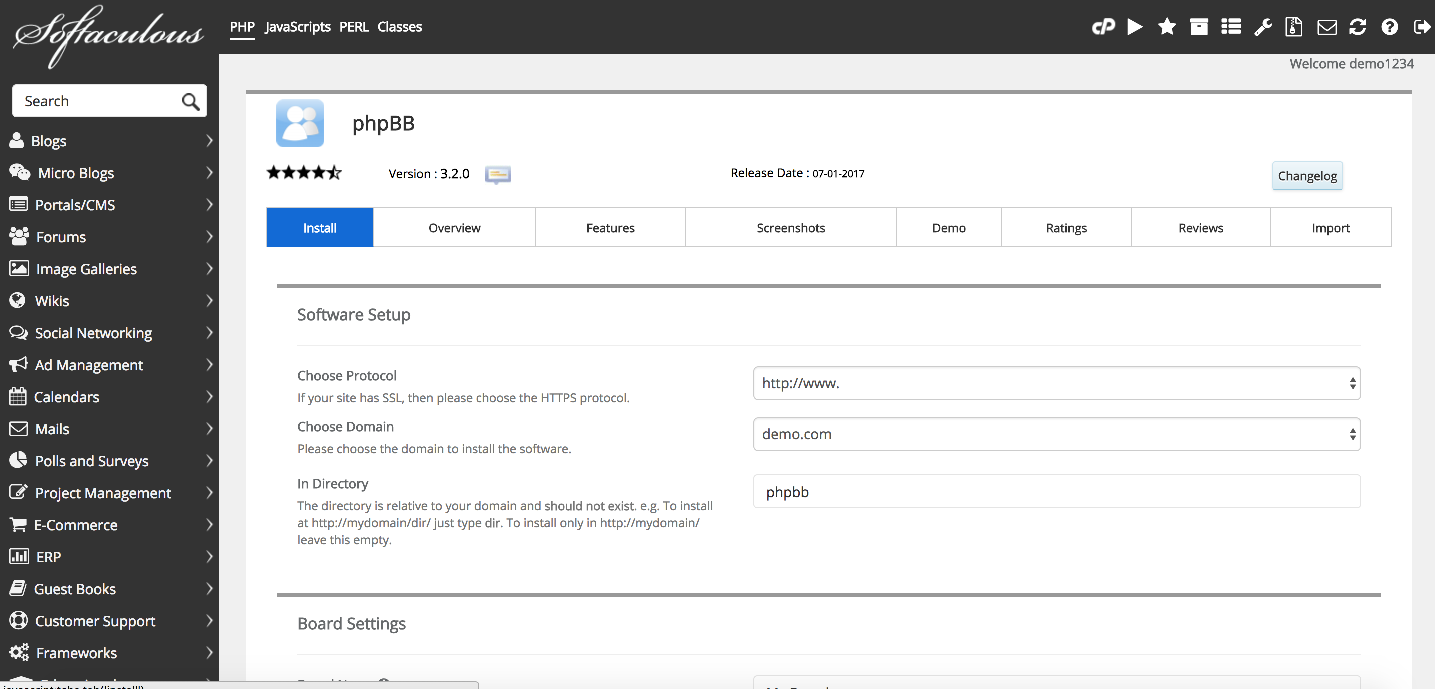
Under Software Setup, choose the domain you want to install phpBB on. If you have multiple domains on the account, select the correct one from the drop-down.
-
Enter a subdirectory in the In Directory field if you want phpBB at a path such as
/forum. Leave it blank to install at the domain root. -
Softaculous will suggest a database name automatically. You can leave this as the default.
Configuring site settings
-
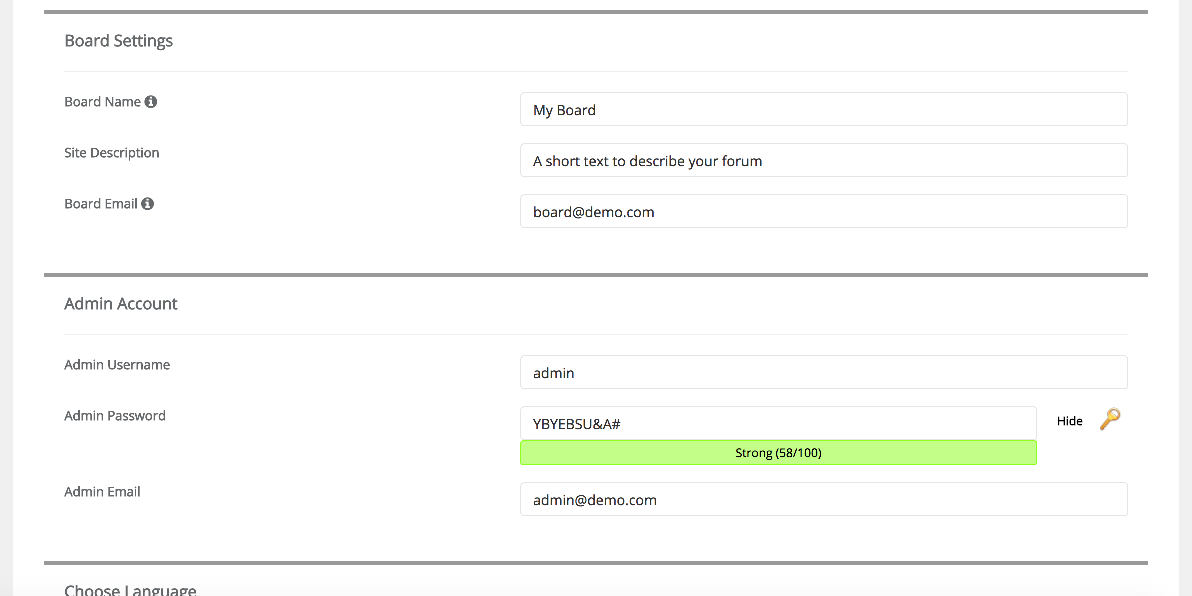
Under Site Settings, fill in the following fields:
- Site Name - the name displayed at the top of your forum.
- Description - a short summary of what your forum is about.
- Board Email - the address used for outgoing forum emails.
You can change all of these later from the phpBB administration panel.
-
Under Admin Account, enter your chosen admin username, password, and email address.
Choose a strong, unique password for the admin account. You can use a password manager to generate one.
Completing the installation
-
Click Install at the bottom of the page.
-
Softaculous will install phpBB. This usually takes only a few seconds.
-
Once complete, click the link shown on the confirmation screen to visit your new forum.
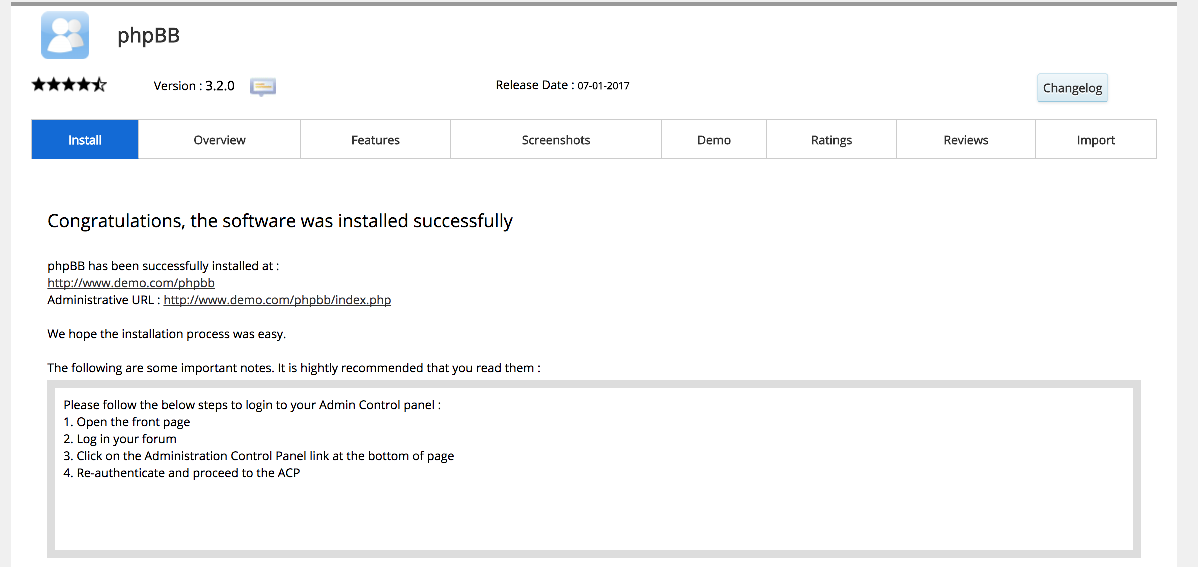
Your phpBB forum is now installed and ready to use.