
On this page
How to find Softaculous in cPanel
Softaculous is built into cPanel and lets you install popular web applications in just a few clicks.
Softaculous is an auto-installer built into cPanel that lets you quickly install a wide range of web applications - blogs, content management systems, forums, e-commerce platforms, and more.
Two ways to find Softaculous
Option 1: browse to the Software section
- Log in to cPanel.
- Scroll down to the Software section.
- Click the Softaculous Apps Installer icon to open it.
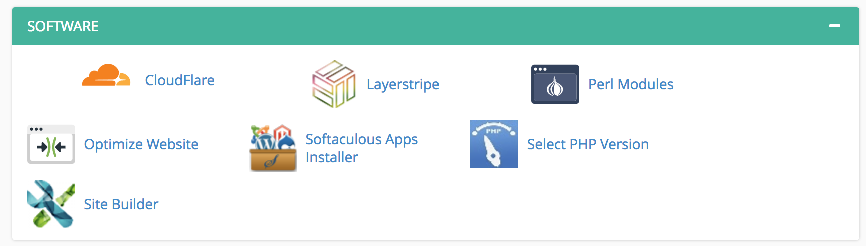
Option 2: use the search box
- Log in to cPanel.
- Click in the Search box at the top of the page.
- Begin typing
Softaculous- cPanel filters the icons as you type.
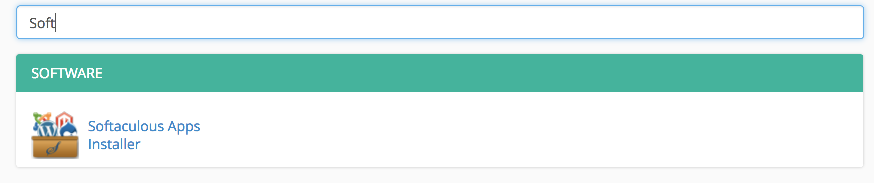
- Click the Softaculous Apps Installer icon when it appears.
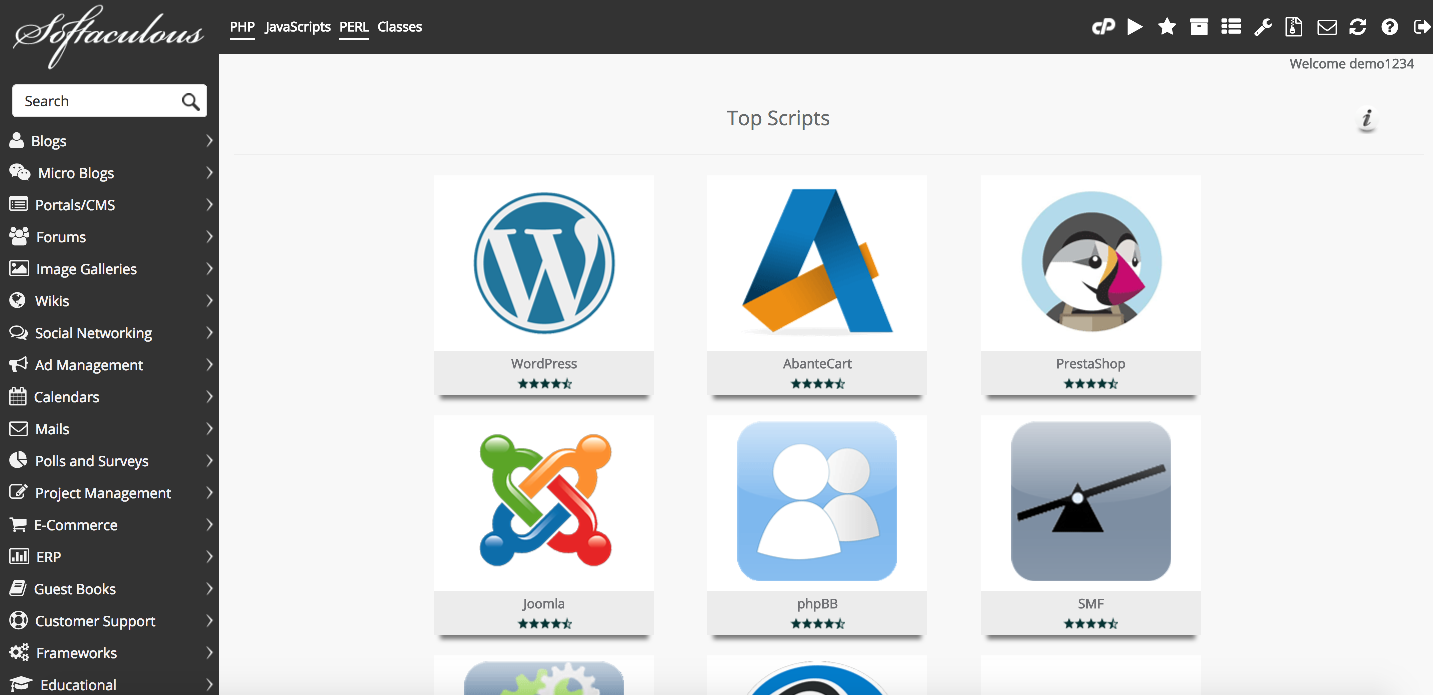
Once Softaculous opens, you can browse the available applications and install whichever ones you need.
You can also reach Softaculous directly from your Kualo client area under the hosting account tools.
Was this helpful?
Your feedback helps us find gaps in the docs.
Thanks for the feedback!
Related articles
Softaculous app installer
Getting started with Softaculous
Softaculous lets you install popular web applications such as WordPress, Joomla, and Drupa...
Softaculous app installer
How to decide which script in Softaculous is right for you
Softaculous includes ratings, demos, and feature lists to help you pick the right script b...
Softaculous app installer
How to install a script using Softaculous
Softaculous lets you install hundreds of web applications in a few clicks directly from cP...
Softaculous app installer
How to import a script into Softaculous
If you have an existing script installed outside Softaculous, you can import it so it appe...
Still need a hand?
Real people, around the clock - start a chat or open a ticket and we'll help you put it right.