
On this page
How to remove a script installed by Softaculous
If you no longer need a script installed via Softaculous, you can remove it in just a few steps.
If you no longer need a script you installed through Softaculous, you can remove it quickly from within cPanel.
Removing a Softaculous installation
-
In Softaculous, click the All Installations icon (the box/grid icon in the top navigation).
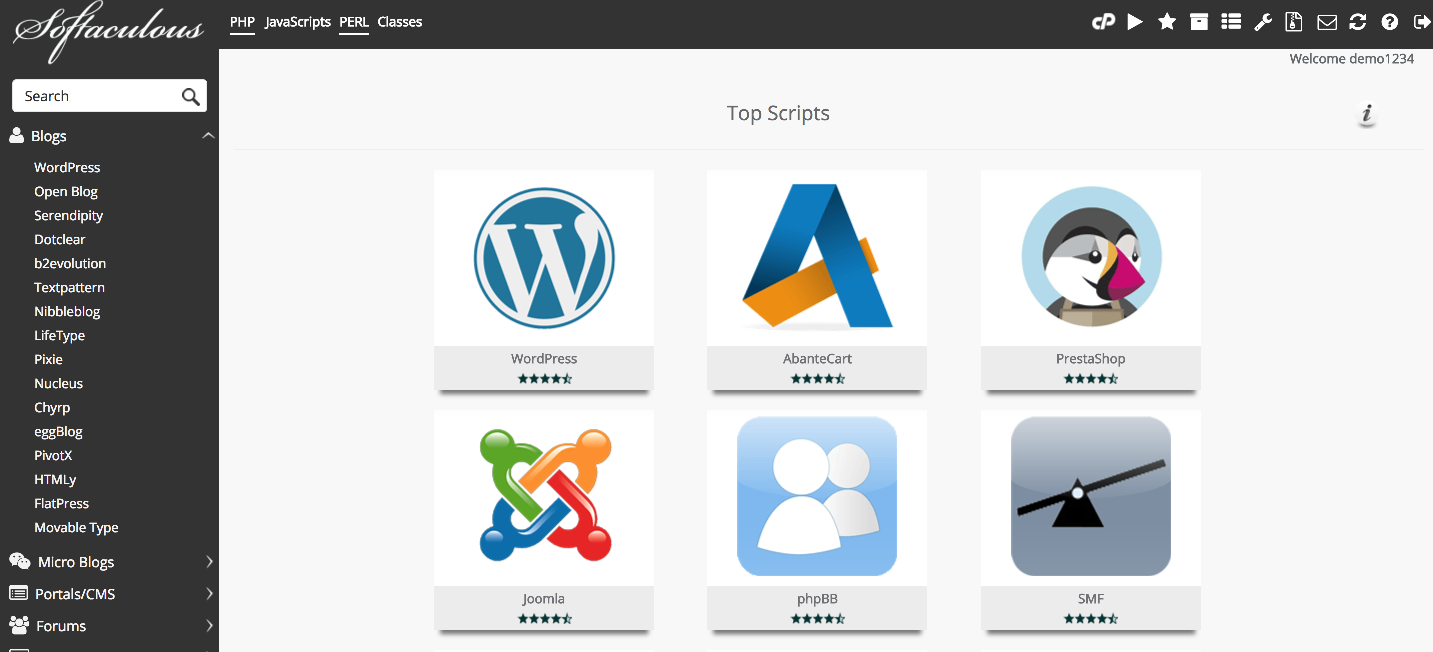
-
Find the software you want to remove and click the red X (remove) icon next to it.

-
On the removal screen, you will see options to delete the installation directory, database, and database user. Uncheck any of these if you want to keep them for a future installation.
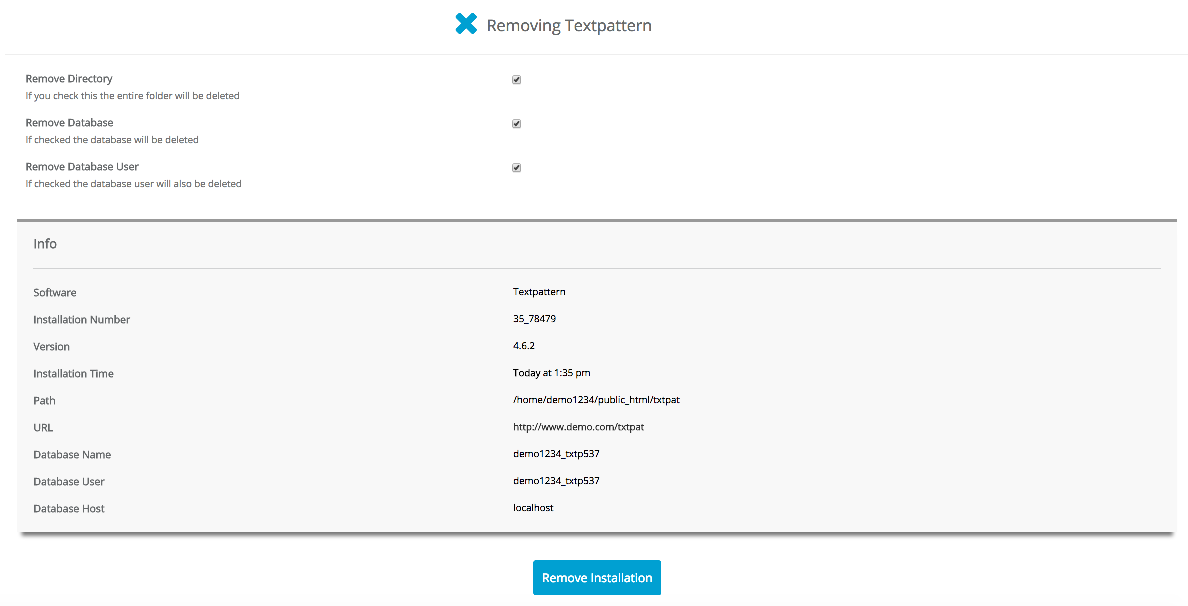
If you plan to reinstall the same software later, consider keeping the database to preserve your existing data.
-
Click Remove Installation.
-
Click OK to confirm the removal.
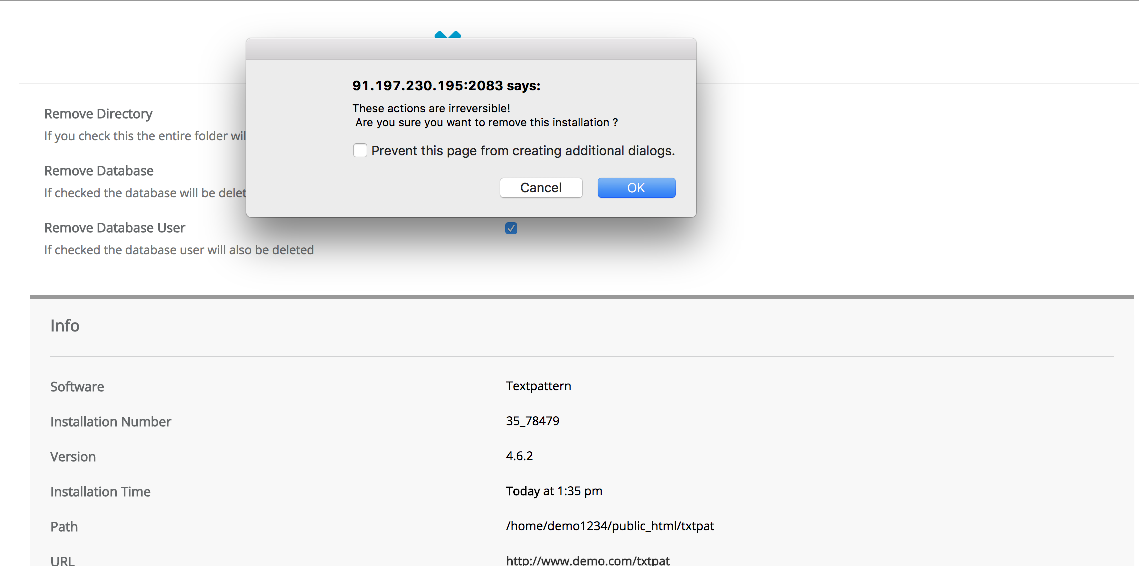
After a moment, Softaculous will uninstall the script and confirm that the removal is complete.
