
On this page
How to install Magento from Softaculous
Install Magento on your hosting account quickly using the Softaculous app installer in cPanel.
Magento is a powerful e-commerce platform you can install in minutes using Softaculous in cPanel. Follow the steps below to get your store up and running.
Installing Magento
-
Log in to cPanel and open Softaculous Apps Installer.
-
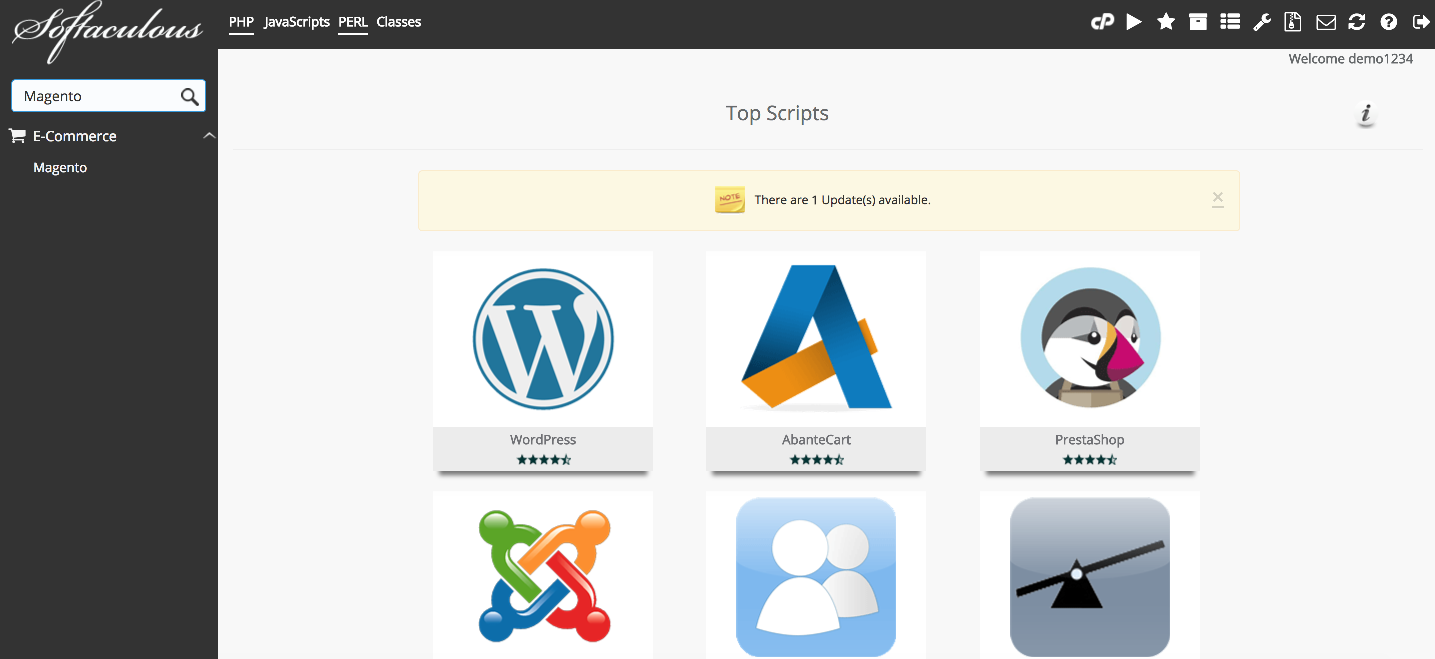
Scroll down to the E-Commerce group and click Magento.
-
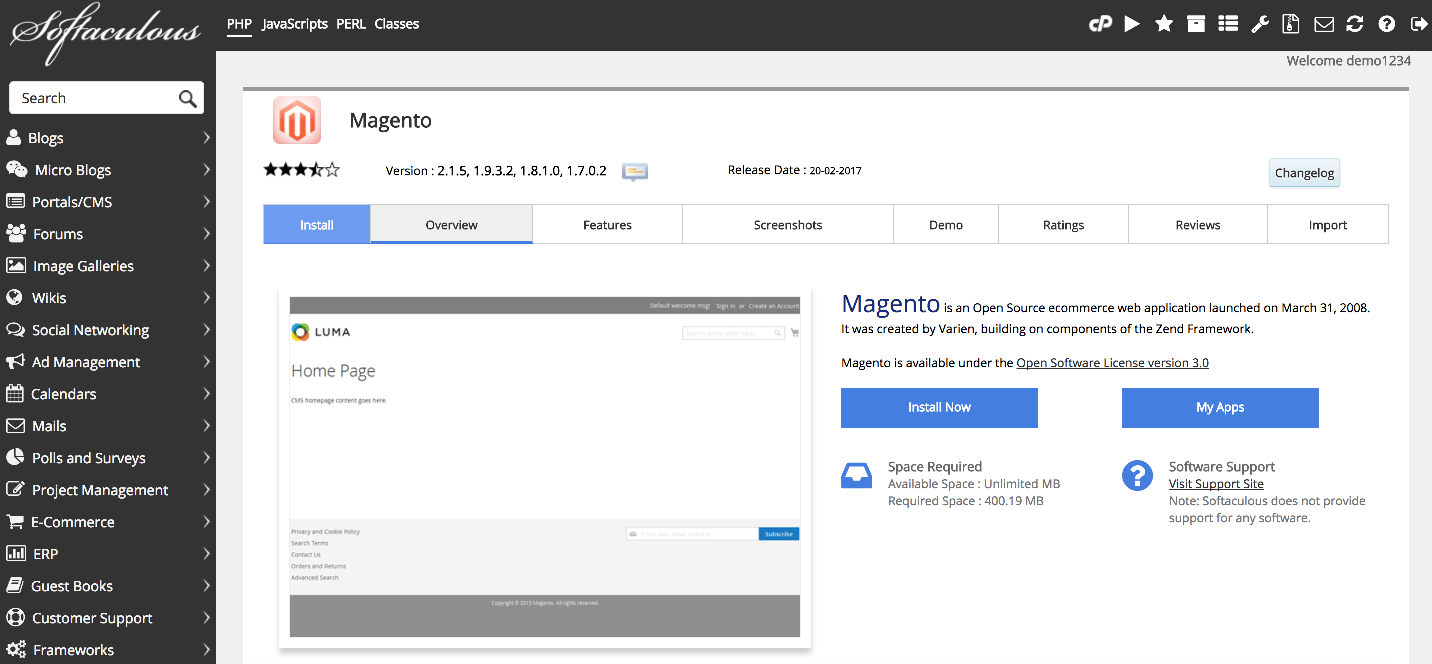
The overview page displays information about the software. Click Install Now to proceed.
-
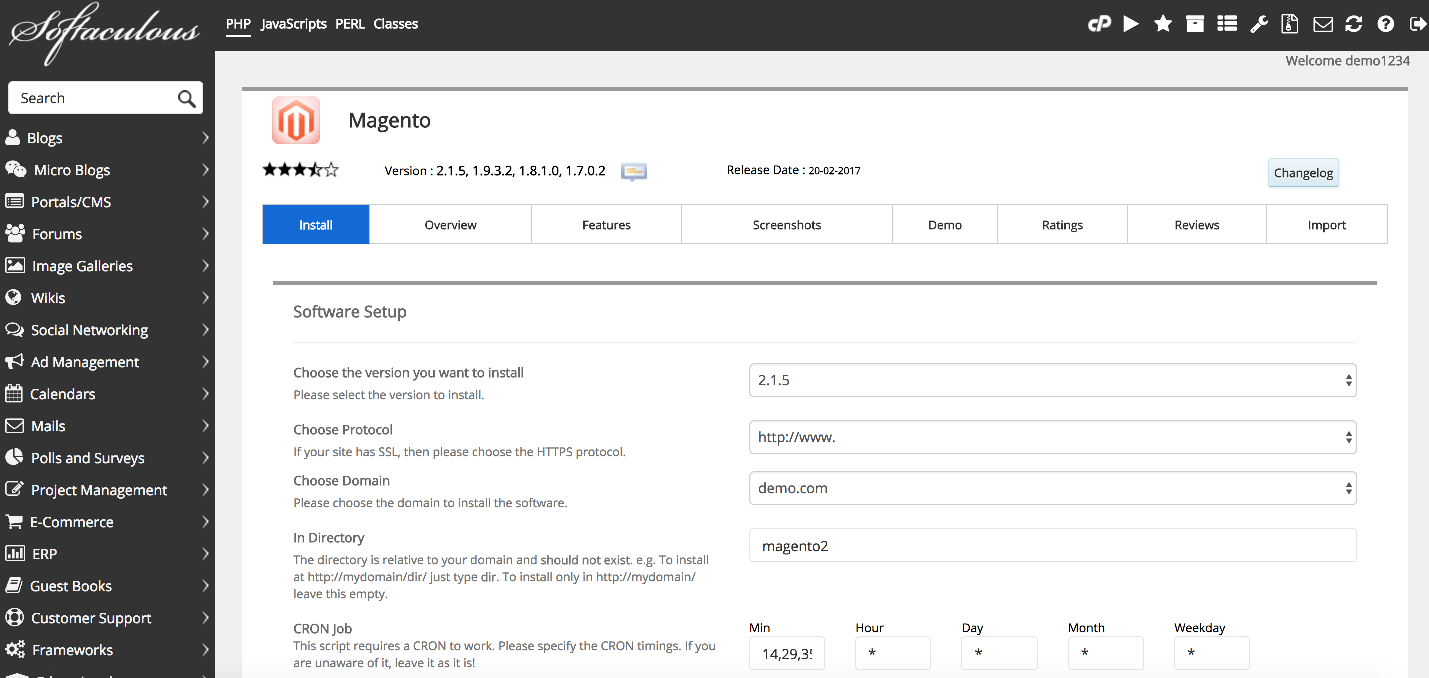
Review the installation settings. The defaults work for most purposes, but note the following options:
- Choose Domain - if you have multiple domains on your account, select the one where you want to install Magento.
- In Directory - leave blank to install at the domain root, or enter a subdirectory name.
- Database Name - Softaculous will create this automatically; you can change it if needed.
-
Scroll down to the Admin Account section and fill in your Username, Password, First Name, Last Name, and Email address.
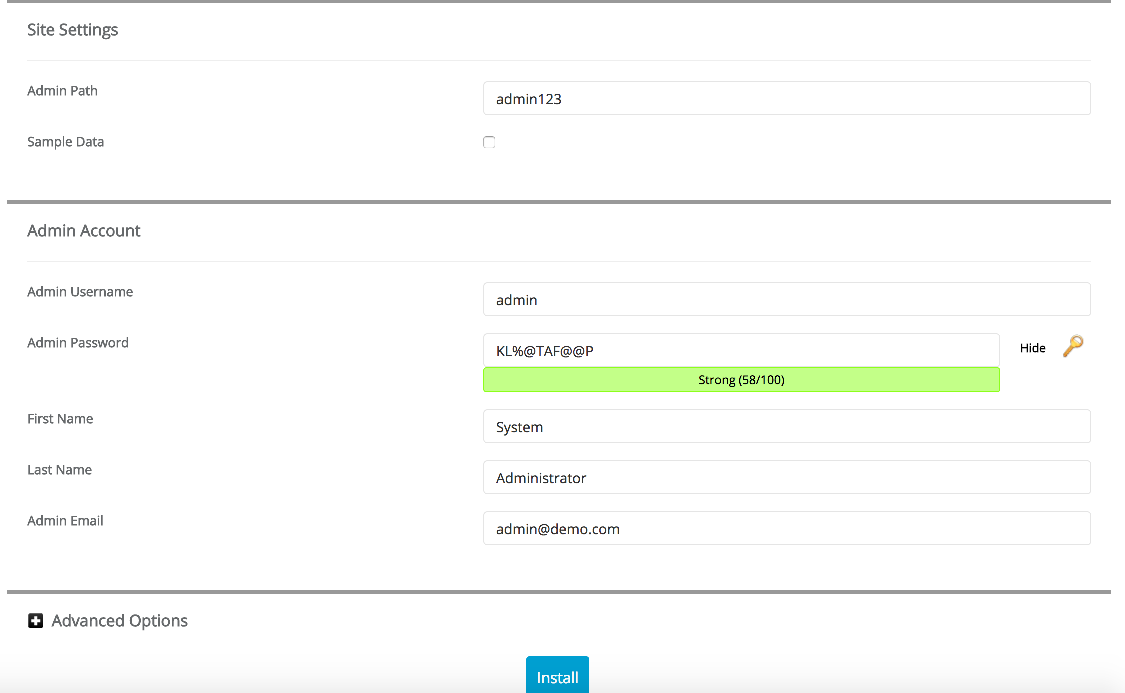
Choose a strong, unique password for your admin account. Magento stores are a common target for automated attacks.
-
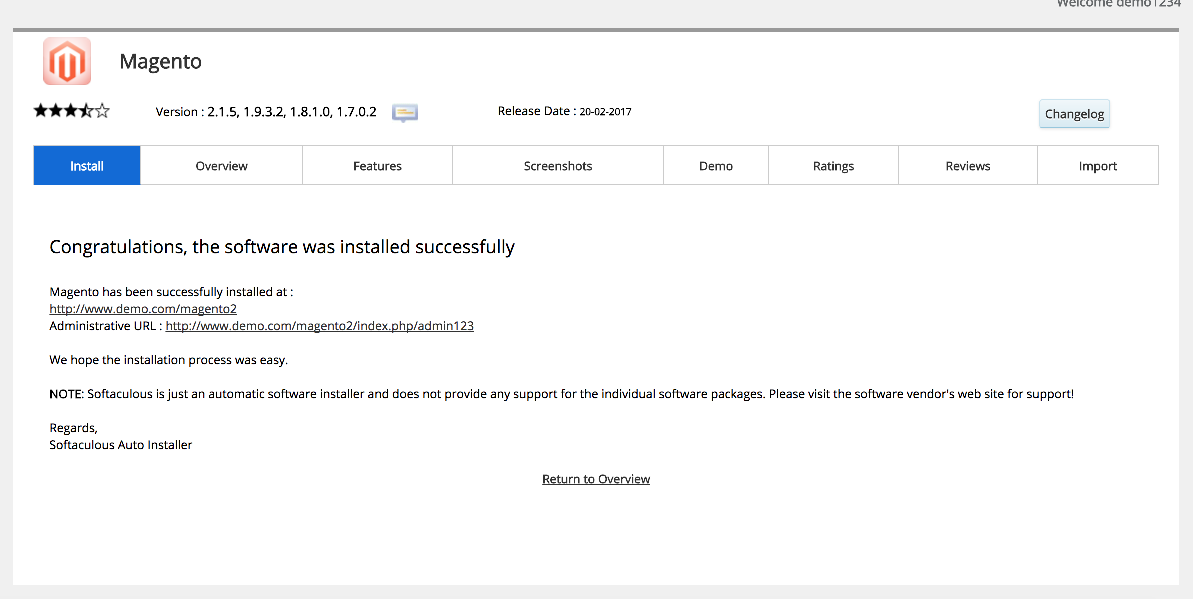
Click Install. Softaculous will set up Magento and display a confirmation screen with links to your new store and its admin panel.
-
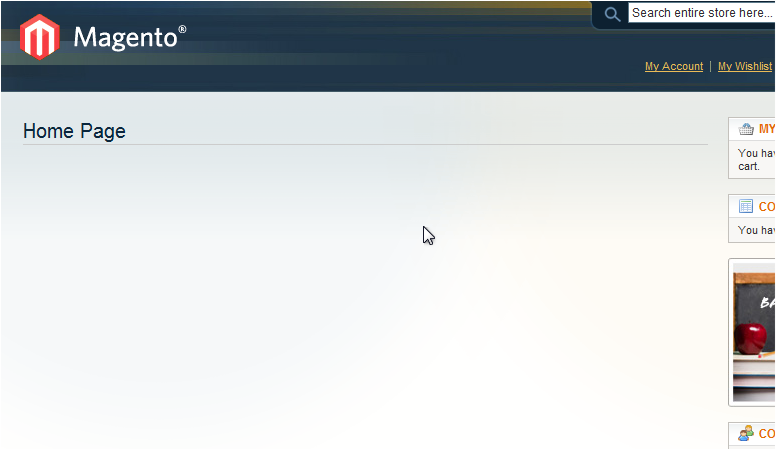
Click the link provided to visit your new Magento store.
You can return to Softaculous at any time to manage, back up, or upgrade your Magento installation.