
On this page
Reverting Patchman patches
If a Patchman patch causes a problem with your site, you can undo it from the Patchman dashboard in cPanel. Here is how, and what to do next.
Patchman fixes vulnerabilities by patching the affected files. Occasionally a patch can cause an unexpected issue with a site - if that happens, you can undo it from the Patchman dashboard.
Revert a patch
-
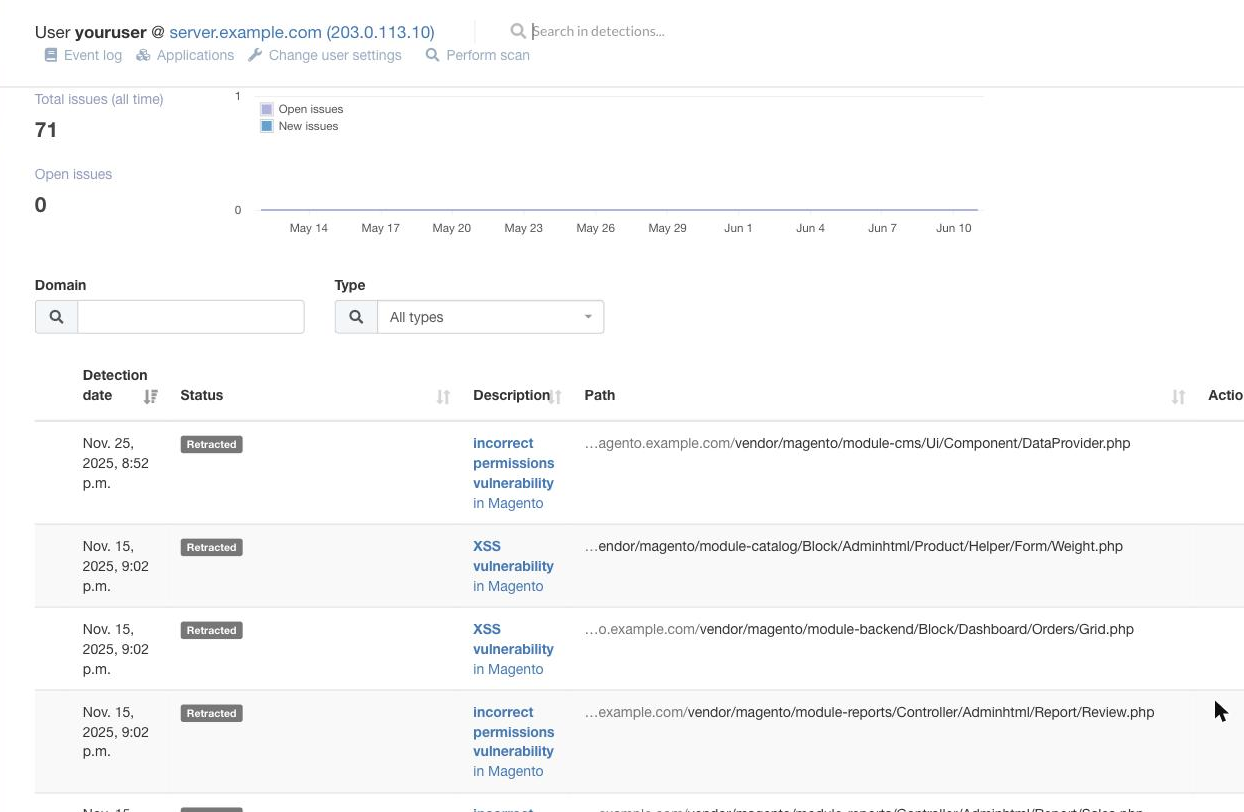
Log in to cPanel and, in the Security section, click the Patchman icon to open your dashboard.
-
Find the patched detection in the list, open its Actions menu, and choose the option to undo (revert) the patch. Patchman restores the file to its original state.
To undo several patches at once, select them with the checkboxes and use the bulk Actions menu above the list.
Find the patch that caused the problem
Once your site is working again, re-apply the patches one at a time, reloading your site after each. This lets you pinpoint the exact patch that caused the issue so you can report it to us.
A reverted patch leaves your site vulnerable to that exploit again. Once you have identified the problem patch, update the application itself to a secure release so the underlying vulnerability is fixed properly.