
On this page
Patchman information for resellers
Patchman runs on Kualo reseller servers and notifies you directly about vulnerabilities, outdated applications, and any automated actions taken.
Patchman runs on Kualo reseller servers and notifies you - rather than your customers - about outdated applications, vulnerabilities, and any automated actions it has taken.
What to do when you receive a Patchman notification
How you respond depends on who manages the website:
- You manage the site on behalf of the customer - take action to resolve the security issue proactively.
- The customer manages their own site - notify them immediately so they can take the necessary action.
Accessing the Patchman dashboard
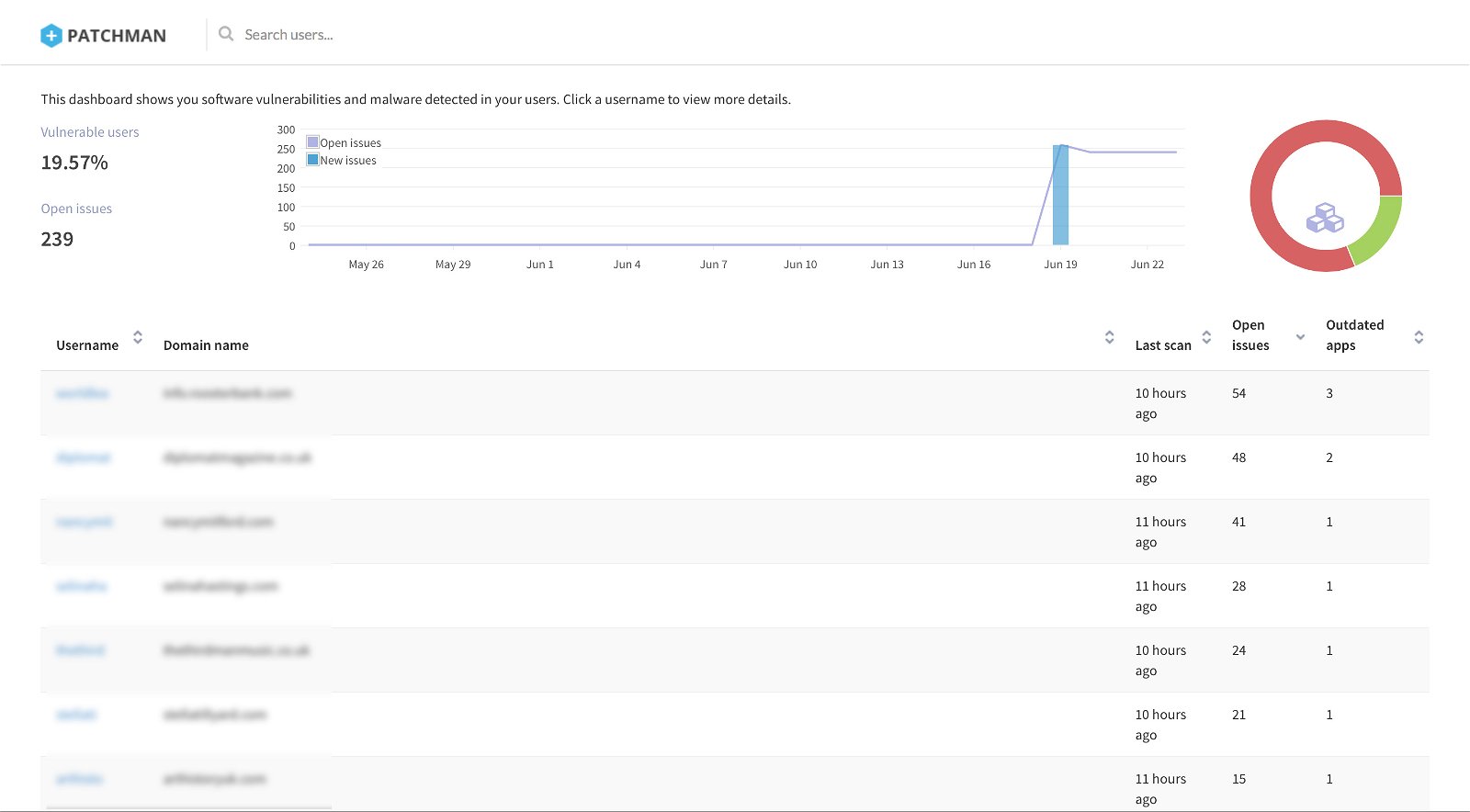
As a reseller, you can view the Patchman status for all of your hosted accounts in one place.
- Log in to the cPanel of your main reseller domain.
- Click the Patchman icon.
You will be logged into Patchman in overview mode, where you can review all of your clients at a glance and drill into the specific security issues affecting each account.
Custom branding on a VPS or dedicated server
If you have your own VPS or dedicated server with Kualo, we can configure Patchman to email your customers directly using your own branding. Please contact us for more information.