
On this page
PrestaShop & LiteSpeed Cache
Install and configure the LiteSpeed Cache module in PrestaShop 1.6 or 1.7 to speed up your store.
The LiteSpeed Cache module for PrestaShop is compatible with versions 1.6 and 1.7. Do not install it on older versions.
Check your PrestaShop version before proceeding. Installing this module on a version earlier than 1.6 may cause problems.
Installing the LiteSpeed Cache module
-
Log in to your PrestaShop admin area and go to Modules and Services > Modules and Services.
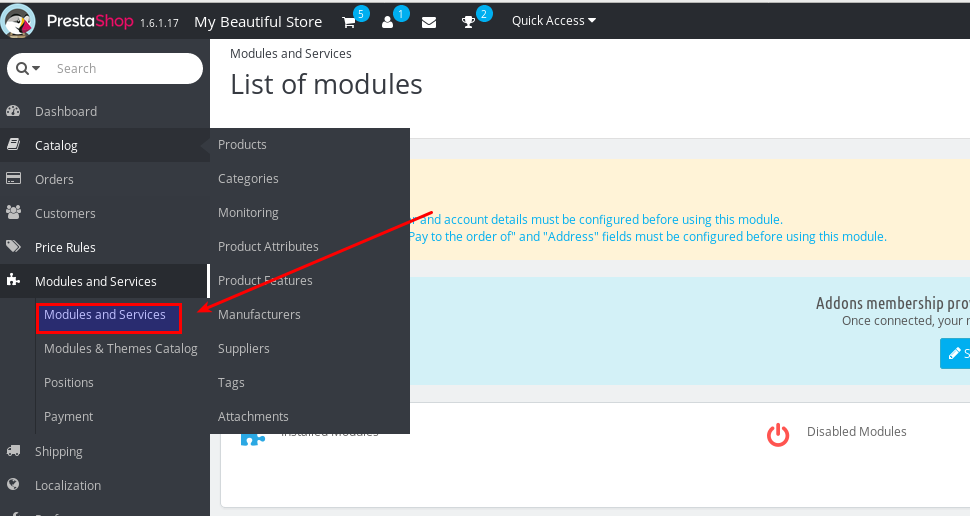
-
Click Add a new module in the top-right corner.
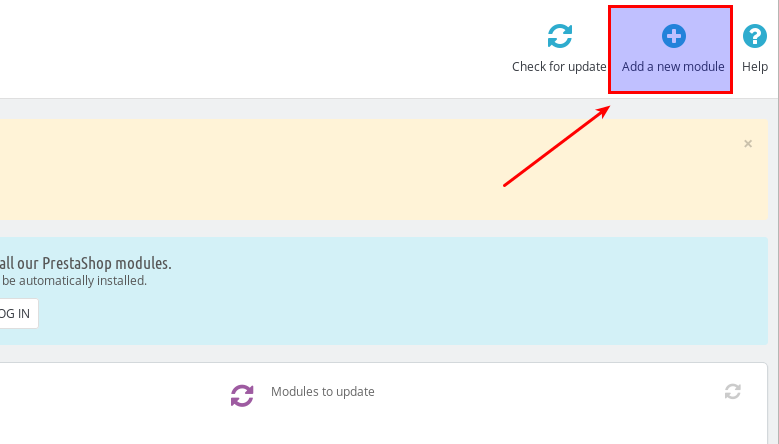
-
Download the LiteSpeed Cache module zip file from the LiteSpeed Tech website.
-
Select the downloaded
.zipfile and upload it to PrestaShop.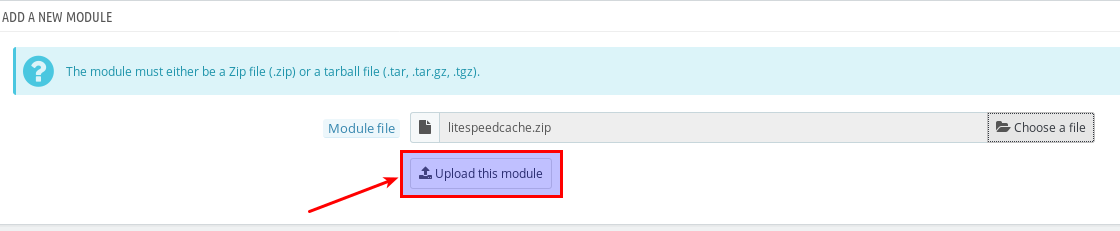
-
Click Install.
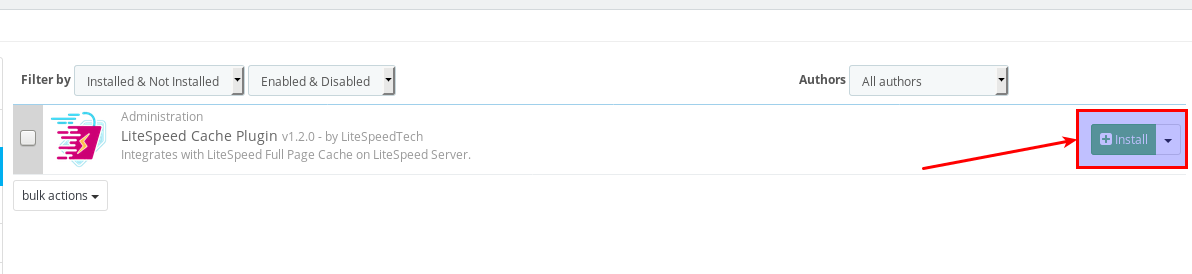
-
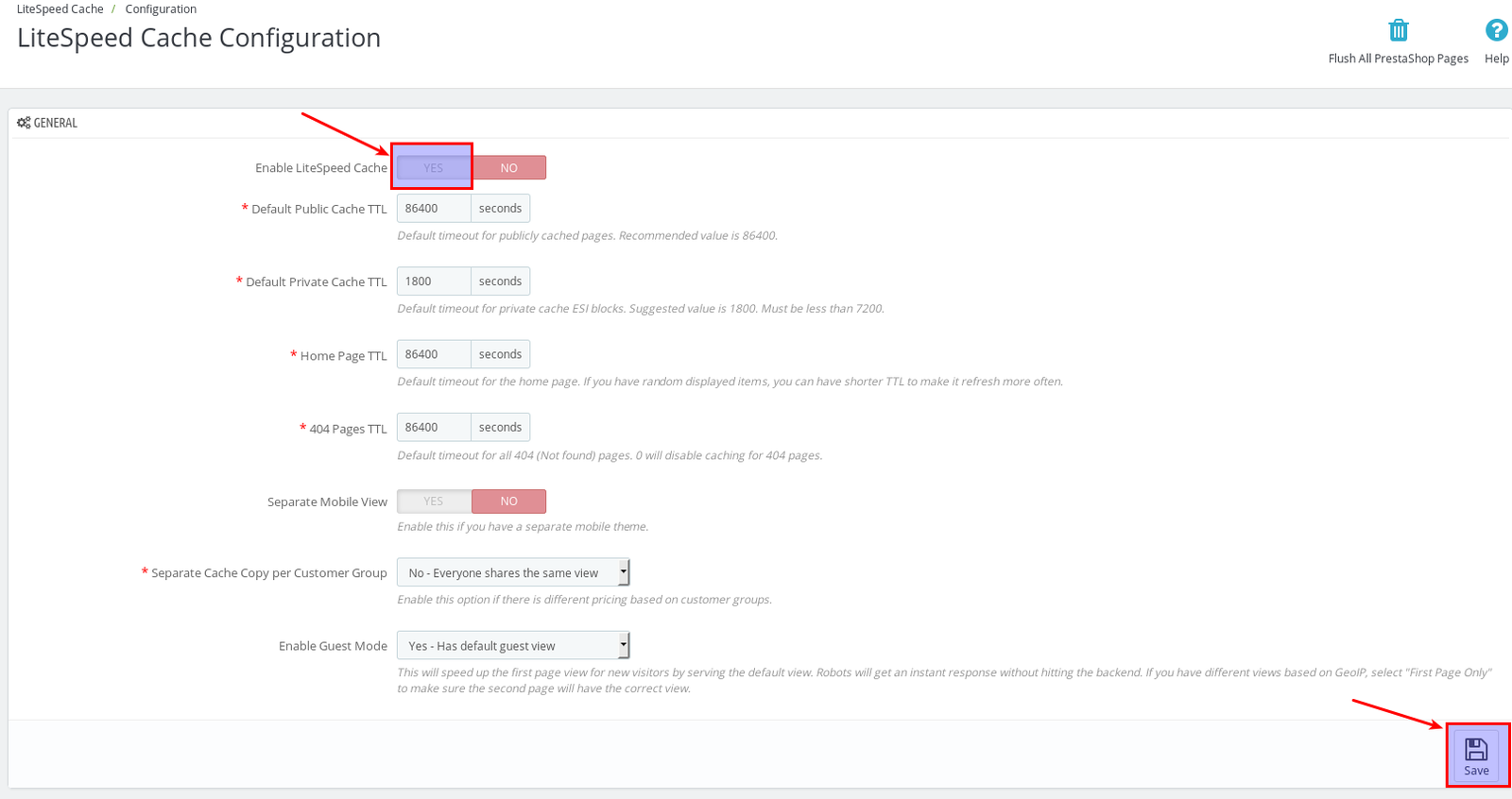
Enable LiteSpeed Cache, adjust your TTL values to suit your store, then click Save.
Template customisation for the shopping cart
For PrestaShop to work correctly - particularly the shopping cart - you need to modify two files in your template after installing the module.
- For PrestaShop 1.6, refer to the LiteSpeed Wiki customisation guide for version 1.6.
- For PrestaShop 1.7, refer to the LiteSpeed Wiki customisation guide for version 1.7.
If you need help at any stage, open a support ticket and the Kualo team will be happy to assist.