
On this page
Transferring domain names to Kualo
Transfer your existing domain name to Kualo so you can manage your hosting and domains in one place.
Transferring your domain name to Kualo lets you manage your hosting and domains in one place, without dealing with multiple providers. The process is straightforward, but there are a few things to check first to keep things running smoothly.
Before you start
Identify your domain extension - the last part of your domain name. Common examples include .co.uk, .com, .net, and .org. The transfer process differs depending on whether your domain ends in .uk or uses another extension.
.uk domains
Transferring a .uk domain is simple and there is no charge to initiate the transfer. You will only be billed when the domain comes up for renewal.
If you are transferring an expired .uk domain, or one within 10 days of expiry, we will invoice you for renewal within 24 hours of the transfer completing.
- Visit www.kualo.com/domains and go to the domain transfer page.
- Complete the process of adding your domain name to your account.
- Wait for a confirmation email explaining the final step.
- Contact your current registrar and ask them to update the IPS tag to
KUALO(this is case-sensitive). Most registrars provide an online interface for this; if yours does not, contact their support team. - The transfer should complete within a few hours of the IPS tag being changed. You will receive a confirmation email once it is done.
Other extensions
Prepare your domain
Before initiating the transfer, complete these steps with your current registrar:
- Unlock your domain. Make sure the domain is unlocked (sometimes called "registrar lock" or "transfer lock").
- Check your admin contact email. Ensure the administrative contact email address on the domain is current and that you can receive email to it.
- Remove domain privacy protection. Privacy protection often masks your contact details and can prevent you from receiving the confirmation email needed to approve the transfer.
- Obtain your EPP/authorisation code. Request this transfer key from your current registrar.
Initiate the transfer
-
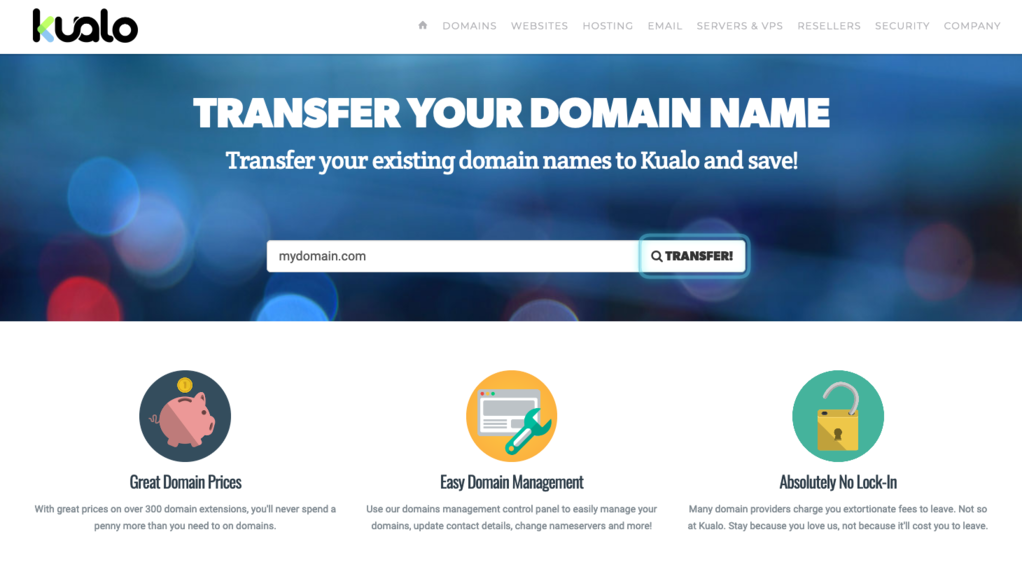
Visit www.kualo.com/domains, enter your domain name, and click Search.
-
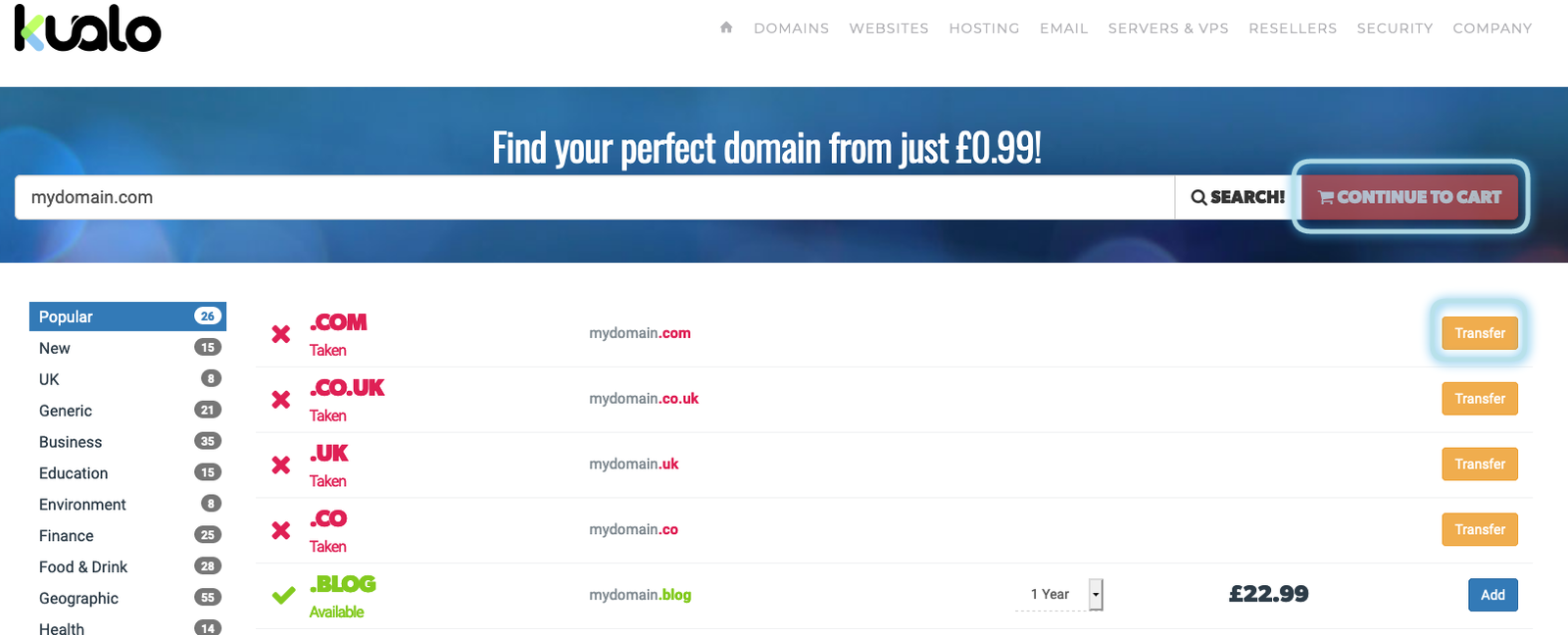
On the results page you will see a list of domain names. Find your domain and click Transfer, then click Continue to Cart.
-
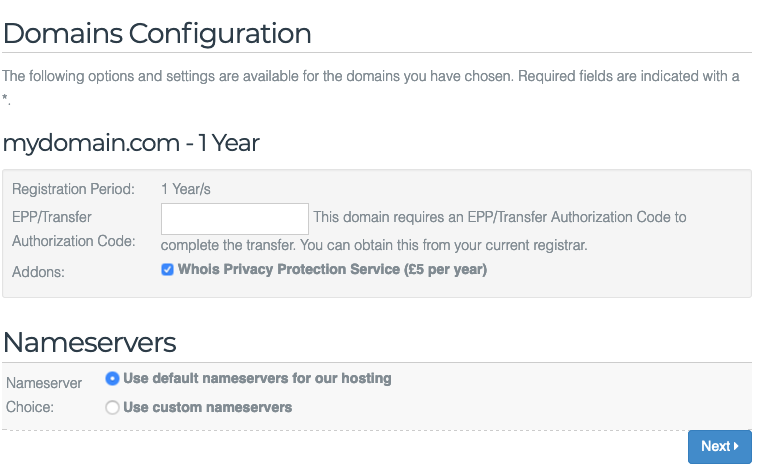
On the domain configuration page, enter your EPP/authorisation code. You can also choose whether to keep your existing nameservers or switch to your Kualo nameservers.
-
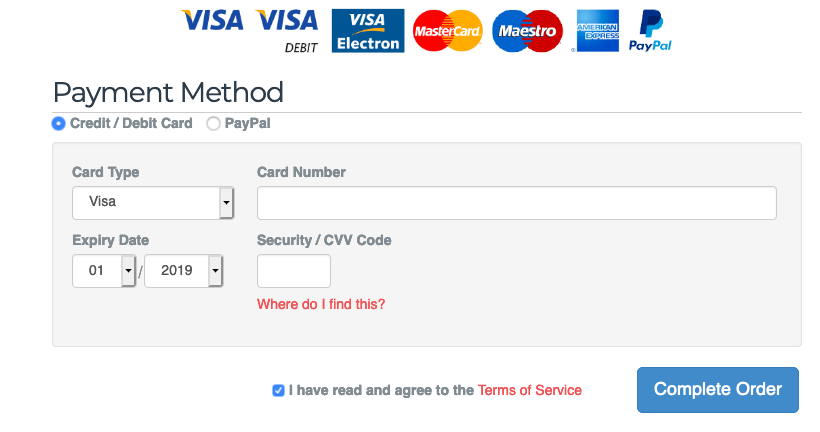
Click Next to proceed to checkout and complete your order.
Make any nameserver changes before the transfer is approved. Once you click the approval link, the request is sent to the existing registrar and registry for processing, which generally takes up to 7-10 business days.
Important notes
- Your domain must be active. Kualo cannot transfer expired domains. We recommend starting the transfer at least two weeks before your domain expires.
- 60-day hold period. Most registrars require that any domain newly registered or recently transferred must remain with them for at least 60 days before it can be transferred again.
- RAA verification. For most extensions (excluding
.uk), ICANN requires you to confirm domain ownership within 15 days of a transfer request by clicking a link in a verification email. If you do not complete this step, the domain registry may suspend your domain registration.