
On this page
How to create hosting packages
Hosting packages in WHM let you pre-define account resources so you can create new cPanel accounts quickly and consistently.
Hosting packages let you pre-define resources such as storage space, bandwidth, email accounts, and parked domains, so that creating new cPanel accounts is faster and more consistent. You can create as many packages as you need.
Creating a new package
-
Log in to WHM.
-
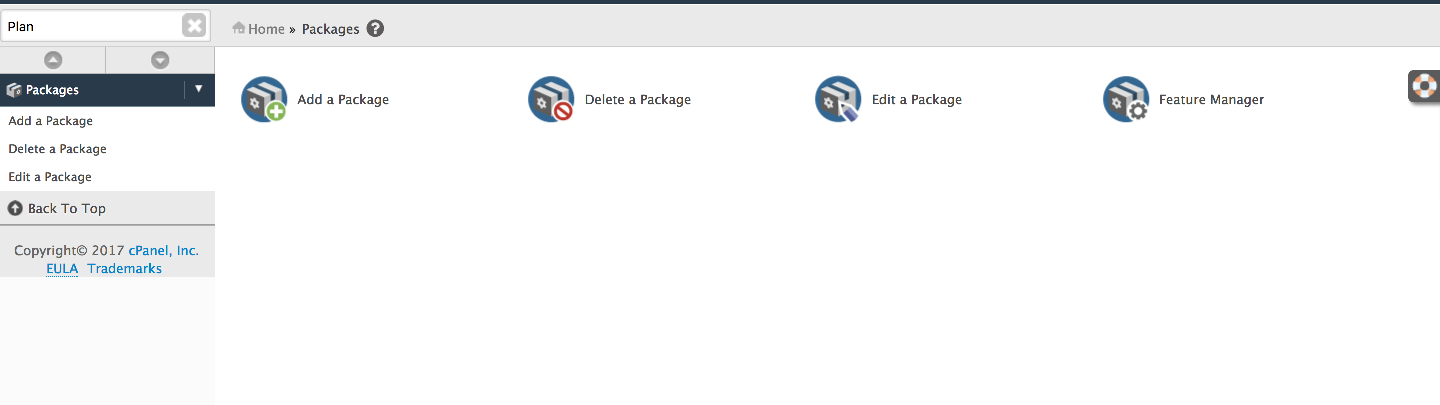
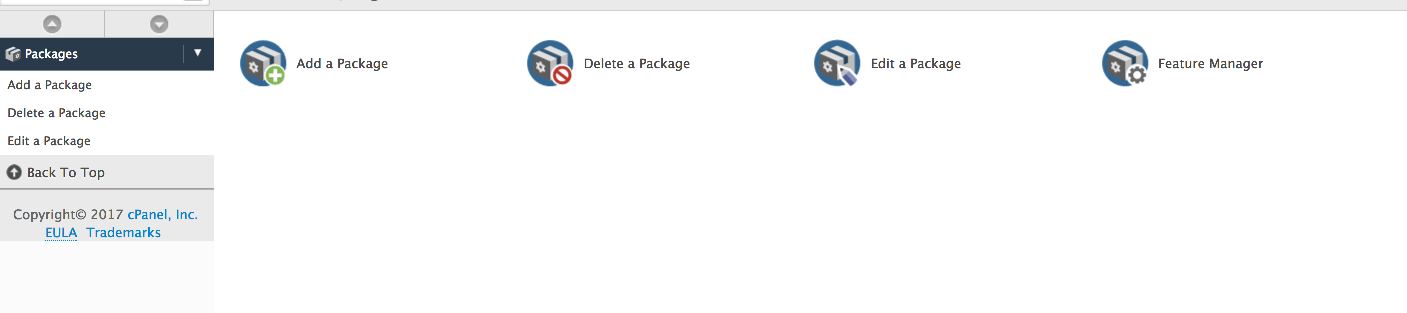
In the left-hand menu, click Packages.
-
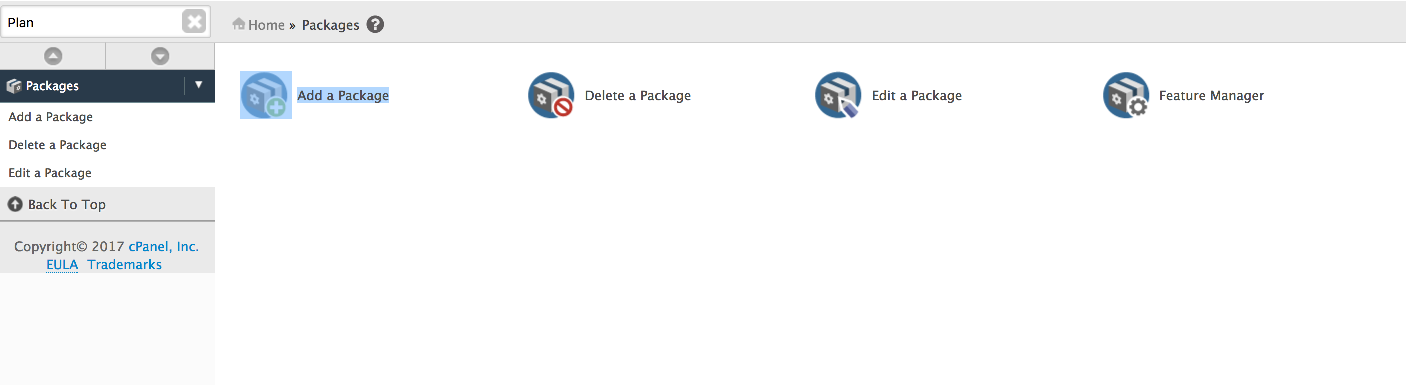
Click Add a Package.
-
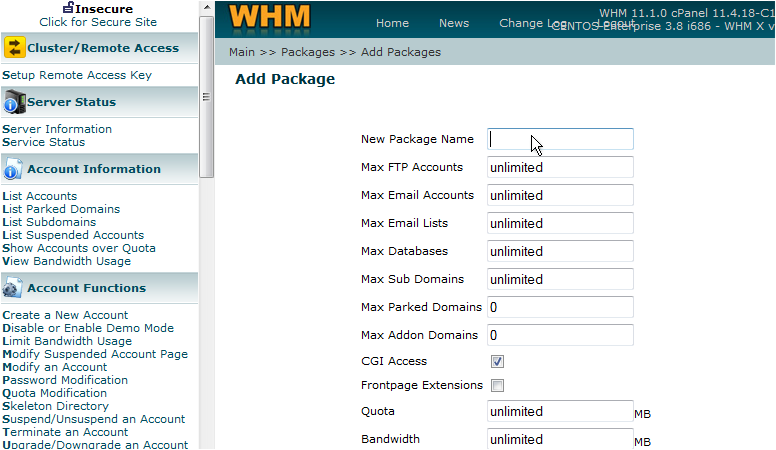
Enter a name for the package in the Package Name field. For example, Silver.
-
Work through the resource fields and set the limits you want for this package.
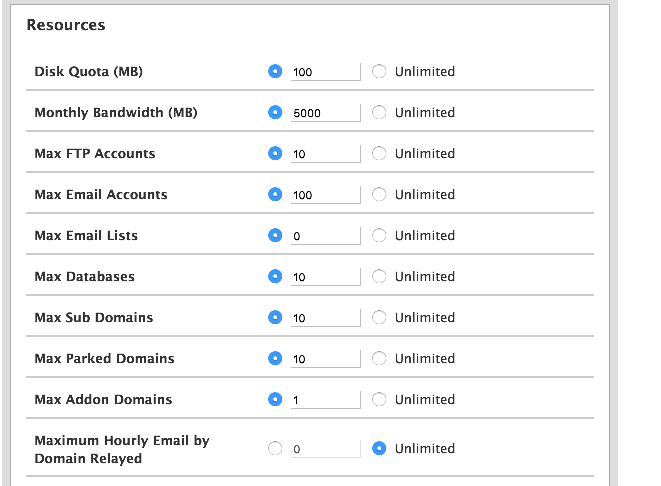
Bandwidth must be entered in megabytes (MB), not gigabytes. For example, 300 GB should be entered as 300000 MB.

-
Click the Add button to save the package.
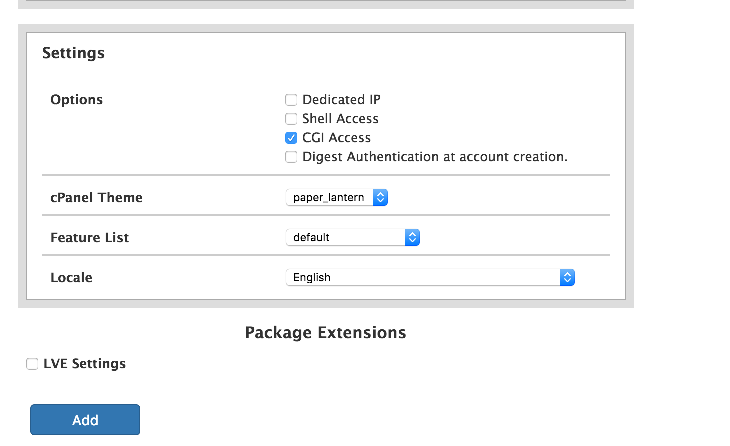
The package is now saved and ready to use when creating new hosting accounts.
Viewing and editing packages
To review or edit a package after creating it:
-
In the left-hand menu, click Packages.
-
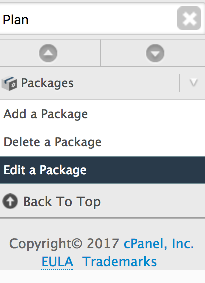
Click Edit a Package.
-
Select the package you want to edit from the list.
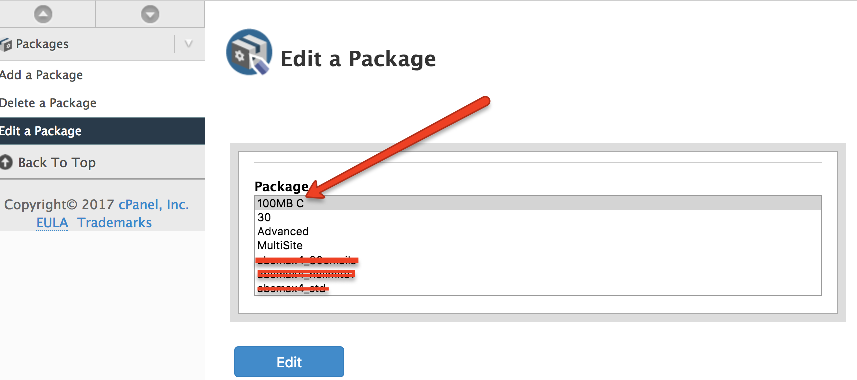
You can create as many packages as you need, each with different resource limits to suit different hosting plans.