# How to create a landing page in ProSite
> ProSite's built-in landing page feature lets you create or convert your site into a one-page portfolio with fixed navigation.
Source: https://www.kualo.com/knowledgebase/prosite-seo/how-to-create-a-landing-page
Updated: 2026-06-09
---
ProSite includes a one-click landing page feature that lets you create or convert your website into a single-page portfolio with fixed navigation - great for increasing leads and conversions.
## What is a landing page?
A landing page presents all your content on one scrollable page rather than across separate pages. Visitors navigate between sections using fixed navigation or on-screen arrows, keeping them engaged without clicking away.
ProSite's landing page mode gives you:
- A one-page portfolio layout
- Fixed navigation that stays visible as visitors scroll
## Activating the landing page feature
1. Log in to ProSite.
2. Go to **Settings** then **Landing**.
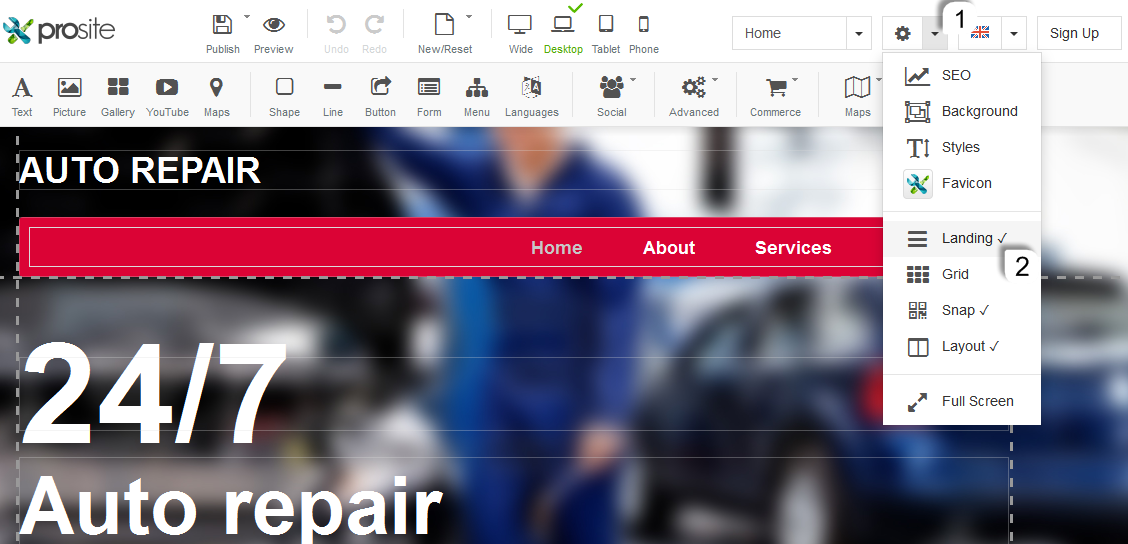
3. Choose to either create a new landing page from scratch, or activate the **Landing** toggle to convert your existing website.
:::info
The landing page layout only appears in **Preview** or **Published** mode. In the editor, your pages remain separate so you can still edit each section individually.
:::
## Navigating between sections
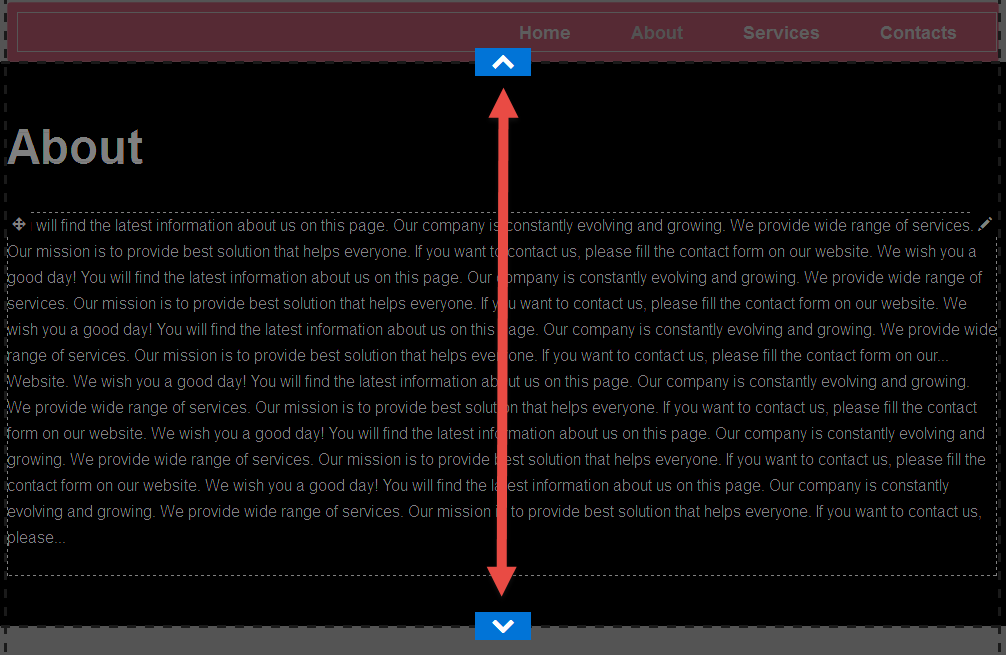
Once activated, visitors (and you in preview) can move between sections using the **Up** and **Down** arrows on screen.
## Saving your changes
After adjusting any section, make sure you click **Save Draft** or **Publish** before navigating away - unsaved changes will be lost.
## Landing page templates
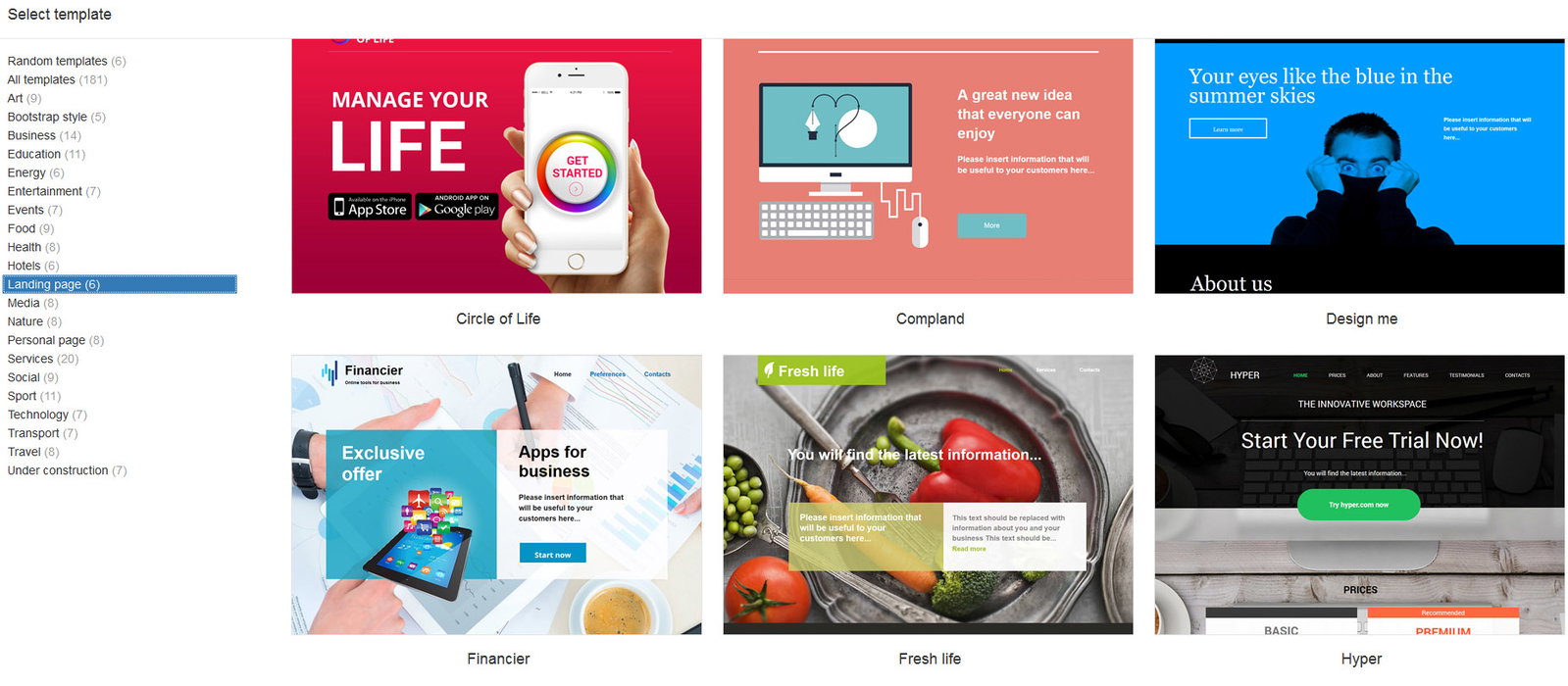
ProSite includes a selection of ready-made landing page templates so you can get started quickly.
[](https://screens.kgix.net/tt/KB/ProSite/Landing/LandingTemplates.jpg)
## Comparing standard and landing page layouts
The videos below show the same website displayed as a standard multi-page site and then as a landing page, so you can see the difference.
**Standard website:**
**Landing page:**
---
If you have any questions about ProSite that are not covered here, contact our support team 24/7 via the helpdesk in your MyKualo client area.
---
_Source: Kualo Knowledgebase — https://www.kualo.com/knowledgebase/prosite-seo/how-to-create-a-landing-page · © Kualo Ltd._